Single login, shared server, ten modules
Everyone logs into the same program with their own staff number and PIN and sees only the modules they are authorised for. All modules write to a single database on the company's own server; one department's record appears automatically on another's screen.
Log in once with staff number and PIN; no repeated login between modules. Everyone sees a menu according to their permissions.
Purchasing's order appears in Logistics' goods receipt, Production's scrap in Quality's 8D, and all of it on the Top Management dashboard.
The server runs on the company's own computer or server; data is not sent to the cloud or to third parties.
Four layers
Whatever device users log in from, they see the same shell, the same modules and the same data.
Everyone sees their own work
Visibility and approvals are enforced on the server; a record you are not authorised for never reaches your screen.
In the office, on the shop floor, at the line
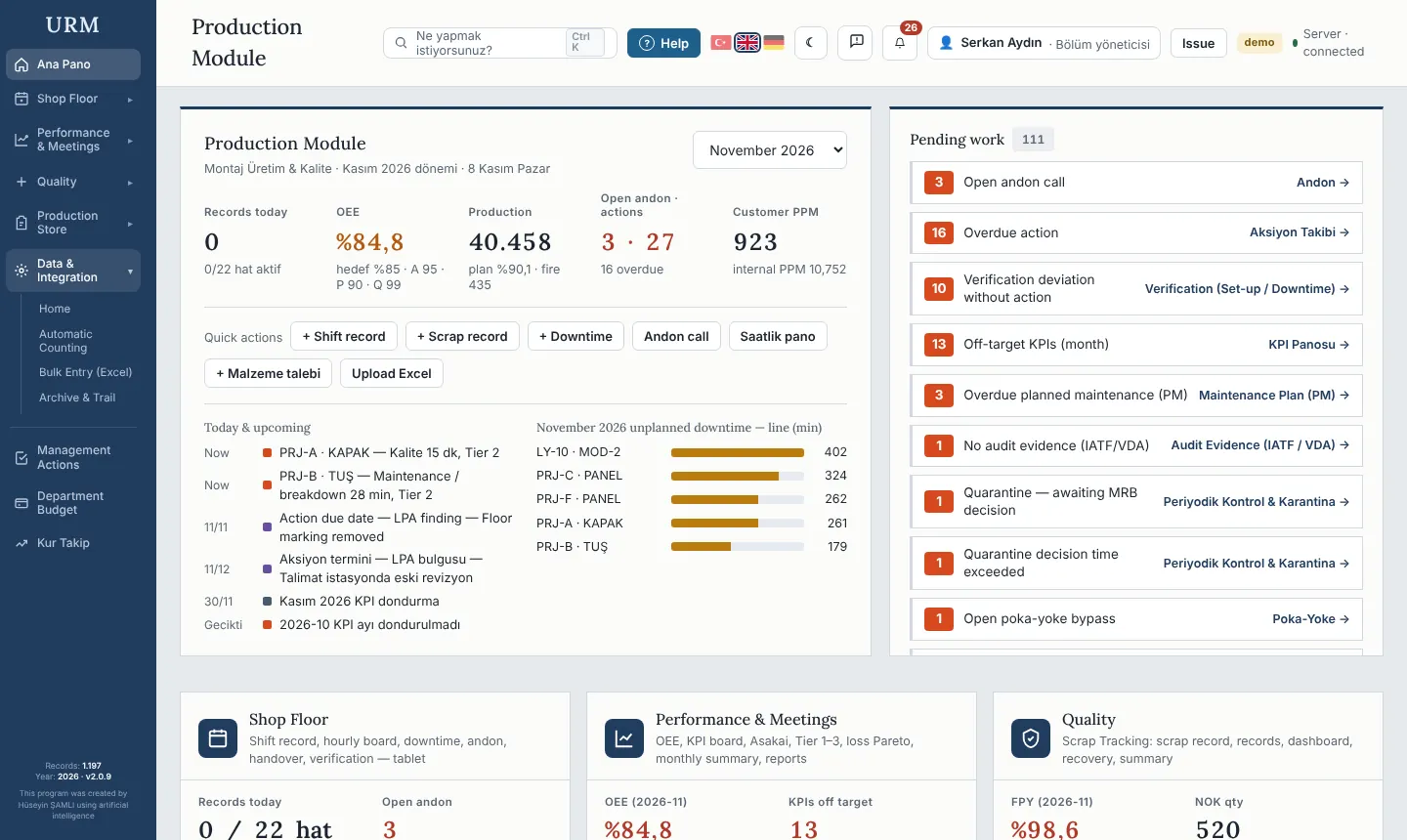
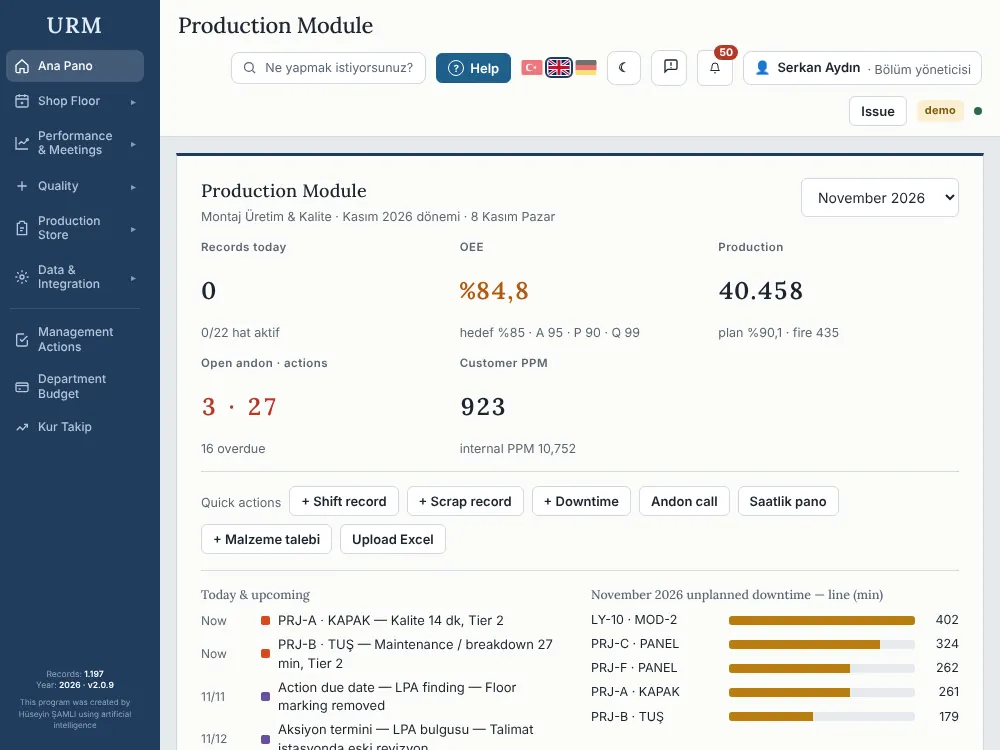
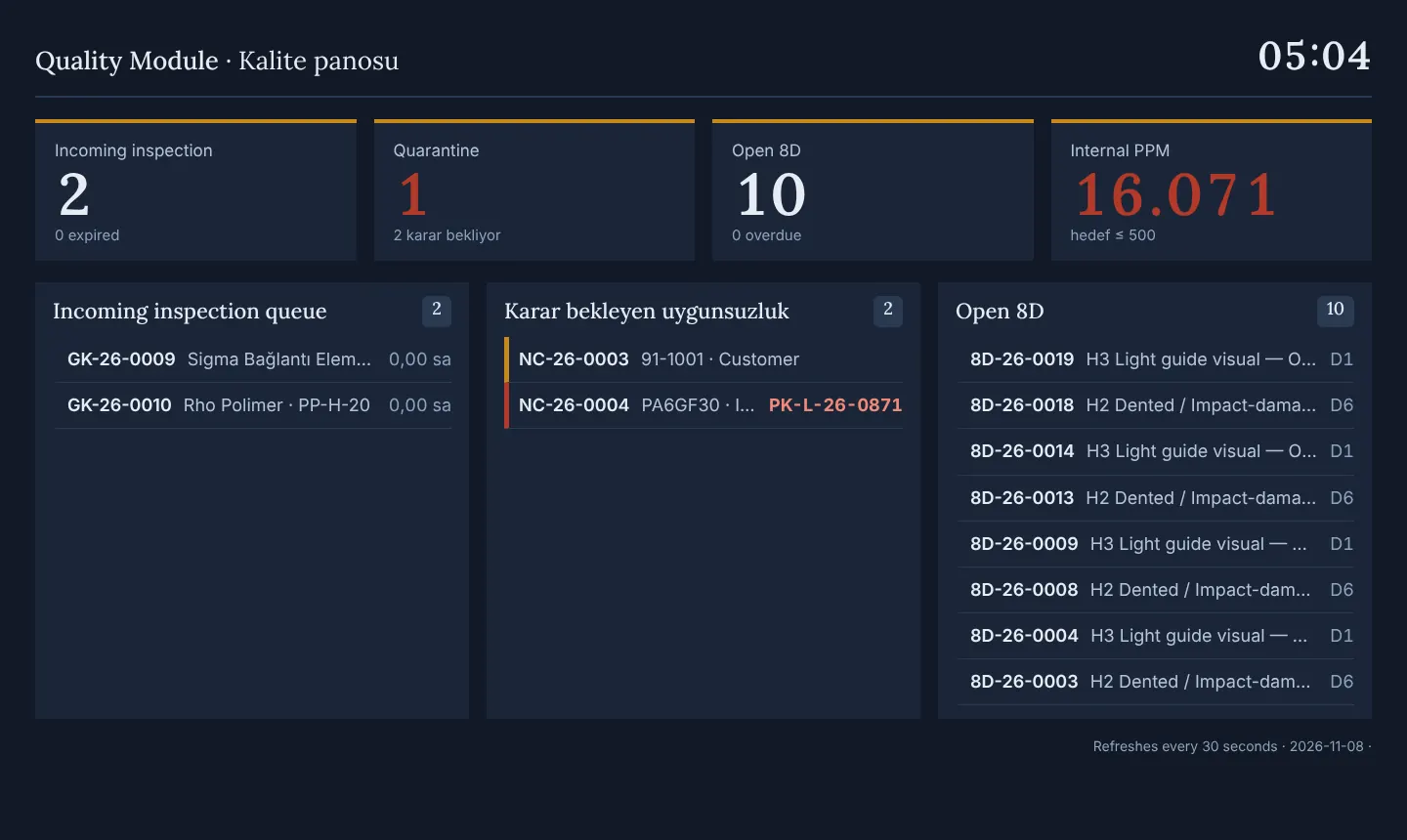
Installation and operation
The company's own computer or server; a single file, no separate database installation needed.
Runs within the company network. External data such as exchange rates is optional.
Automatic backup; the record of who changed what and when is never deleted.
Start with one module and add the others later; the data grows on the same server.
What works the same way in every module
Every action opened in the plant, wherever it comes from, closes in one list under the same rules.
Feature page →Notifications gather under the bell; messages flow between people, groups and department channels.
Feature page →Each department prepares and tracks the budget of its own cost center on the same page.
Feature page →Every module has an Audit Evidence page that maps audit clauses to records in the program.
Feature page →Who can enter which module, what they can do on which page and whose work they can see is derived from role, department and the management chain.
Feature page →Documents shown to auditors and customers are printed on A4 straight from the record in the program.
Feature page →You type what you want to do into the assistant opened with Ctrl+K; it shows the relevant page, the steps and the field to highlight.
Feature page →The same program opens on the desktop, on the shop-floor tablet and on the line or warehouse TV.
Feature page →Data is kept on the company's own server and the rules are enforced on the server.
Feature page →See the connection for yourself
Open an 8D in Quality, switch modules and see it on the Top Management dashboard.
Start the demo →