A4 printouts from the record
Only documents with a print function in the code are listed.
Audit-ready layout
Printouts open in a separate window and are printed with the browser's print or save-as-PDF function.
- Header — Company name, document number, date and author.
- Content — The fields in the record as they are; no manual copying.
- Demo — In the demo environment, the destruction record is printed with a "ÖRNEKTİR" (SAMPLE) watermark.
Excel and CSV
The program has its own .xlsx reader/writer; no external library is needed.
- Excel templates — In modules such as Planning, bulk data is imported and exported with an Excel template.
- Log — The audit log in the Console is filtered and downloaded as CSV.
How it looks in the program
Not on its own
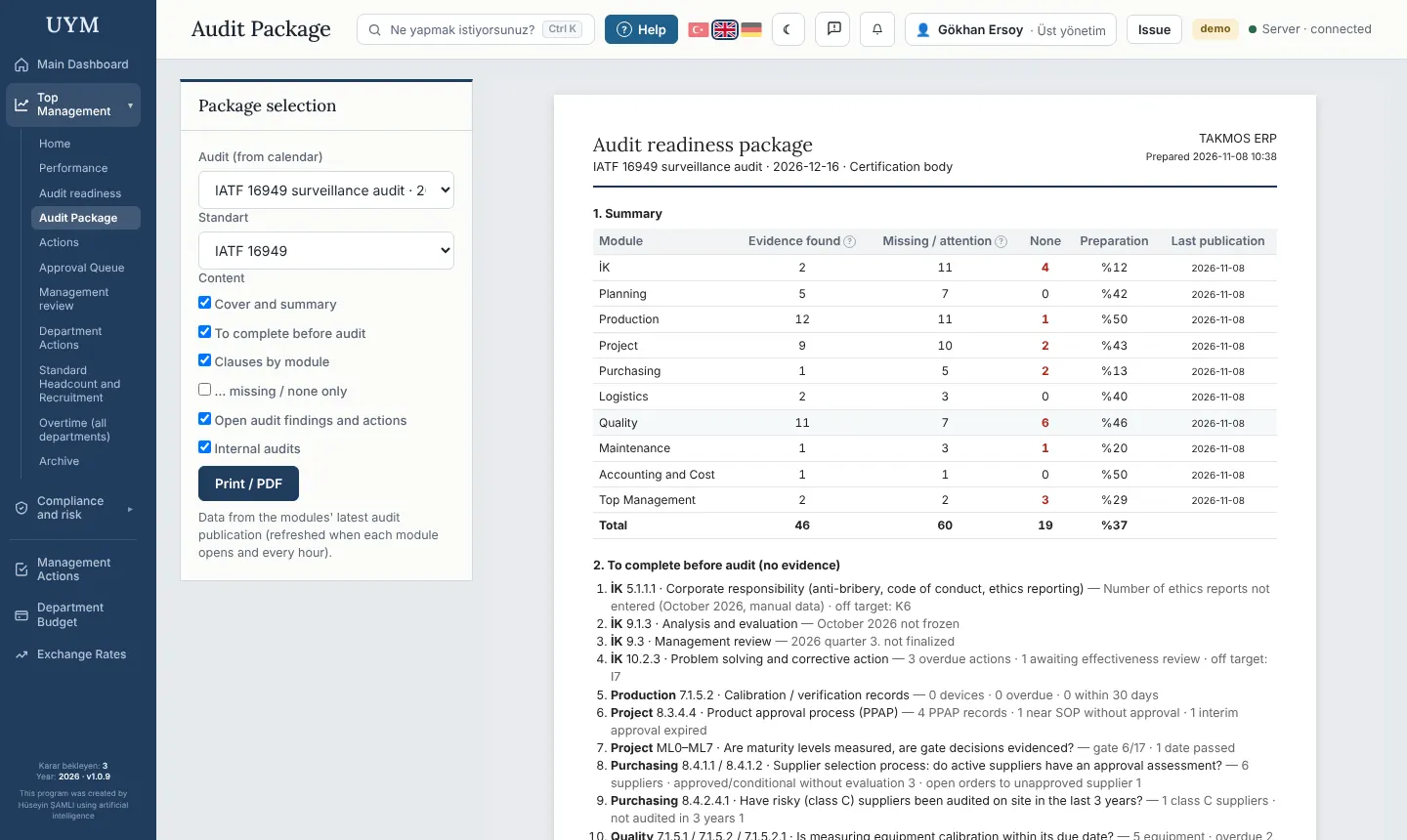
Each module's audit pack and the Top Management readiness pack.
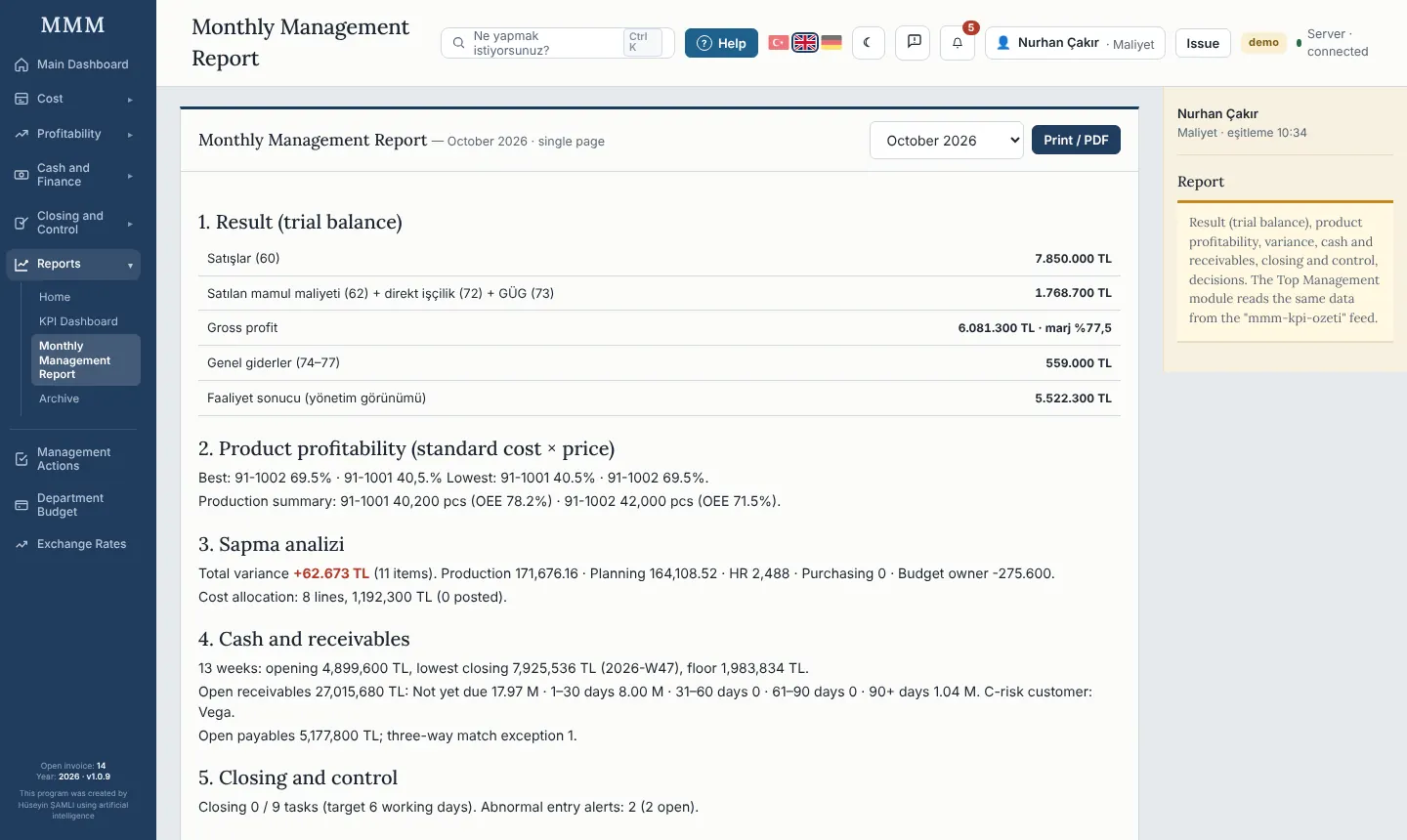
Audit Evidence →The monthly management report and KPI summaries support budget tracking.
Department Budget →The destruction record is printed from the Console.
Data Assurance →Use module by module
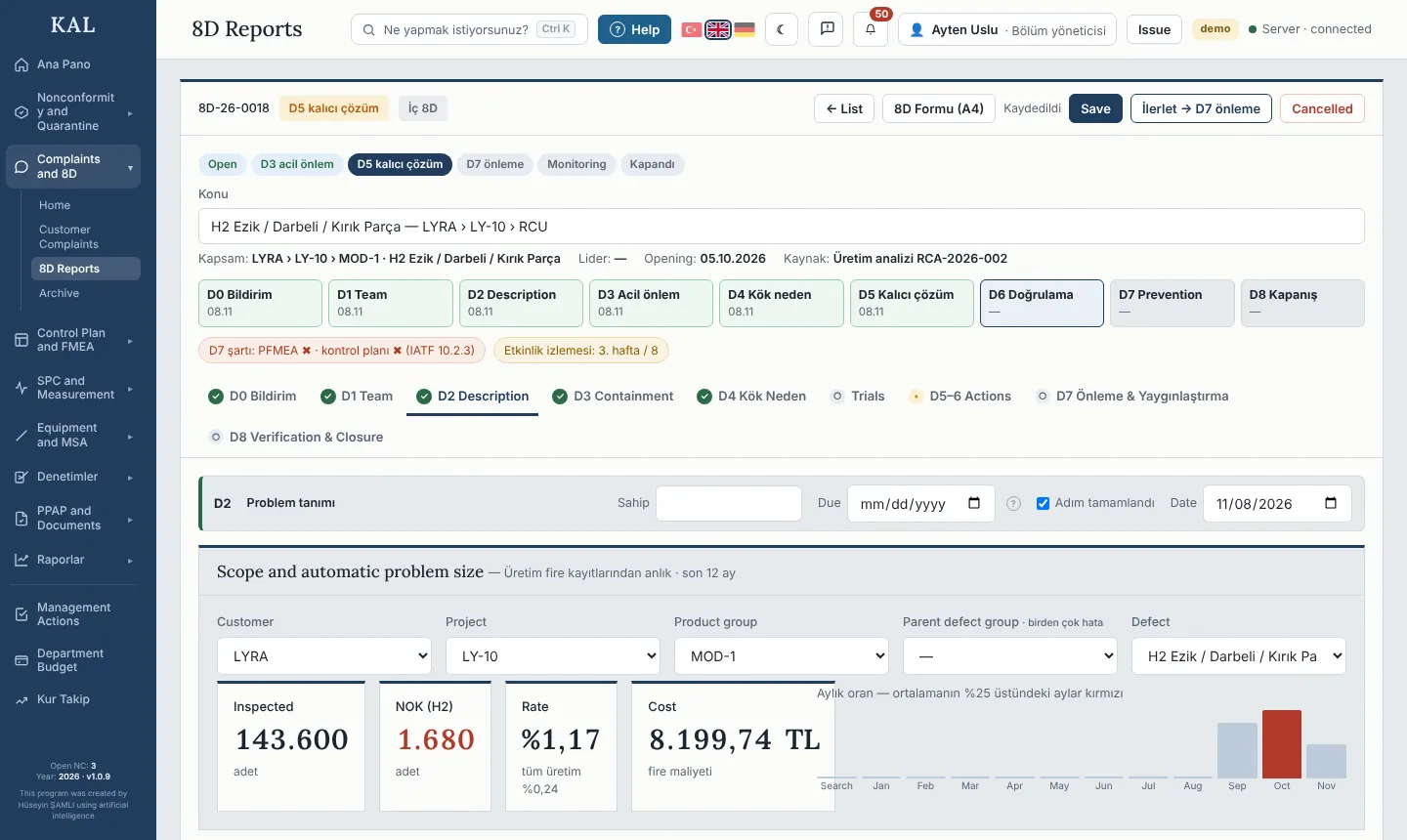
8D, nonconformity, complaint, PFMEA, control plan and audit documents
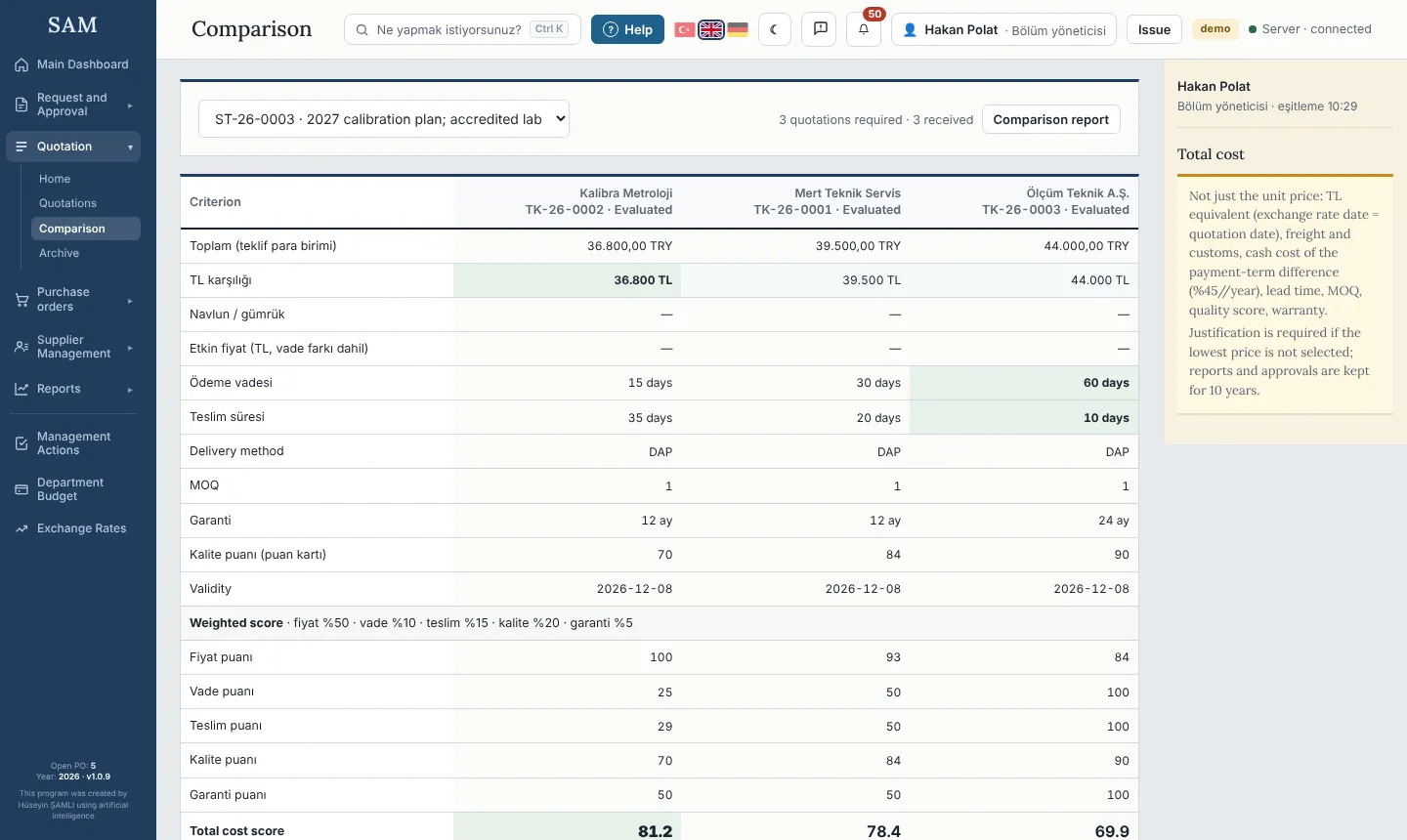
Purchase order form and quotation comparison report
Goods receipt label and delivery note
Monthly management report
Management review minutes and audit pack
Maintenance KPI summary
Frequently asked questions
Can I save as PDF?
Yes. The printout opens in a separate window and is saved as PDF from the browser's print dialogue.
Can documents be printed in English?
The purchase order is printed in Turkish or English according to the document language on the supplier card. The program interface is available in Turkish, English and German.
Where does the company name on the document come from?
The company name is taken from the company identity in the administration settings and appears in the top band of the printout.
See for yourself
Documents shown to auditors and customers are printed on A4 straight from the record in the program. The header carries the company name, date and author; there is no need to retype data.
Start the demo →