The bell only rings when there is work
Notifications are generated by server rules and scheduled jobs; clicking one in the panel opens the relevant page and record.
- Action — To the owner when a new action is opened; every morning to the owner for actions due in 2 days and overdue actions (once per record per day).
- Approval — To the next approver in approval chains such as purchase requests and orders, recruitment requests, overtime requests and shift plans.
- Alert — To the relevant team for situations such as equipment past calibration, expired statutory inspections, spare parts below minimum and recurring breakdowns.
- Reminder — Remind buttons in the modules send a notification to someone else; the sender's name is included, at most 10 requests per minute, written to the log.
One-to-one, group and department channel
Messages are stored on the company's own server; no external service is used.
A single chat between two people. For messages unread for more than 15 minutes, the person receives a single summary notification.
Anyone can create one, up to 50 people. The creator becomes the owner and adds and removes members; people can leave a group themselves.
Every department has a channel; membership is set automatically from the person's department and synchronised every night when the department changes.
Discussion stays next to the record
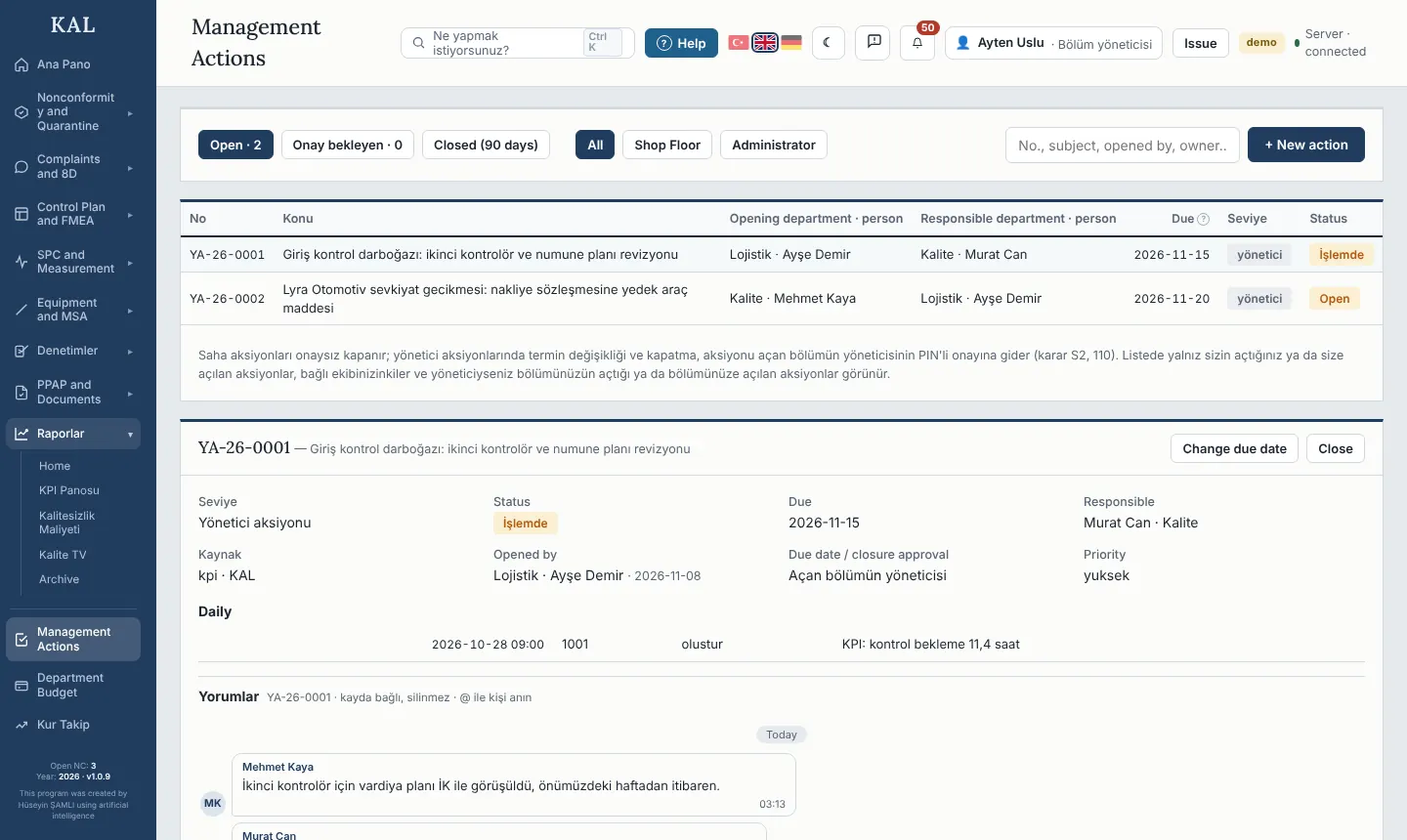
A comment thread opens under the action; comments are read by those who can see the record.
- Notification — When a comment is written, the action's owner and opener are notified; a person @mentioned is also notified.
- Not deletable — Record-linked comments are not deleted, as they serve as evidence; they can only be edited within the first 15 minutes.
- Read-only when closed — When the action is closed or cancelled, comments remain readable and no new comments can be written; if the action is reopened, writing is enabled again.
Simple and predictable
The rules are enforced on the server.
How it looks in the program
Not on its own
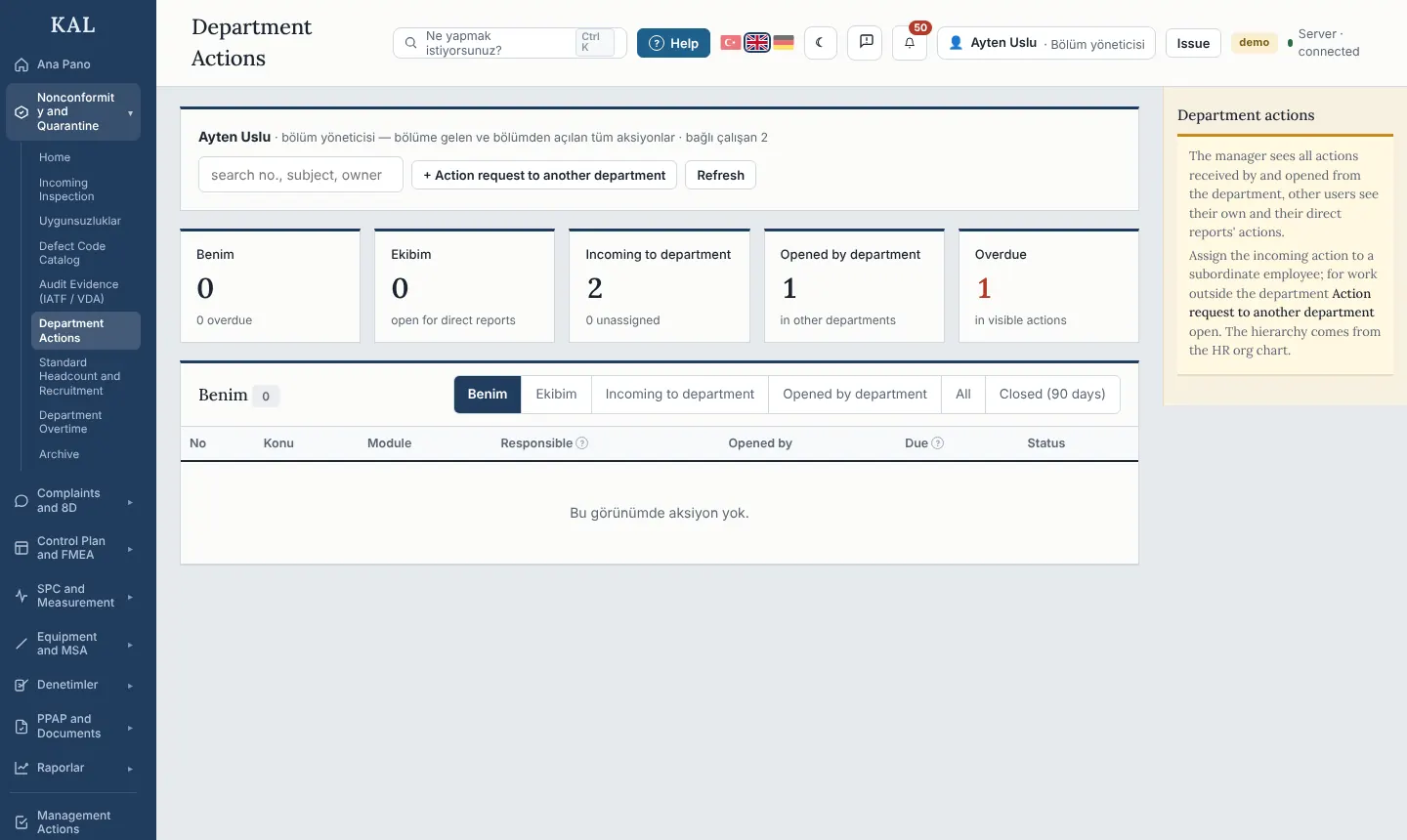
Due date and new action notifications, comments under the action.
Action and Approval System →KVKK (Turkish data protection law) retention period and periodic destruction for messages, from the Console.
Data Assurance →Device accounts are excluded from messaging.
Tablet and TV →Use module by module
Notification for equipment past calibration; action comments
Notifications for breakdowns, due plans, statutory inspections and parts below minimum
Line feeding request notification (as a breakdown type if the line has stopped)
Request and order approval steps, approved / rejected notification
Approval notifications for overtime, recruitment and shift plans
Reminders 30, 7 and 1 day before audits in the calendar; management review completed notification
Bell, message panel and action comments
Frequently asked questions
Where are messages stored?
On the company's own server. No separate chat service or external notification provider is used.
Can a manager read employees' private messages?
Not in the interface. Only the members of a chat can read its messages; this rule is enforced on the server.
When are old messages deleted?
Messages and message attachments are separate categories in the KVKK retention policy; those past their retention period are deleted by the periodic destruction in the Console. Record-linked comments are retained together with the record.
Is there a notification for every message?
No. The bell only rings for @mentions, comments on records and one-to-one messages unread for more than 15 minutes.
See for yourself
Notifications gather under the bell; messages flow between people, groups and department channels. Discussion about a record stays under that record and is never deleted, as it serves as evidence.
Start the demo →