The journey of a bug report
A bug a user reports in a module is resolved in the Console and closed with the user's confirmation.
Dashboard
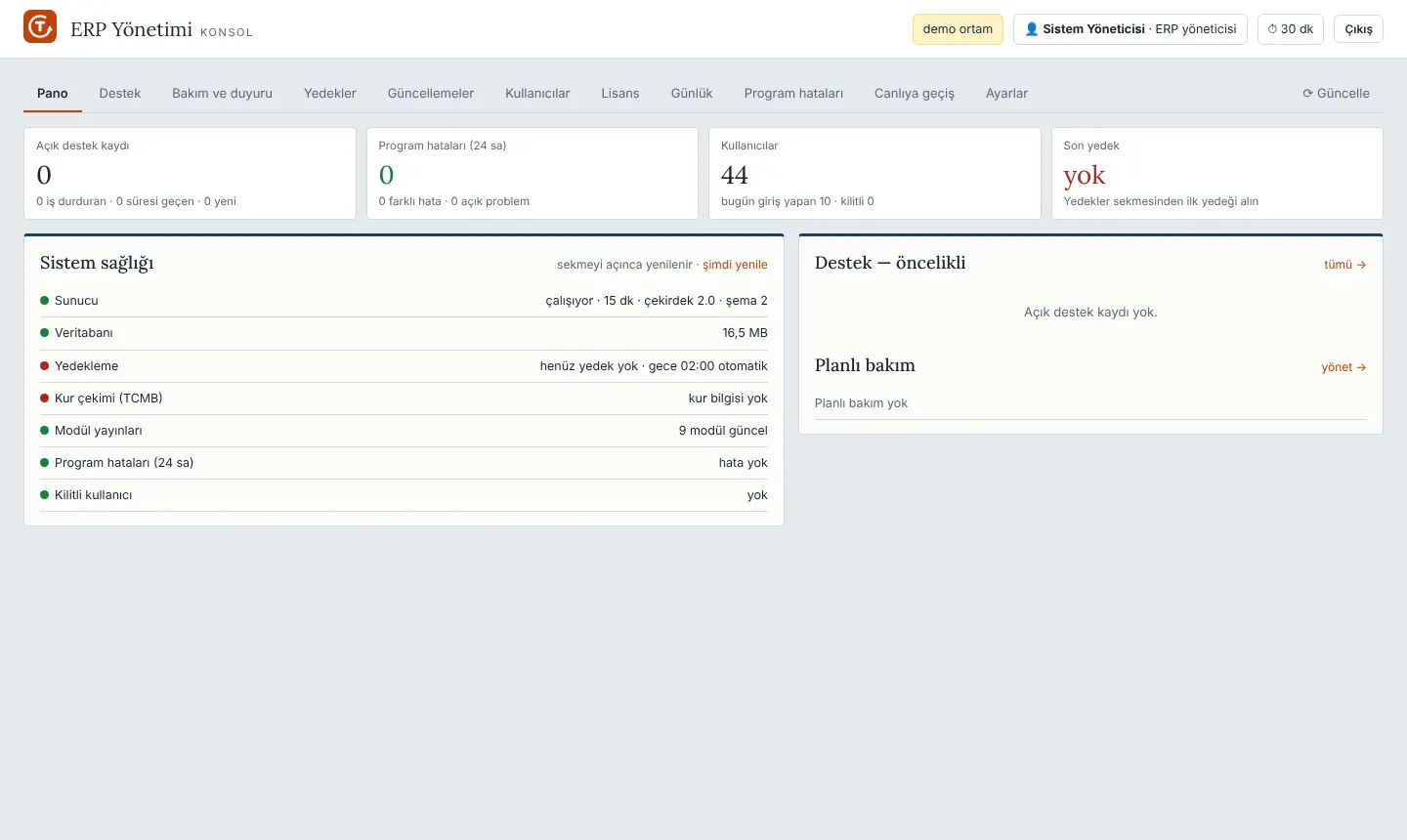
Shows the overall status of the server and the ERP on one screen.
- Server start time, environment (demo / live), schema version and database size
- Open, P1 and overdue support tickets, and software errors in the last 24 hours
- Last backup, planned or active maintenance, active and locked user counts
- Refreshes automatically every 30 seconds while open
Support
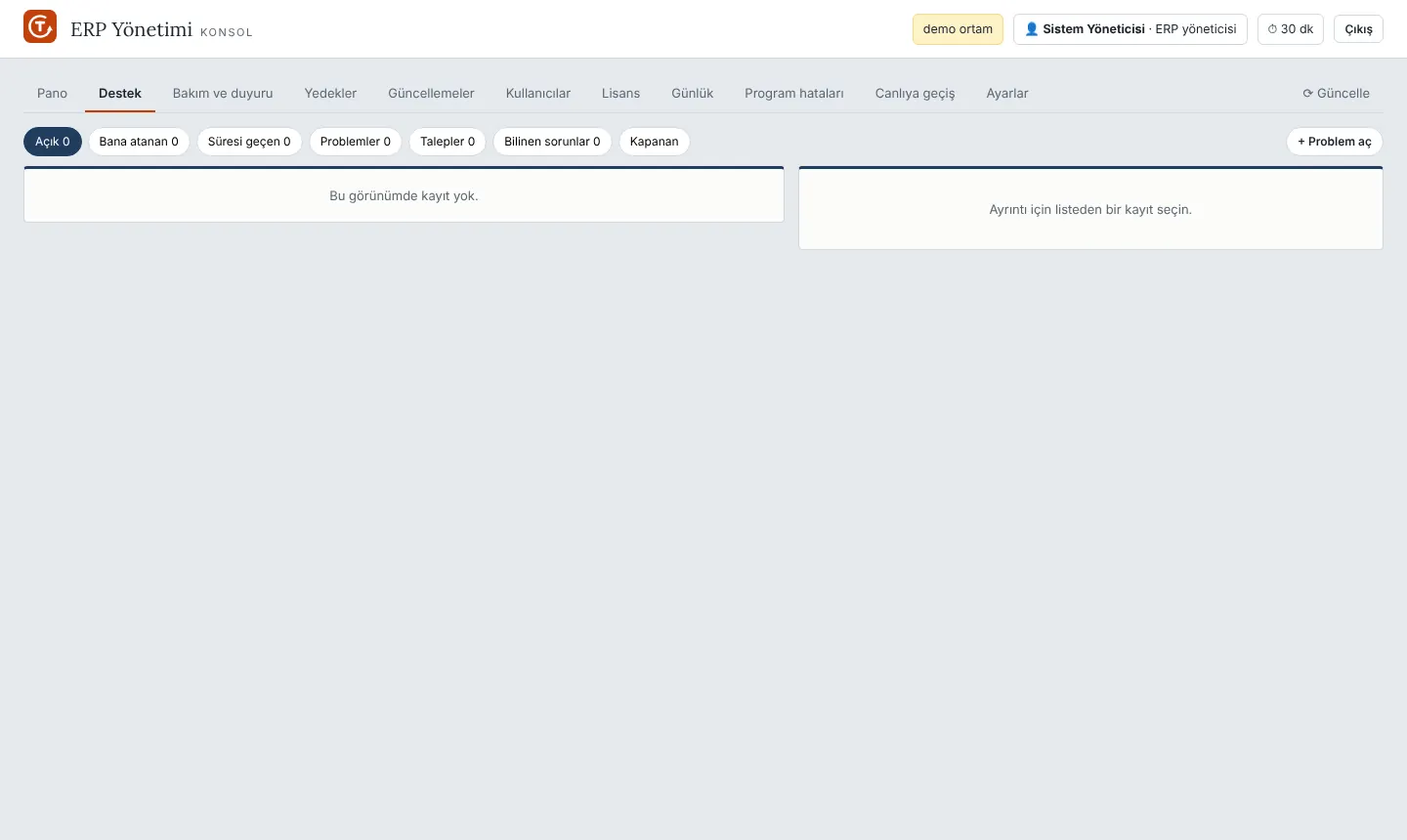
Bug reports and requests from the modules are tracked and closed here.
- Filters: open, assigned to me, overdue, problem, request, known issue, closed
- Take, change status and priority, write to the user, add internal notes
- Link tickets with a common root cause to a problem record
- Show a known issue to users together with its workaround
Maintenance and announcements
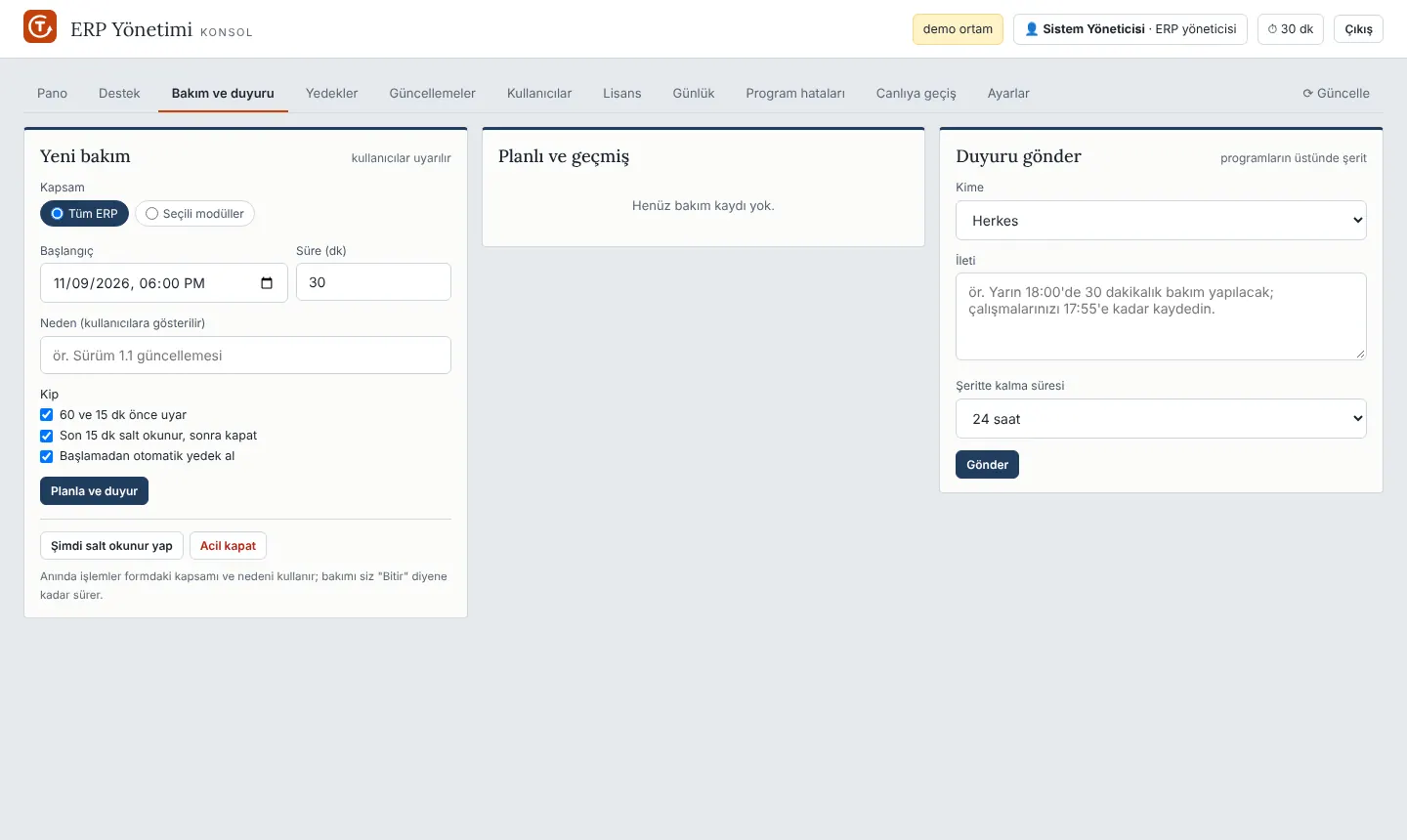
Puts the whole ERP or selected modules into maintenance and sends announcements to users.
- Planned maintenance: start, duration and reason are announced to users
- Set read-only now or shut down immediately; maintenance lasts until "Finish" is pressed
- Save requests within the maintenance scope are rejected on the Server side
- Announcements go to everyone, selected roles or users of selected modules
Backups
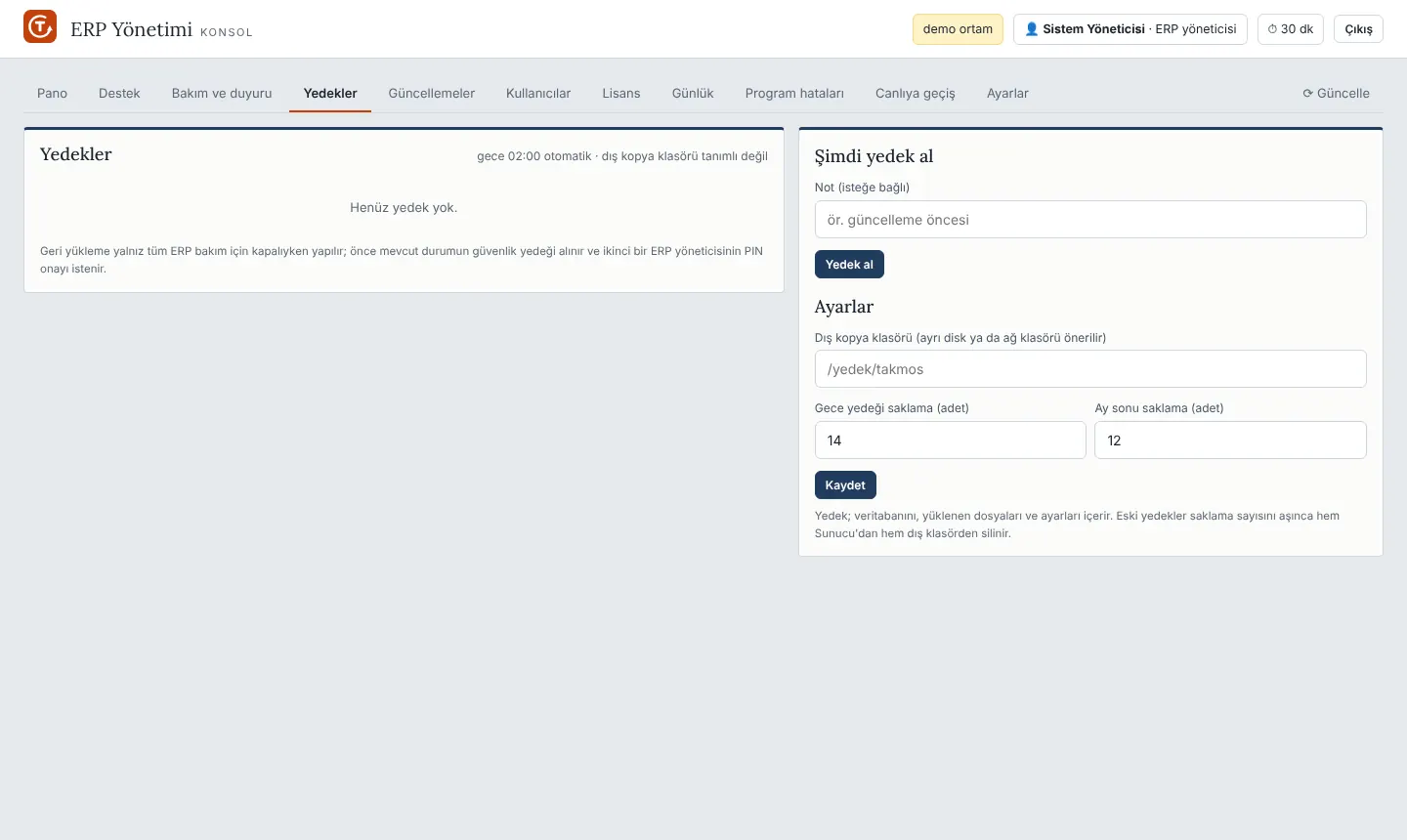
Lists automatic and manual backups and manages external copies and restore preparation.
- Backup every night at 02:00; month-end copy on the first night of the month
- Manual backup and external copy to a separate disk or network folder
- Retention count for nightly and month-end backups; older ones are deleted automatically
- Restore only while the whole ERP is shut down and with approval from a second ERP administrator
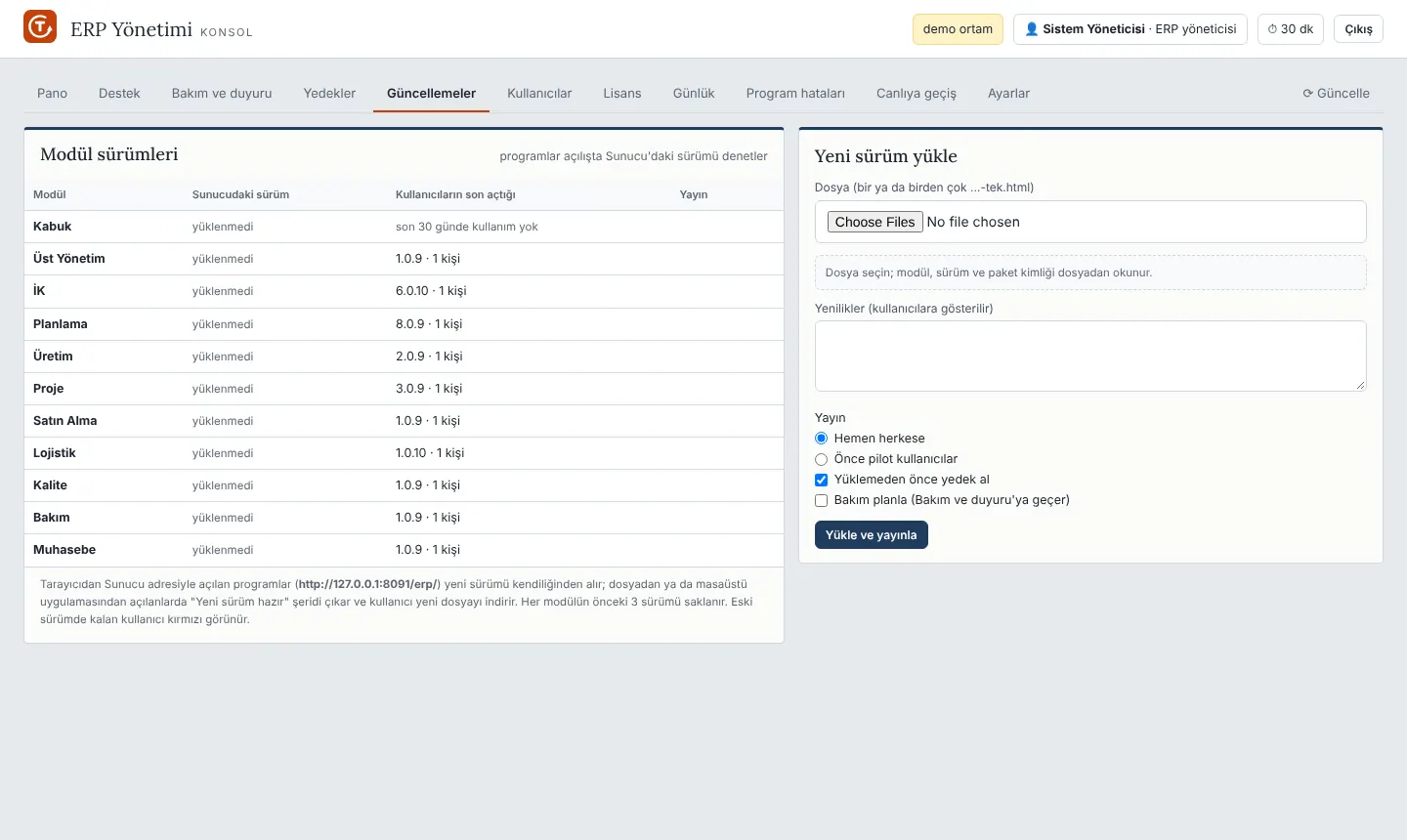
Updates
Uploads module versions to the Server and distributes them to users.
- The module file is uploaded; module, version and package ID are read from the file
- A version is released to everyone or first to selected users
- Optional backup before upload; the released version can be rolled back
- Shows which version is used by how many people
Users
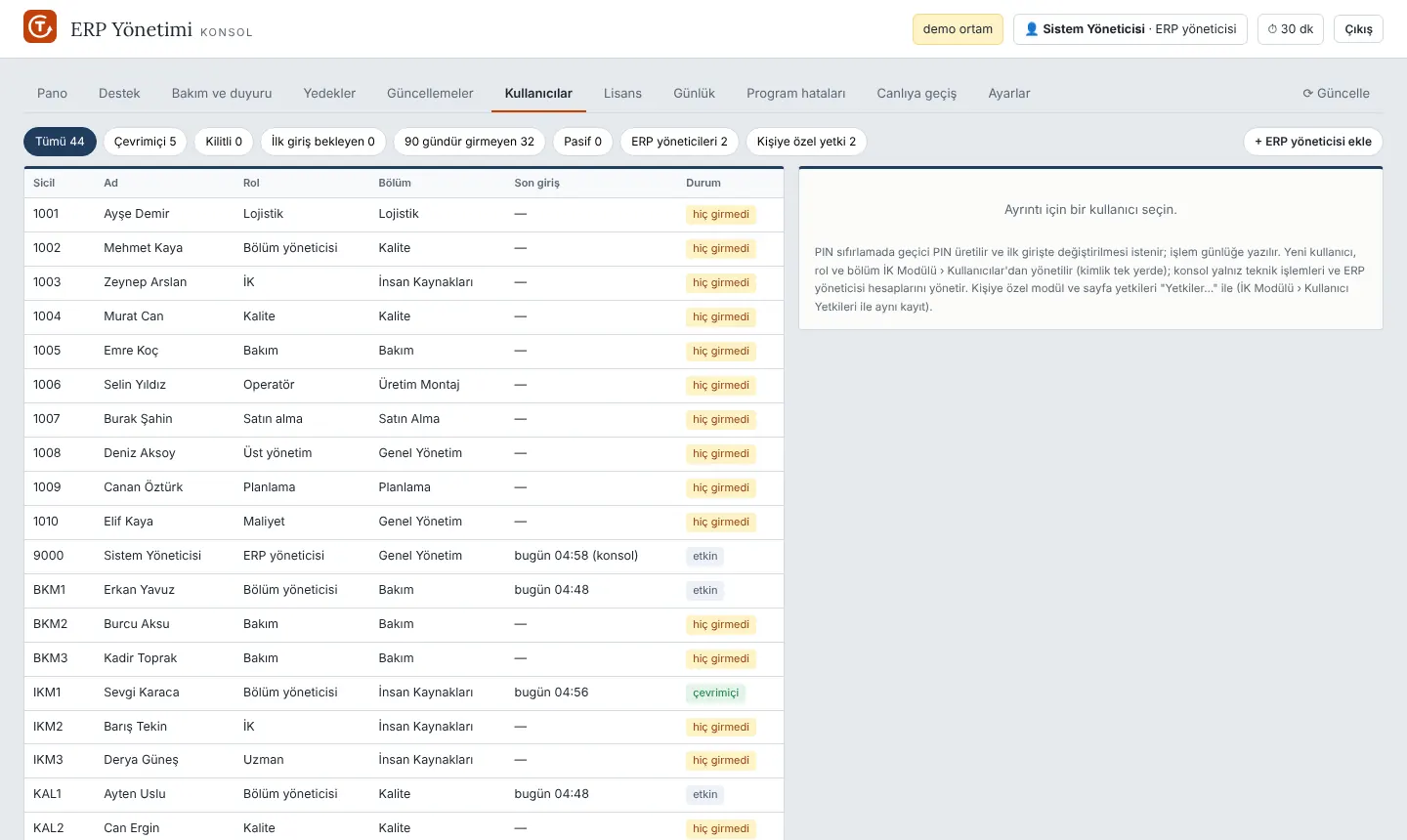
Technical operations for users; adding users and assigning roles is done in the HR Module.
- Unlock, reset PIN (temporary PIN, changed at first login)
- Close sessions, deactivate / reactivate
- User-specific page permissions (the same record as permissions in the HR Module)
- Online status, last login, modules and devices used
Log
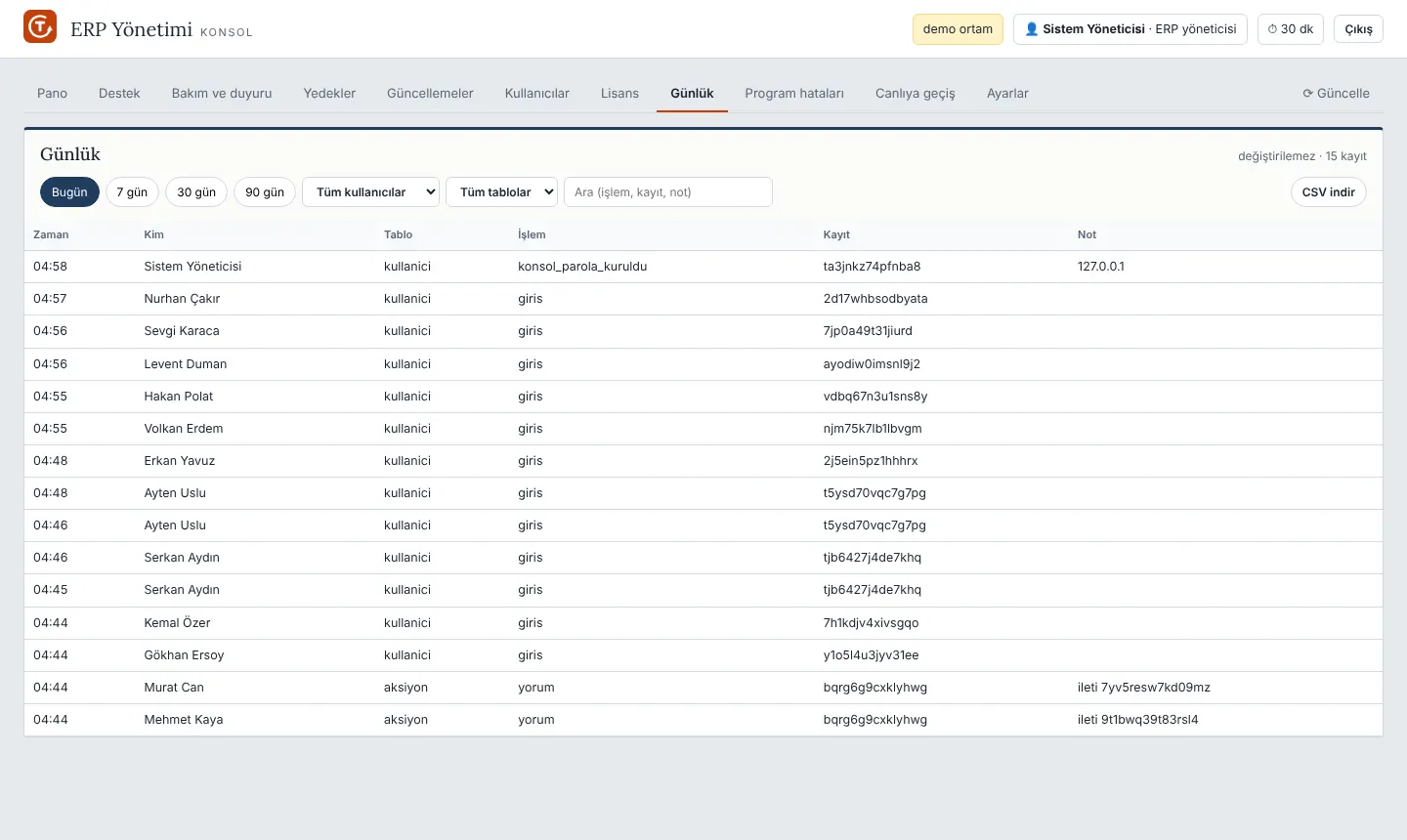
Filters and exports the activity log on the server.
- Records from the last 1 to 365 days
- Filter by user, table and text
- Download as CSV
Software errors
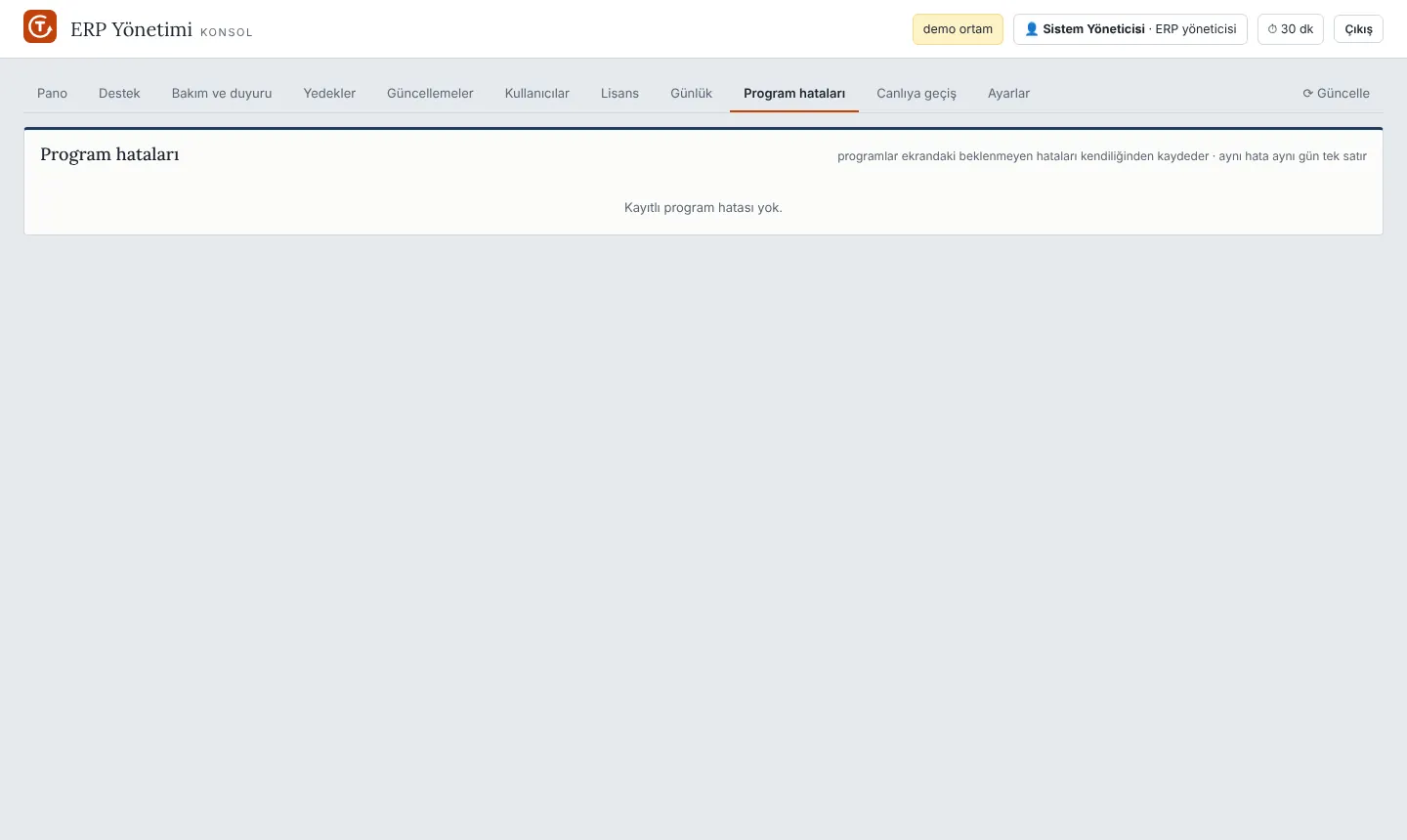
Unexpected errors on users' screens are logged automatically.
- The same error on the same day is grouped in one row; repeat count and affected users are kept
- Module, page, version and error details
- Open a support ticket from an error with one button; mark as reviewed or ignore
Go-live
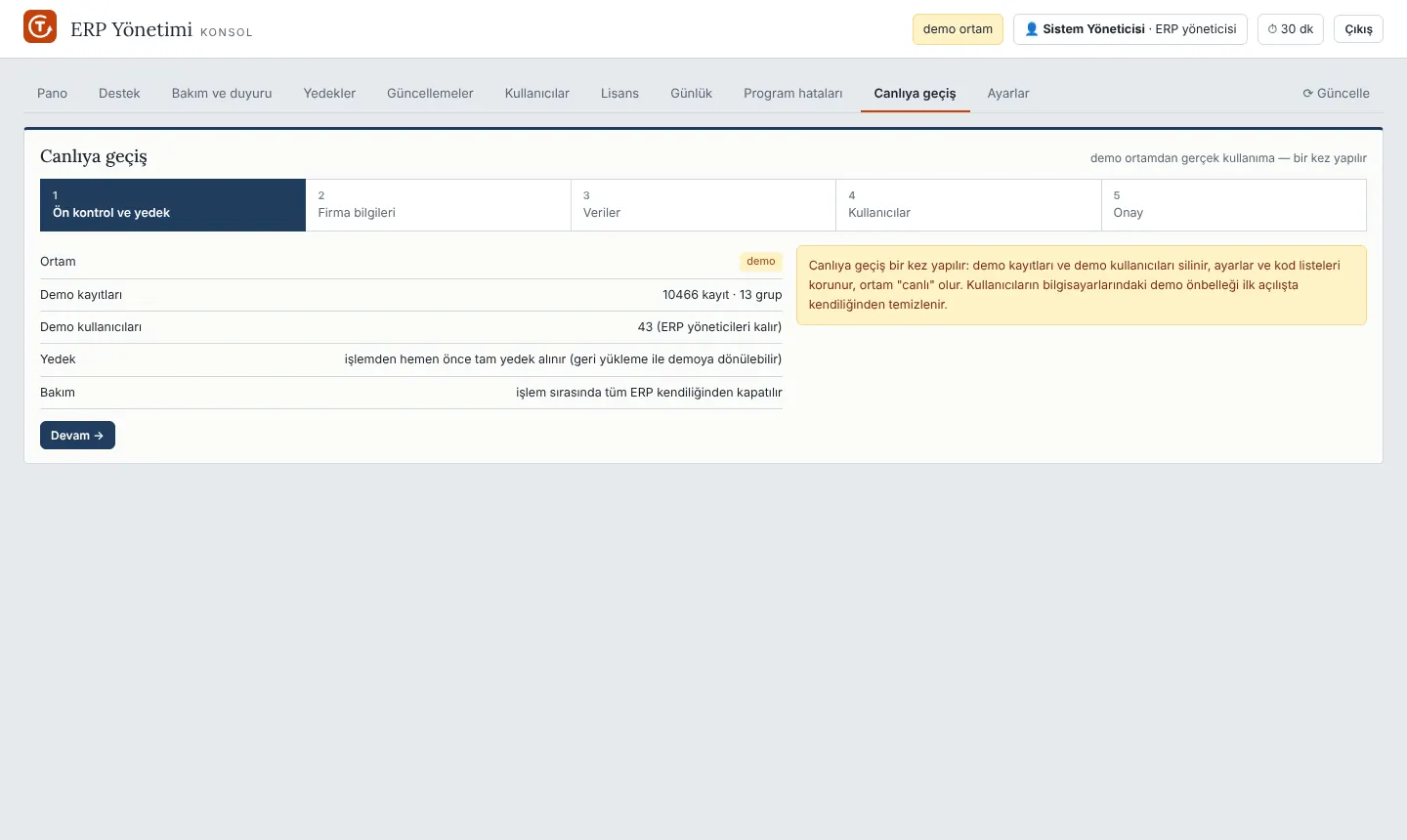
Step-by-step transition from the demo environment to live use.
- Demo records and demo users to be deleted are listed in advance
- Before go-live, the whole ERP is put into maintenance and a backup of the final demo state is taken
- To confirm, the company name is typed exactly and the console password is required
- The first HR officer is created with a temporary PIN; other users are added from the HR Module
Settings
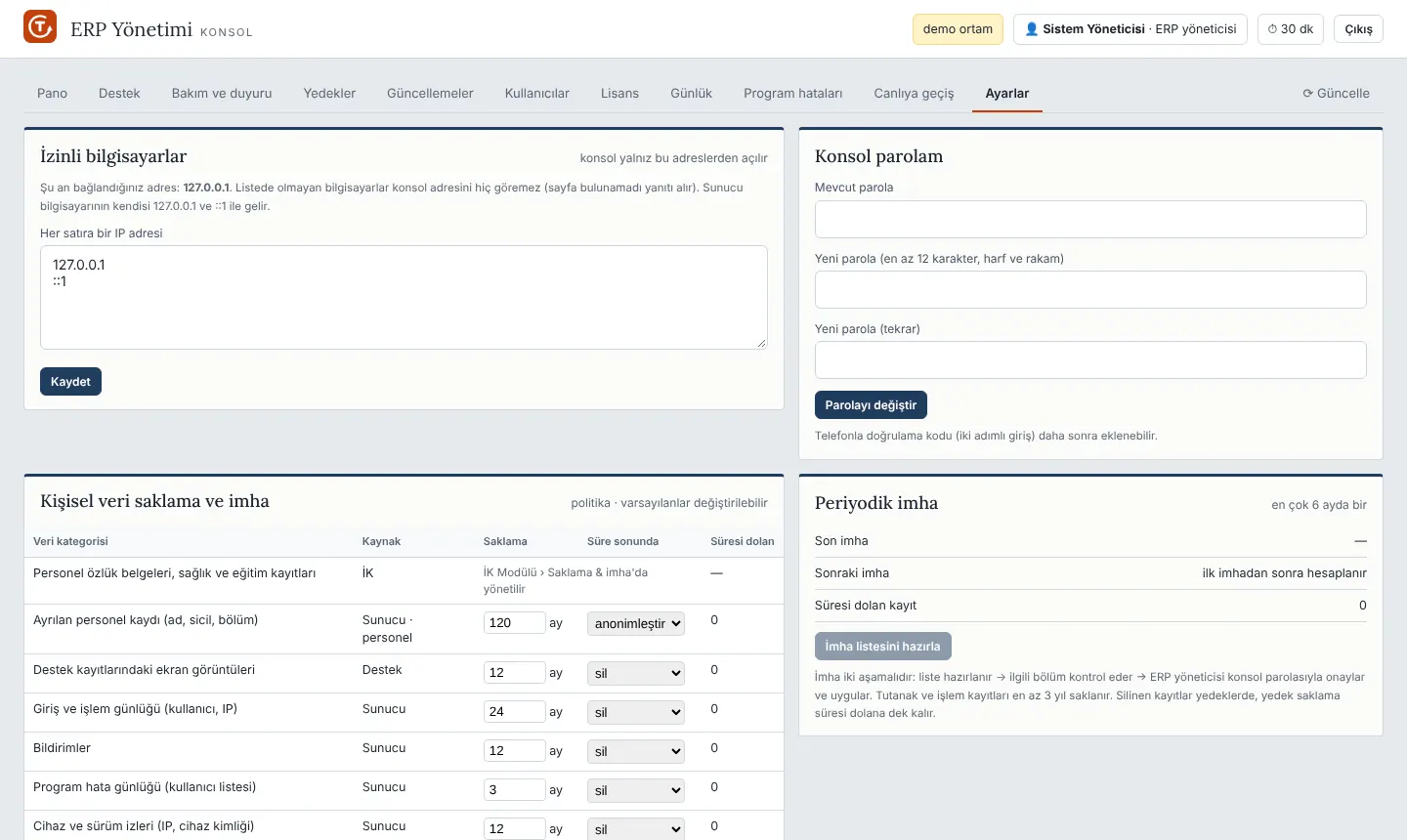
Computers allowed to access the console, the console password, and personal data retention and disposal.
- Allowed computer list (IP address); the computer you are connected from must stay on the list
- Change the console password (at least 12 characters, letters and digits)
- Retention period and method (deletion / anonymisation) by data category
- Prepare a disposal list, apply it with the reviewer's name and password, printable disposal record
System features that also work in this module
They work the same way in every module; details on their own pages.
Links to other modules
- All modules"Report a bug" tickets and unexpected on-screen errors come to the Console; solutions and announcements return to users as notifications
- HRAdding users and roles is done in HR; user-specific permissions are the same record on both sides
FAQ
Who can access the console?
Only users with the ERP administrator role, using their employee ID and a separate console password. From a computer not on the allowed list, the console address responds with "not found".
What happens if the password is entered incorrectly?
After 5 consecutive failed attempts, console login is locked for 15 minutes. Every attempt is written to the activity log.
When does the session close?
If there is no activity for 30 minutes, the console session closes automatically; the remaining time is shown on screen.
Is there two-factor authentication?
Not at the moment. Console login is protected by an allowed computer, employee ID and console password.
Does the Console add users?
No, it only adds ERP administrators. Other users and roles are managed from the HR Module; the Console performs technical operations such as unlocking, PIN resets and closing sessions.
Do changes I make in the demo Console affect the module demos?
No. The demo Console runs on a separate server; maintenance, backups or go-live performed there do not touch the module demos.
Try the Console module yourself
A separate web page on the Server where the ERP administrator manages support tickets, maintenance and announcements, backups, module updates and users' technical operations. The demo Console runs on its own separate server; changes you make there do not affect the module demos.
Start the demo →Give feedback