Purchase Orders
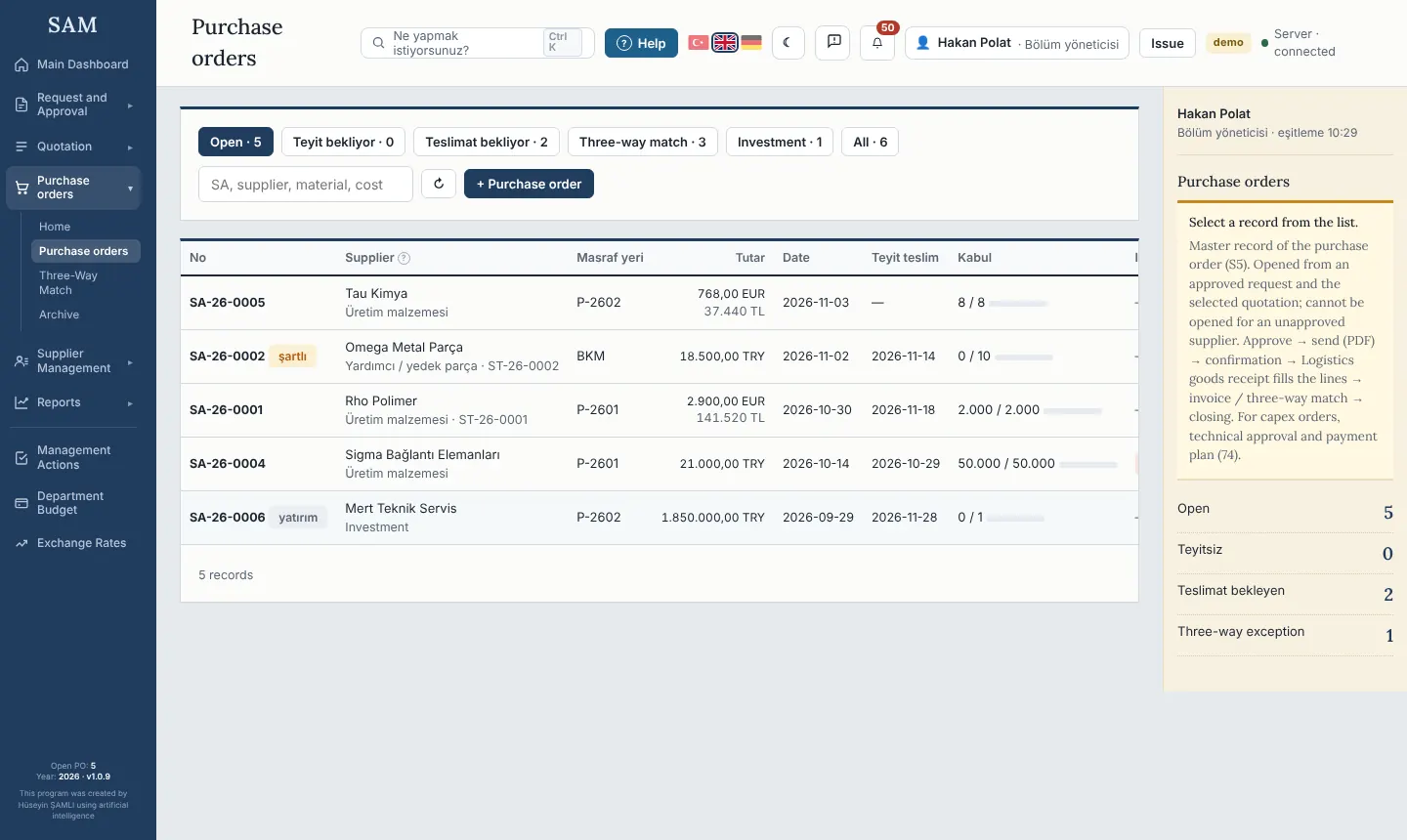
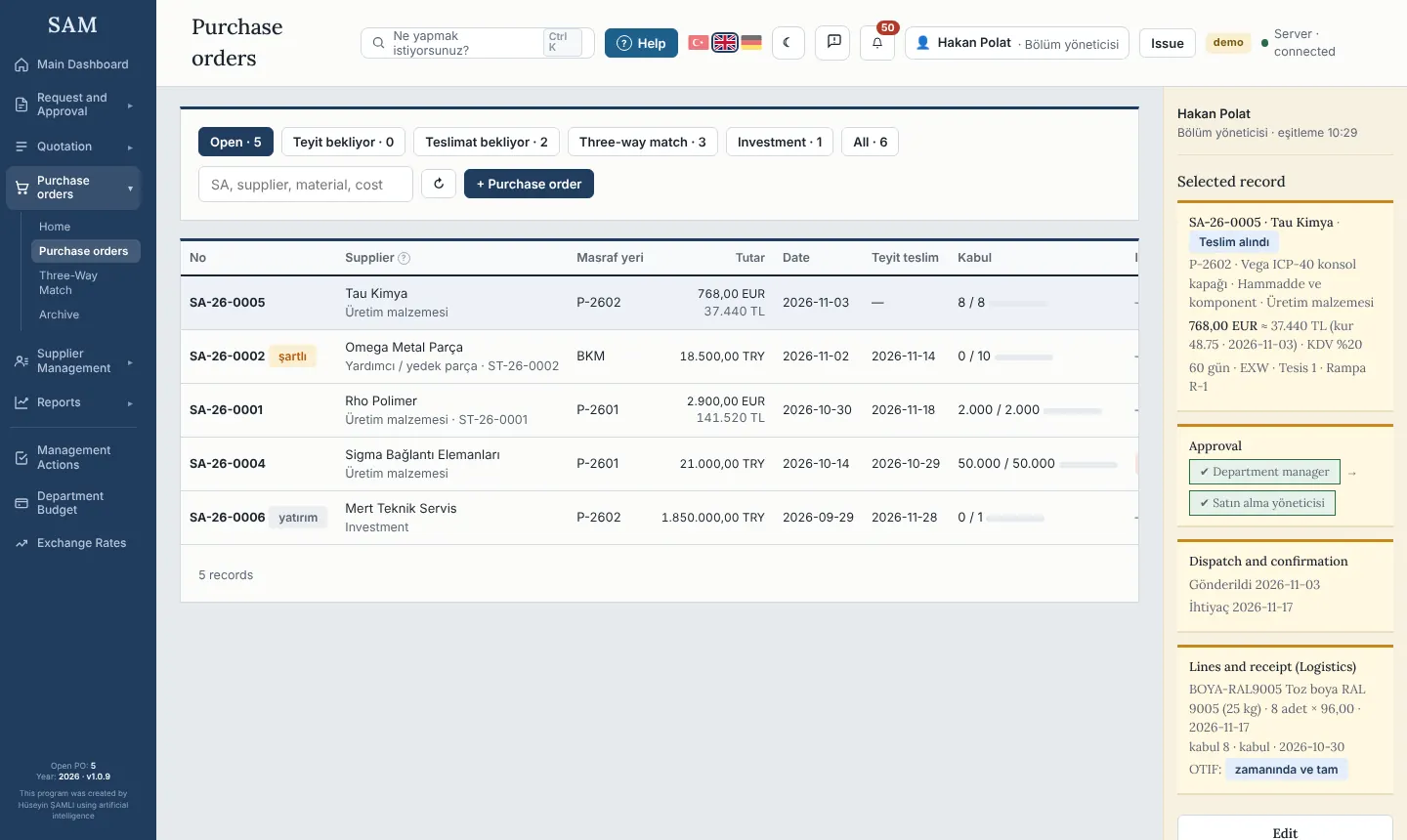
The master record of the purchase order lives in this module; the order is opened from an approved requisition and the selected quotation. No purchase order goes to an unapproved supplier, and the amount of an approved order cannot be changed. Sending, confirmation, Logistics goods receipt and the three-way invoice match are tracked on the same record.
From purchase order to closing
A capital expenditure order needs the Budget investment request number, technical approval before sending and a payment plan whose shares add up to 100%.
Main screens of the section
Document outputs
A4 · TR, EN or DE · buyer and supplier, date, currency, payment, Incoterms, requested delivery, lines, total excl. VAT, quality requirements and confirmation note
Links to other sections and modules
- LogisticsGoods receipt fills the lines by purchase order number; quantity in transit is open order minus receipt.
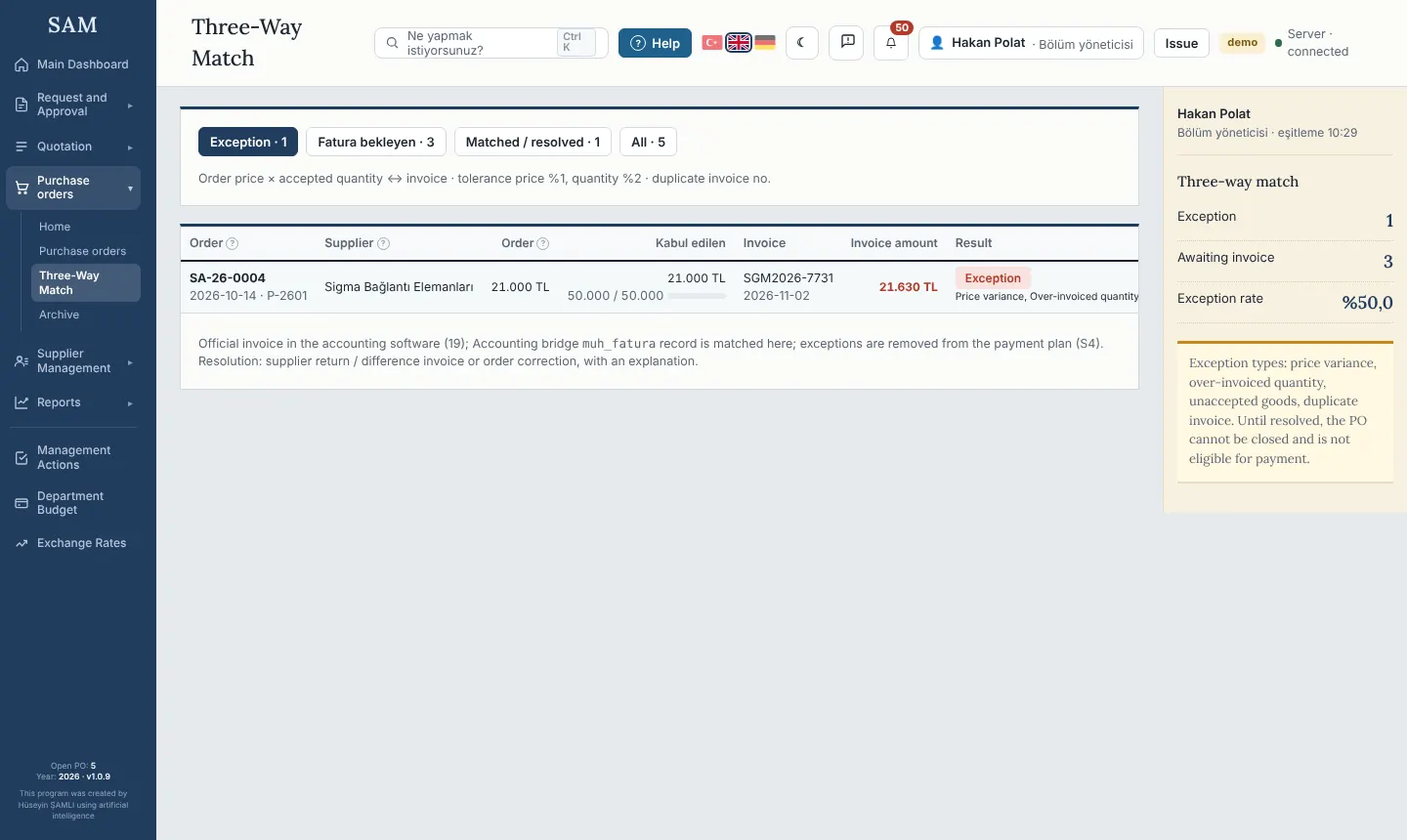
- AccountingA purchase invoice with an order number enters the three-way match; an invoice with an exception stays out of the cash plan, and the capital expenditure payment plan is tracked in the cash plan.
- PlanningLate confirmation warnings and quantity in transit per material go to Planning.
- BudgetA capital expenditure order is linked to the approved investment request in Budget.
Guides, templates and features
Frequently asked questions
Can the amount change after the purchase order is opened?
Lines can change on a draft order or one awaiting approval. The total of an approved order cannot be changed; it is cancelled and a new order opened. A received order cannot be cancelled.
How are unconfirmed orders tracked?
An order not confirmed within 3 days of sending is flagged in the list and on the module dashboard; the server notifies Purchasing every day. The number of days is changed in Settings.
Which exceptions does the three-way match raise?
Price difference, over-invoiced quantity, goods not received and duplicate invoice. The order cannot close until a resolution note is entered and the exception is marked 'Resolved'.
How is OTIF determined?
When all lines are fully accepted, the last receipt date is compared with the confirmed delivery date, or with the required date if there is no confirmation.
Is there a step you find missing? Write anonymously; leave an e-mail if you would like a reply.
Give feedback