Requisition and Approval
Departments raise purchase requisitions from a form; production material arrives as a requisition from Planning, spare parts from Maintenance. The server converts the amount to TL, builds the approval chain and the required number of quotations from the amount, and checks for split purchasing. You can also approve from a phone or tablet.
From requisition to approval
Approvals at the top management step can also be given from the approval queue of the Top Management module.
Main screens of the section
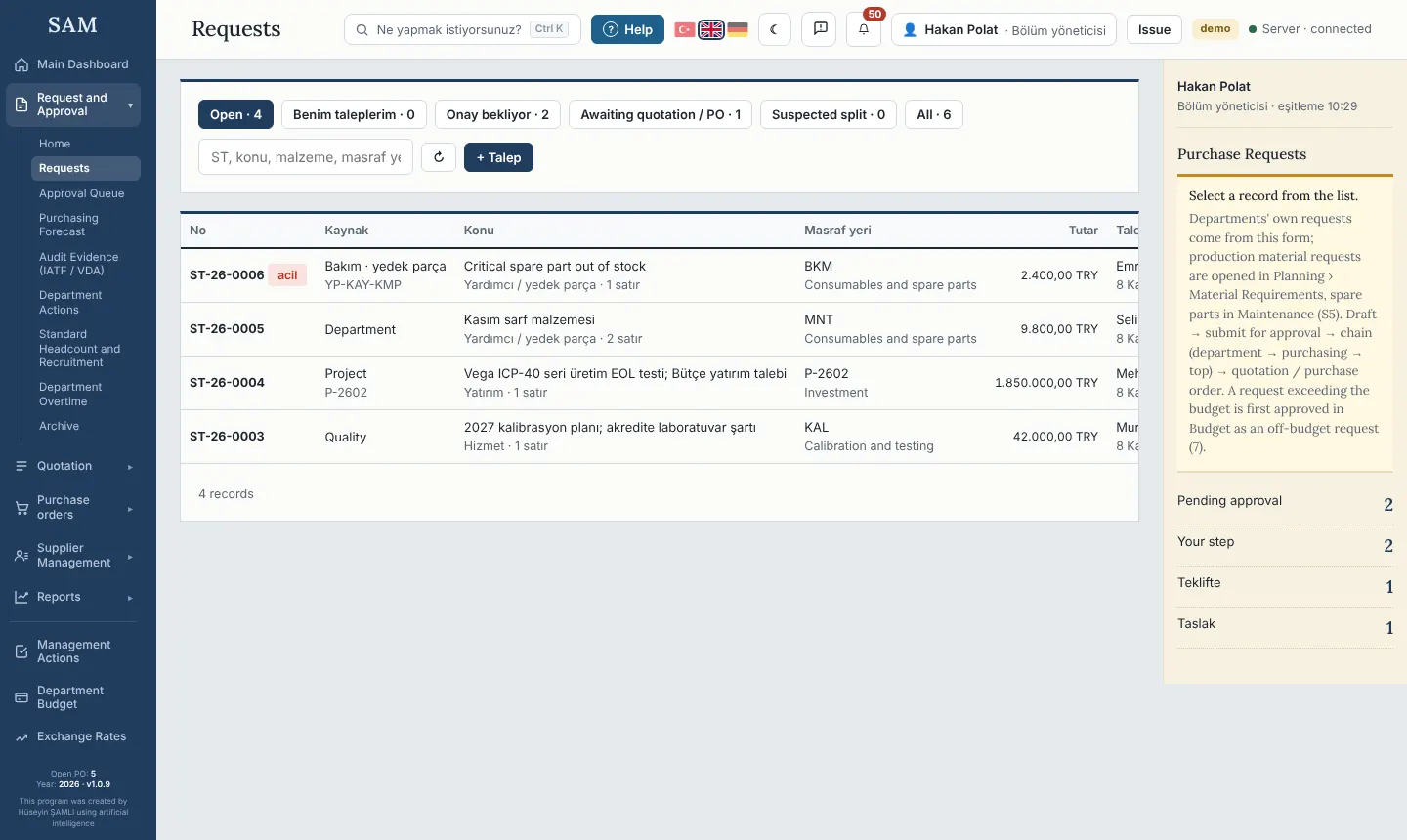
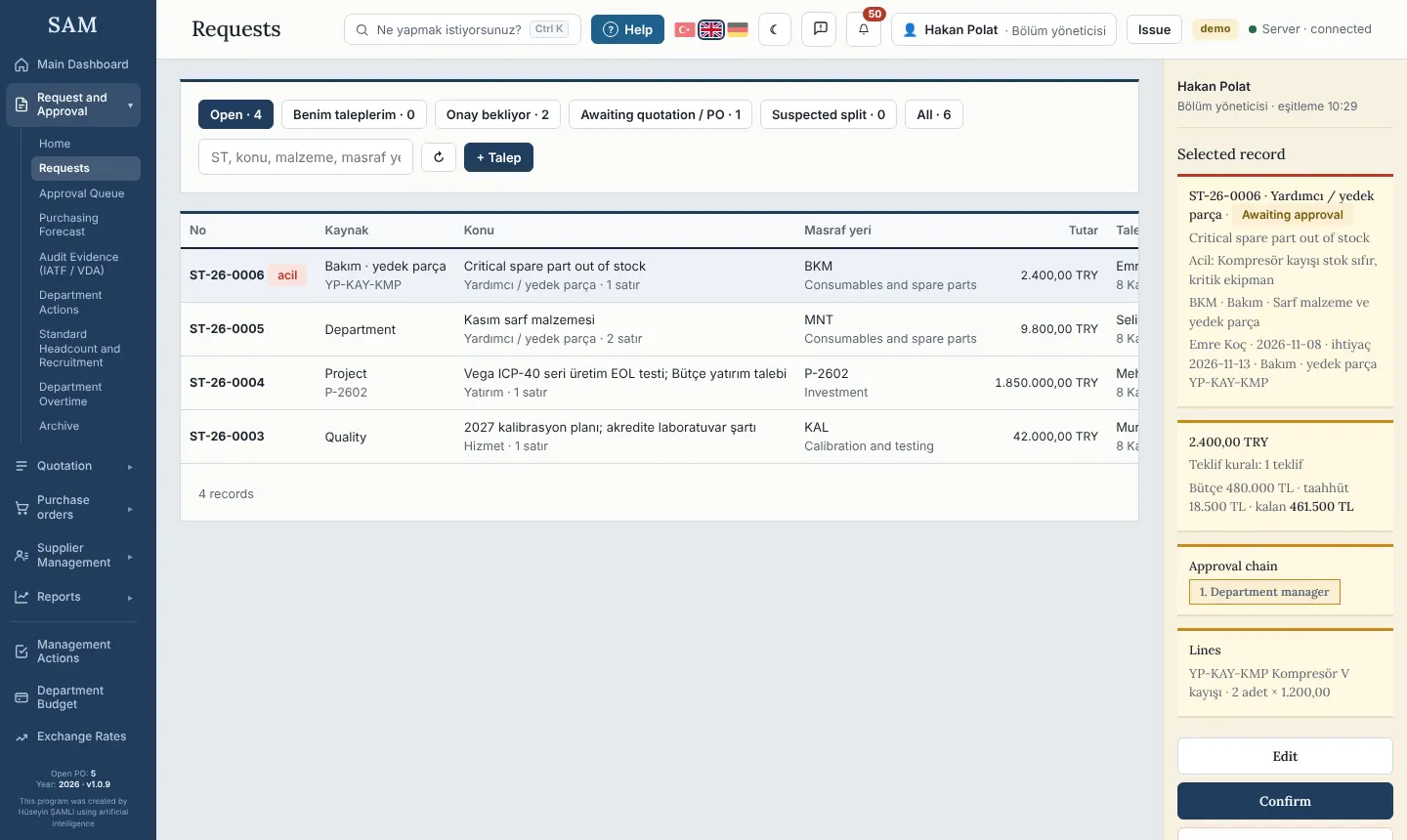
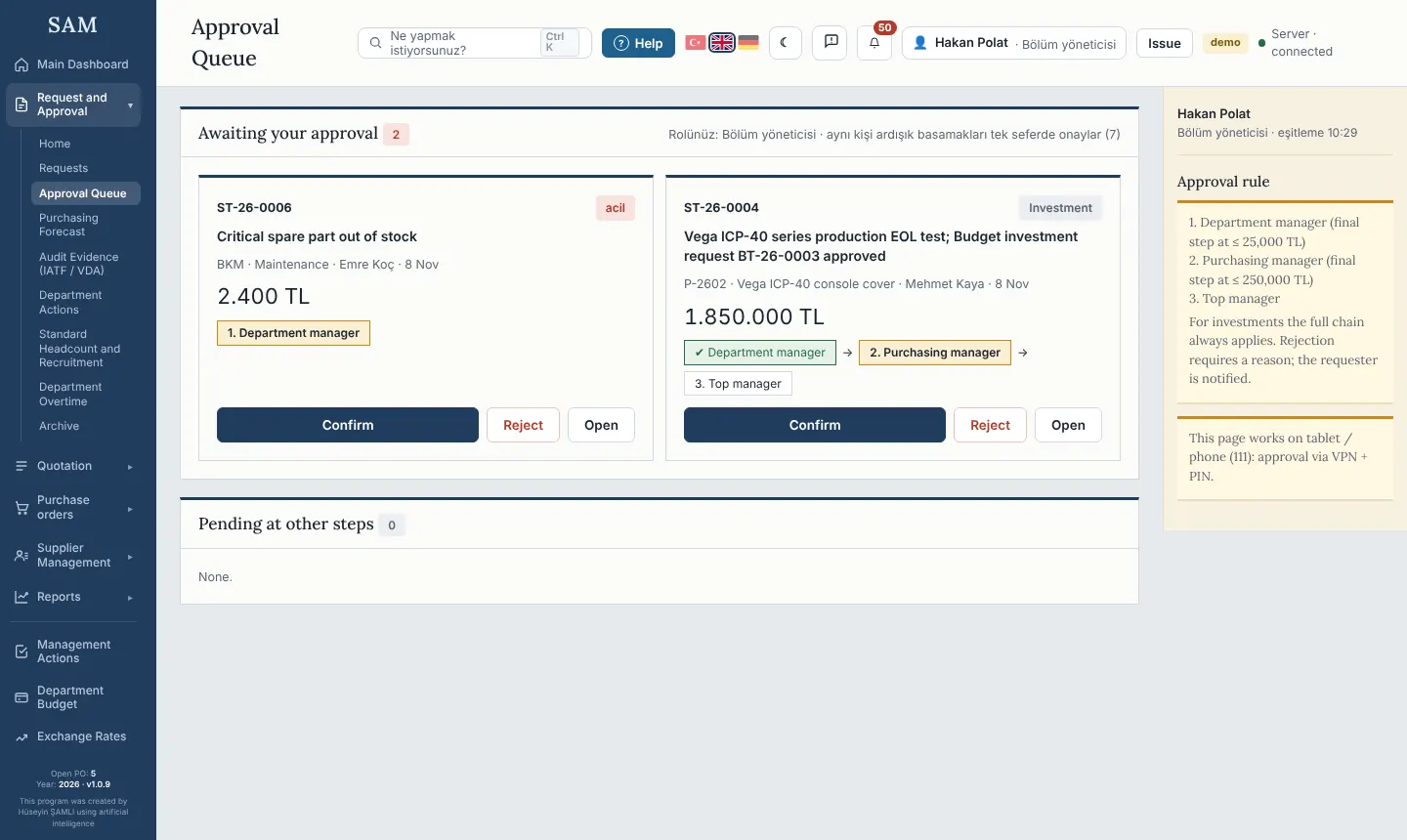
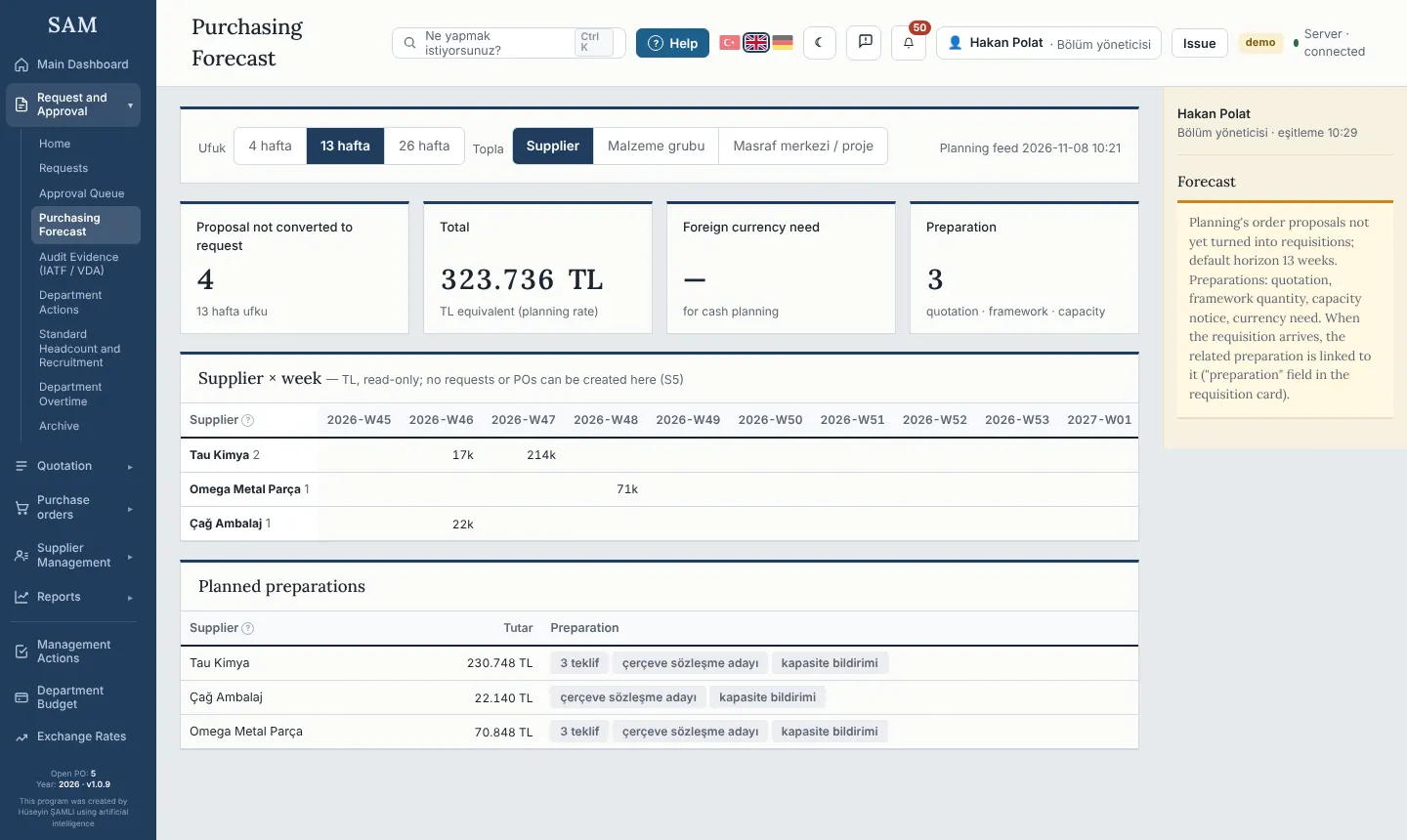
Links to other sections and modules
- PlanningMRP order proposals are turned into a requisition in one step; those not converted are tracked week by week in the Forecast.
- MaintenanceSpare-part requisitions are raised from the spare parts page in Maintenance.
- BudgetThe remaining budget for the cost center and budget item shows in the form; an over-budget requisition needs the request number from Budget.
- Top ManagementRequisition and purchase order approvals at the top management step land in the Top Management approval queue.
Guides, templates and features
Frequently asked questions
How is the approval limit applied to a requisition in foreign currency?
The server converts the amount to TL using the rate in Exchange Rates; the approval chain and number of quotations follow the TL equivalent. If no rate is found, the requisition is not saved.
How is split purchasing detected?
Requisitions from the same cost center for the same material code over the last 30 days are added up. If the total needs a longer approval chain, the requisition is flagged, the chain is built on the total and Purchasing is notified. The number of days is changed in Settings.
What happens to a requisition that exceeds the budget?
If the requisition is flagged as over budget, it cannot be sent for approval until the over-budget request number from Budget is entered. A requisition within budget only goes through the purchasing approval chain.
What if a requisition awaiting approval is forgotten?
For a requisition waiting more than 3 days, the server sends the next approver a reminder every day. These requisitions are also counted in the pending tasks on the module dashboard.
Is there a step you find missing? Write anonymously; leave an e-mail if you would like a reply.
Give feedback