PPAP and Documents
In a PPAP record, each element is tracked as in preparation, ready, submitted or approved. Only Quality can create entries in the document master list and raise revisions; the revision date and history are written on the server. In a change record, tasks are distributed to the relevant departments as actions; the change is not implemented until all of them are closed and, where required, a customer approval number has been entered.
From change to approved part
Main screens of the section
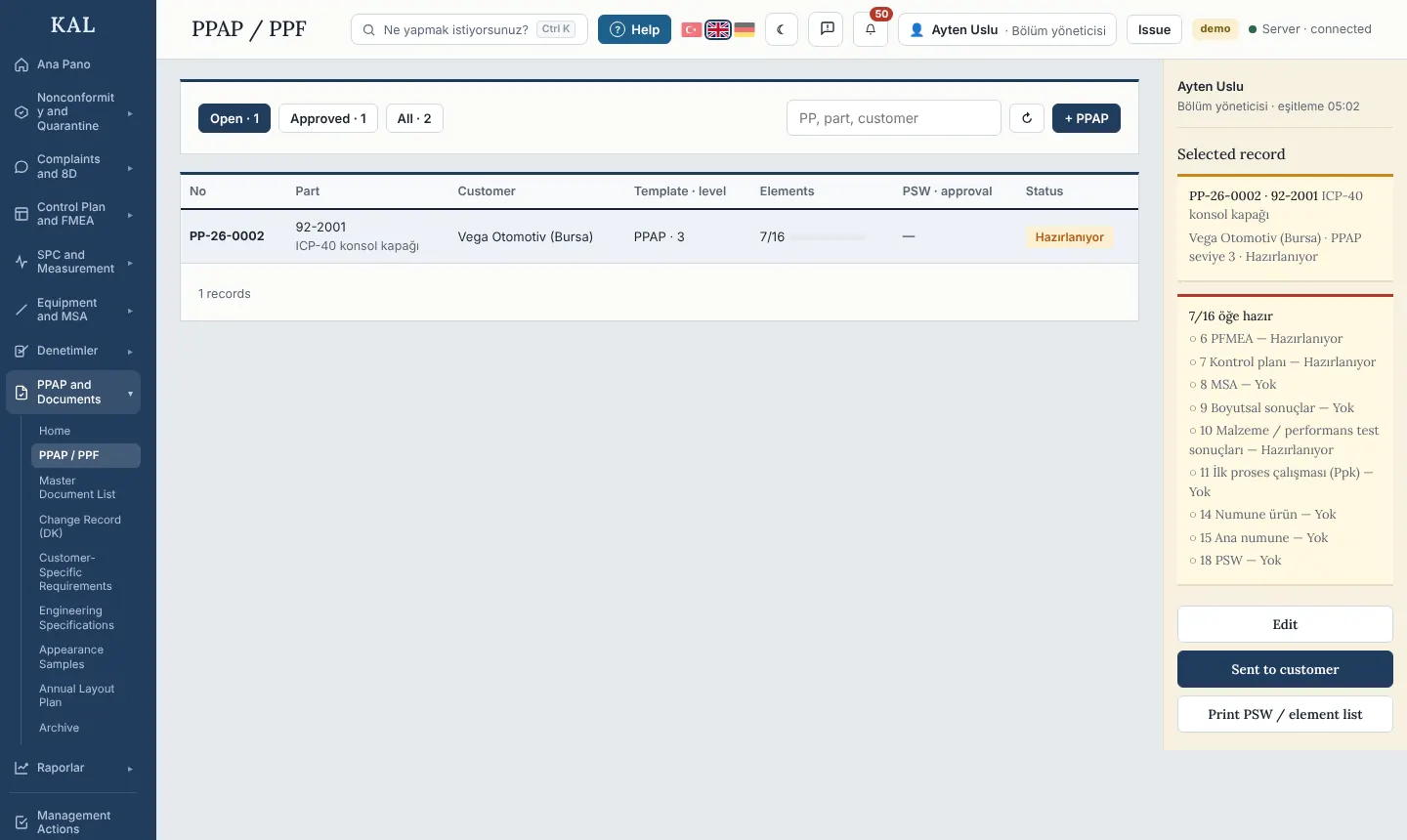
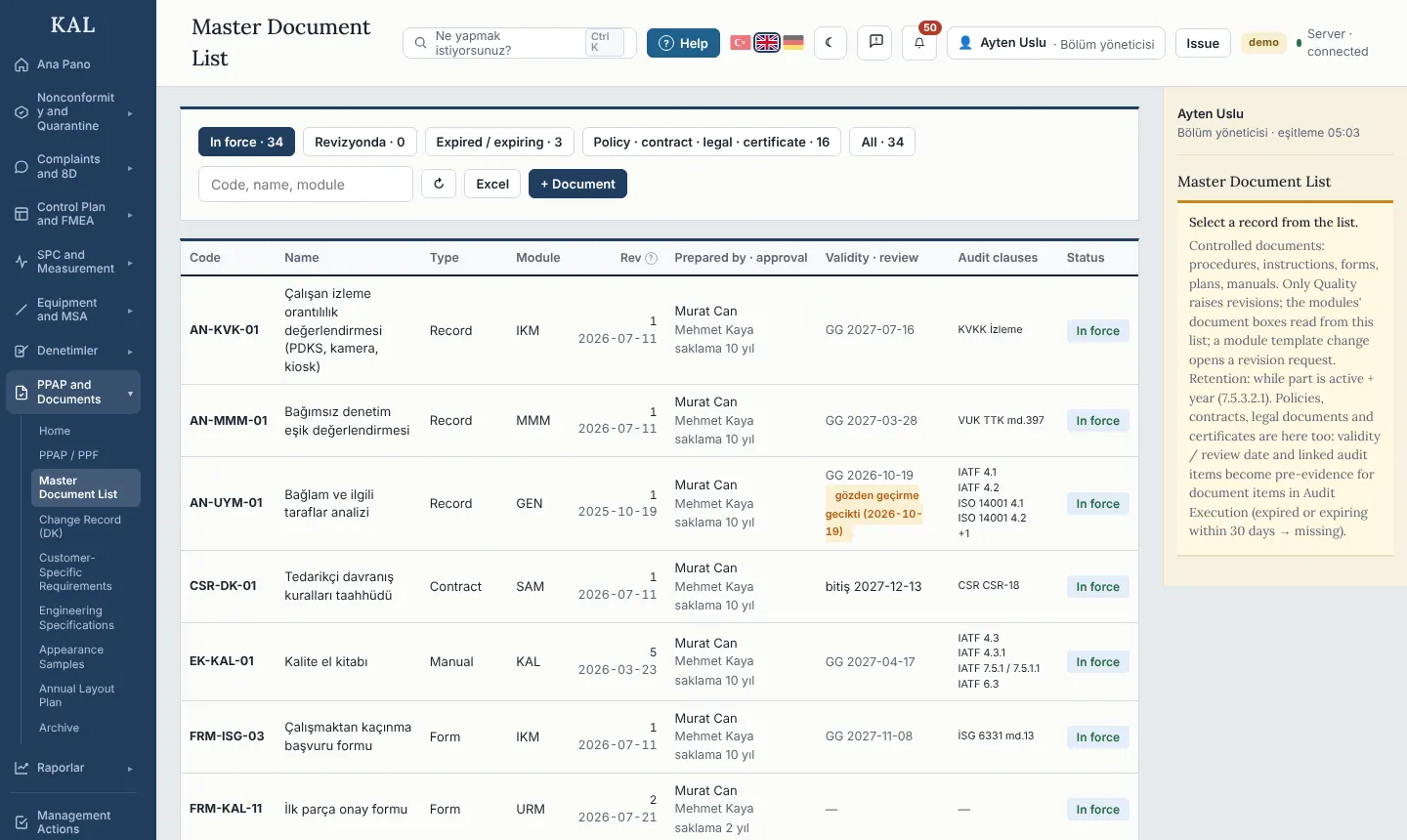
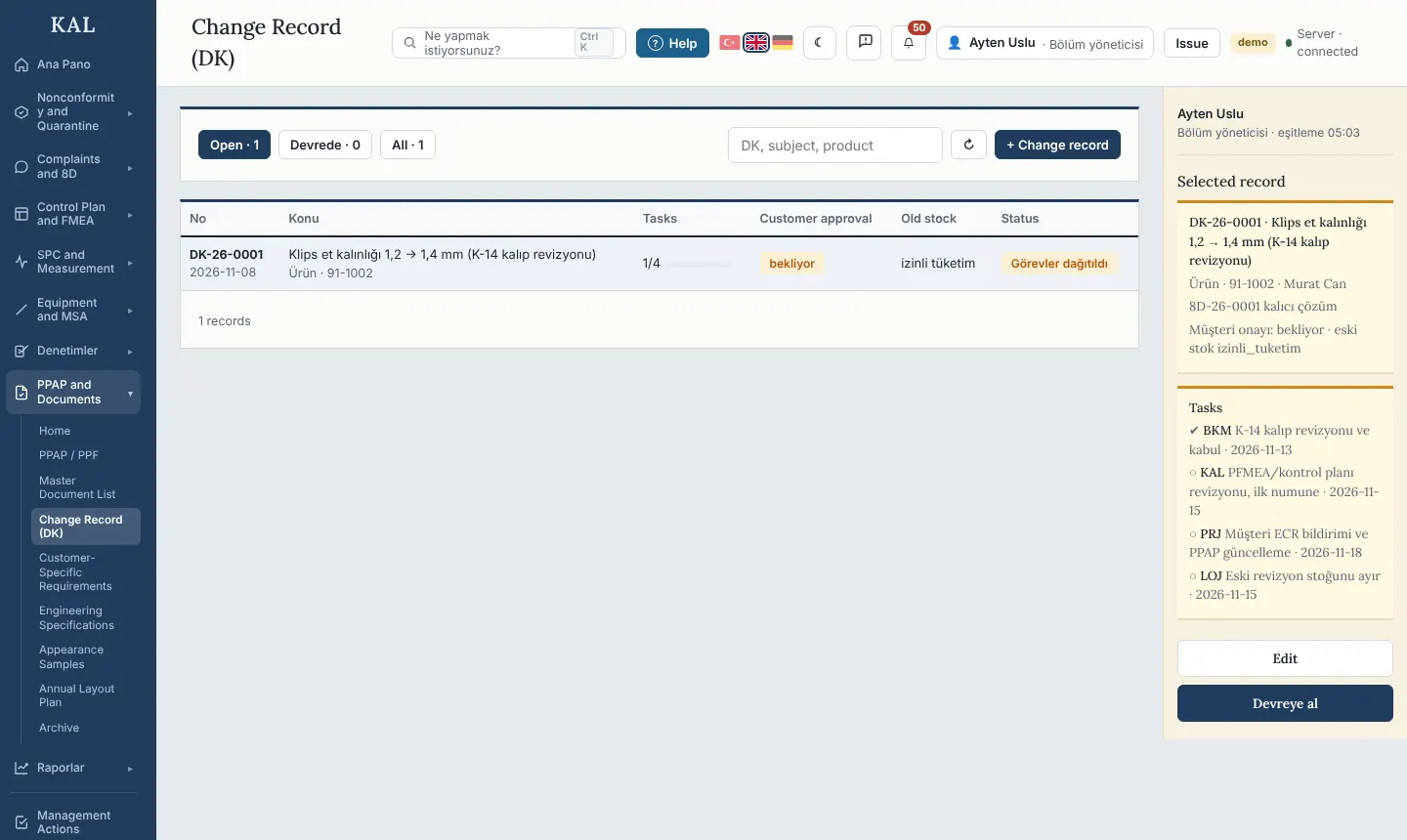
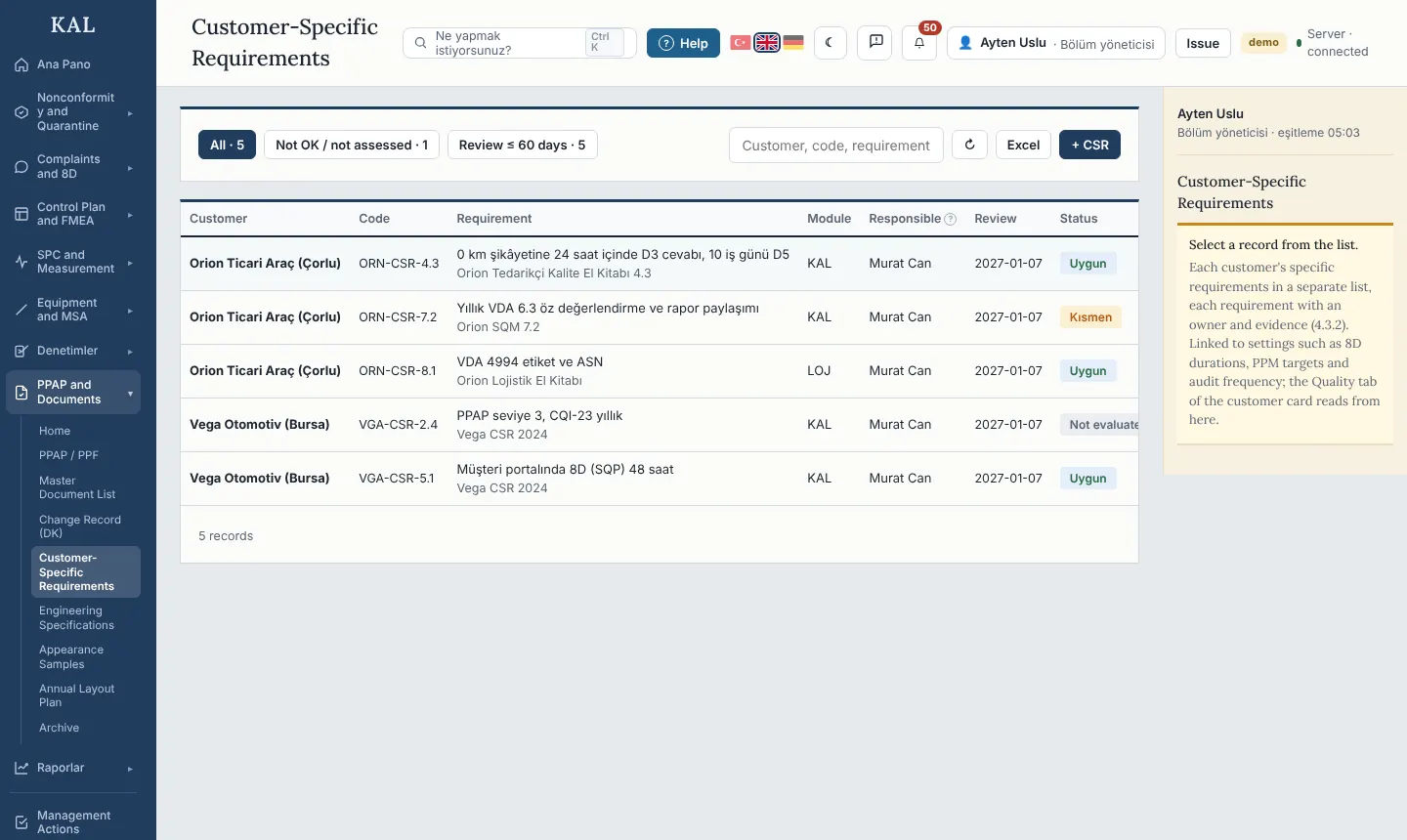
Document outputs
A4 · part, customer, level, status; element, required, status, document; prepared by, quality and customer approval fields
Links to other sections and modules
- All modulesThe document box in each module reads the revision and date from the document master list.
- Maintenance and other departmentsChange record tasks go to the relevant department as shop-floor actions.
- 01 Nonconformity and QuarantineAt incoming inspection, the part's PPAP approval is shown as a pre-acceptance check; a nonconforming layout result opens a nonconformity.
Guides, templates and features
Frequently asked questions
Who can raise a document revision?
The server allows creating entries in the document master list and raising revisions only for Quality roles. Other modules open a revision request; the revision date and history row are written automatically.
When is a change record implemented?
Implementation is refused until all tasks are completed. If customer approval is marked as required, the approval number must also be entered (IATF 8.5.6.1).
How are engineering specifications tracked?
A new revision of a customer standard is recorded with its date of receipt; a review is expected within 10 working days, and it shows as overdue if this is exceeded. The affected product / process and the implementation date are recorded.
Is there a step you find missing? Write anonymously; leave an e-mail if you would like a reply.
Give feedback