Line Feeding
A material request from the line is opened with an HT number and a notification goes to Logistics users. Requests are sorted by urgency; a line stopped request moves to the top of the list. On delivery the quantity is deducted from the selected lot, and the time from opening to delivery is kept in minutes.
From request to delivery at the line
If no available lot exists, the delivery is recorded with a manually entered lot code; in that case stock is not deducted. Cancelling requires a reason.
Main screens of the section
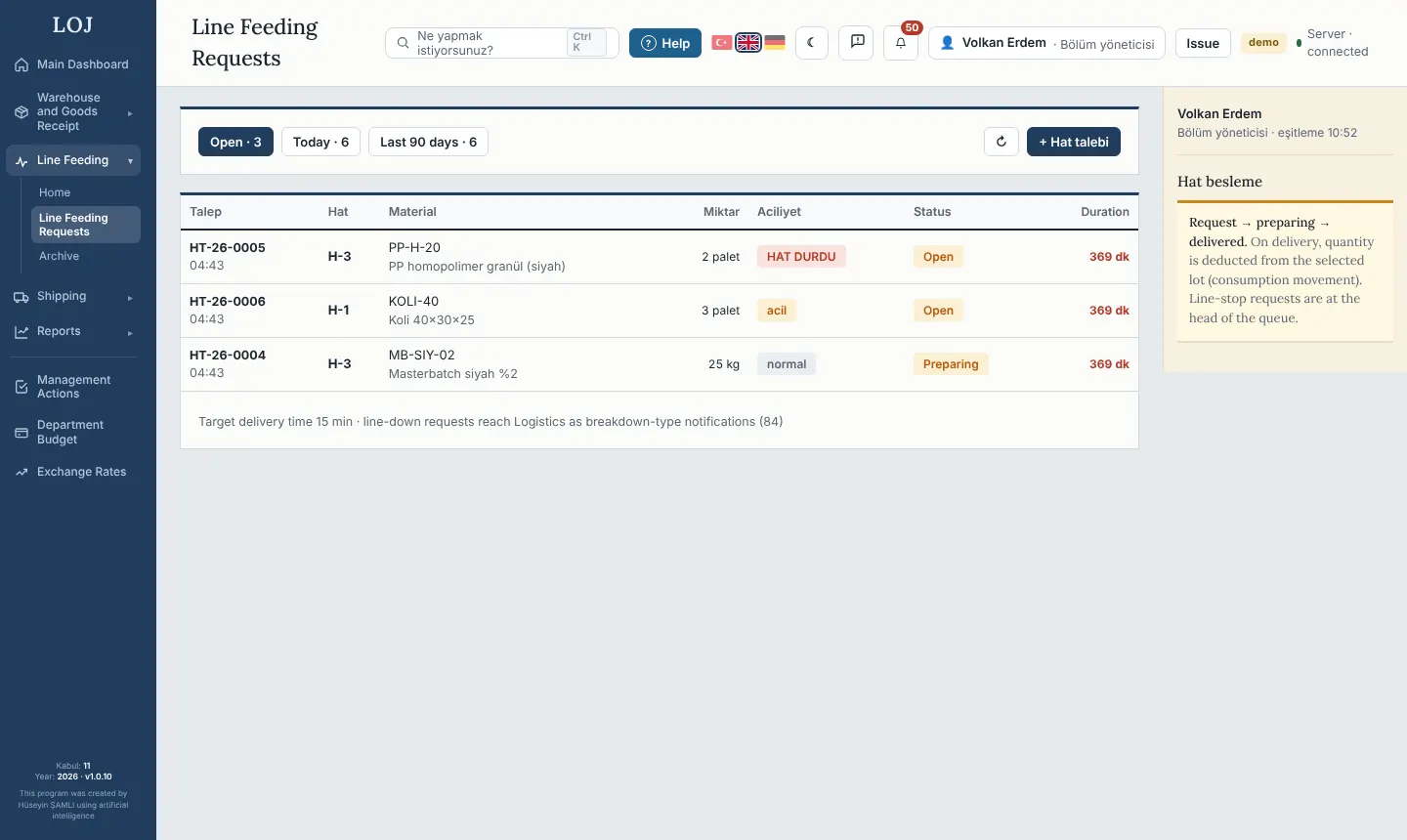
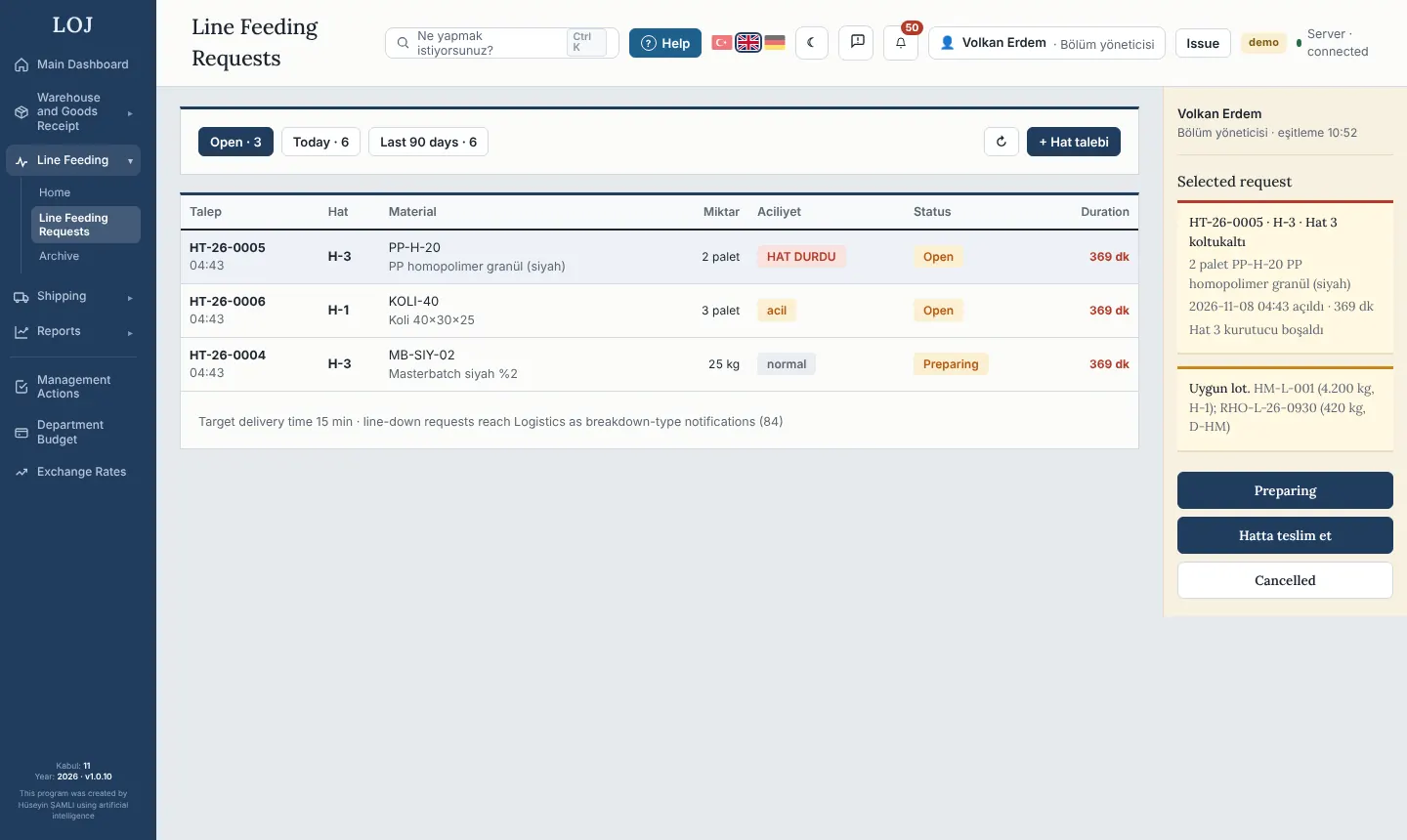
Links to other sections and modules
- Warehouse and Goods ReceiptThe delivered quantity is deducted from the selected stock lot and written as a movement; blocked lots or lots awaiting inspection are not offered.
- LocationsLines and line-side delivery points are defined on the location card with the line or line-side type.
- ReportsAverage line feeding time appears on the KPI board, open requests on the warehouse TV.
Guides, templates and features
Frequently asked questions
How does a line stopped request get priority?
The list shows line stopped first, then urgent, then normal requests; within the same urgency the oldest request is on top. The line stopped notification goes out as a breakdown type and has critical priority in the task queue.
Where is the target delivery time set?
It is entered in minutes under Line Feeding › Settings; the default is 15 minutes. The KPI board target is kept separately under Reports › Settings.
Is there a step you find missing? Write anonymously; leave an e-mail if you would like a reply.
Give feedback