Shipment
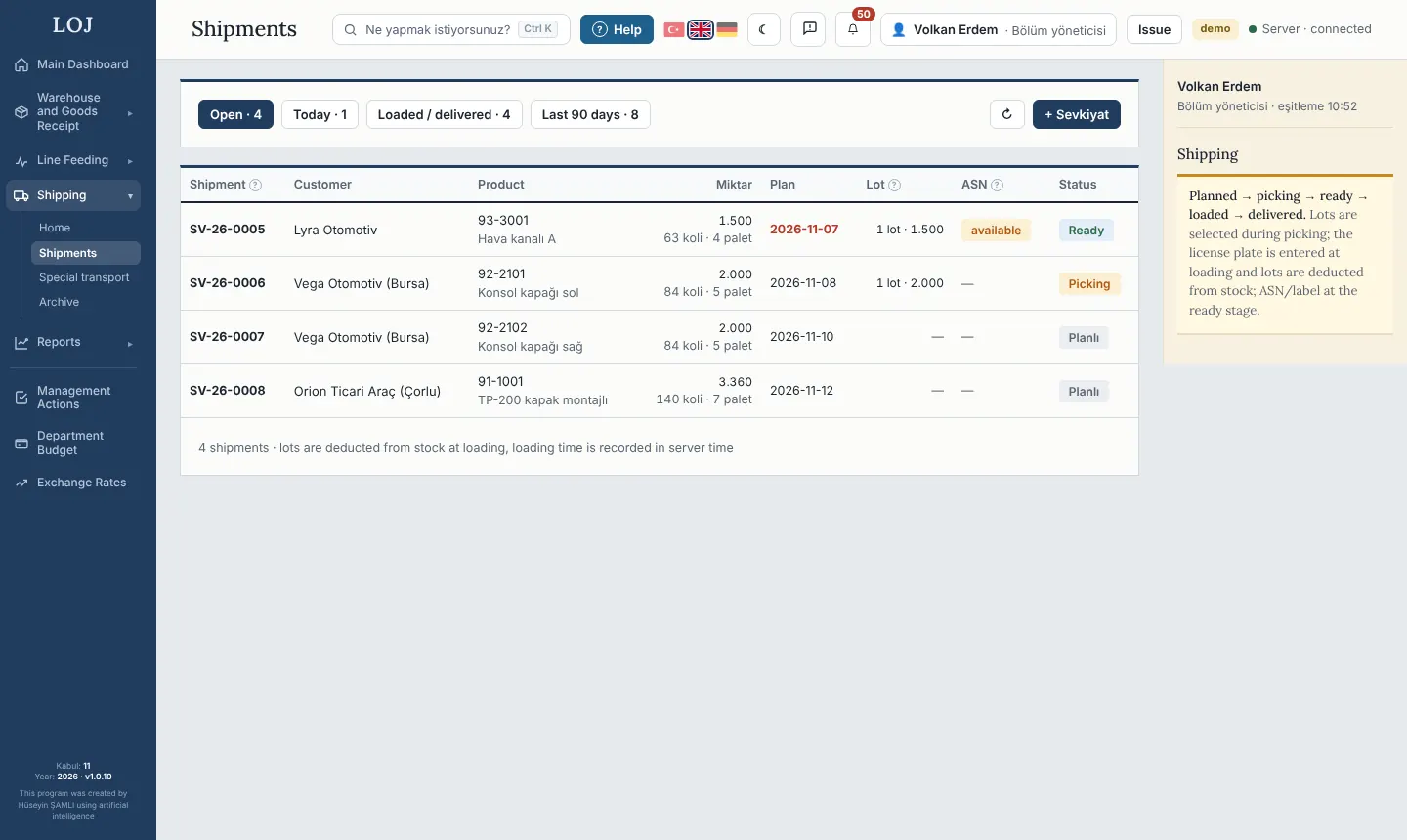
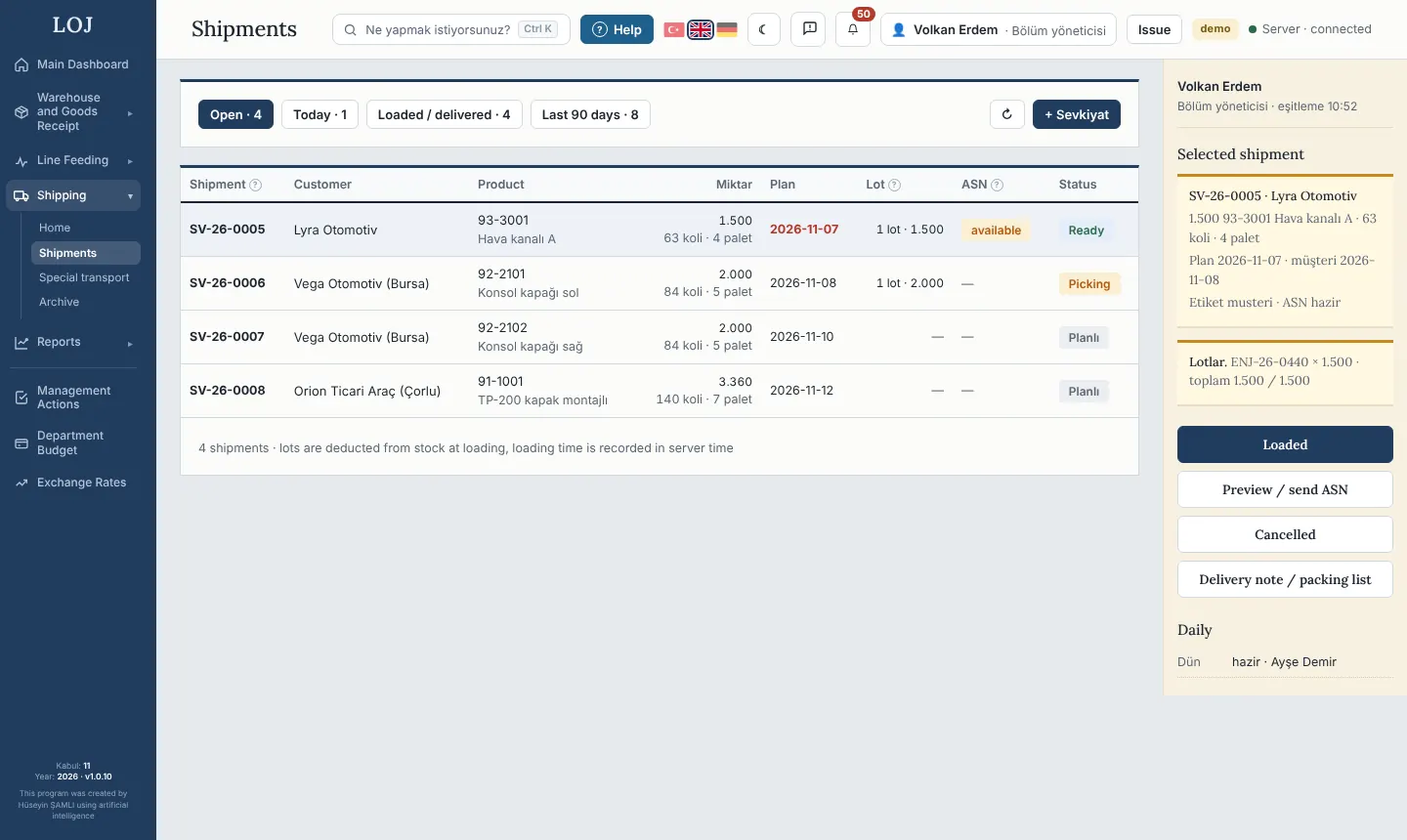
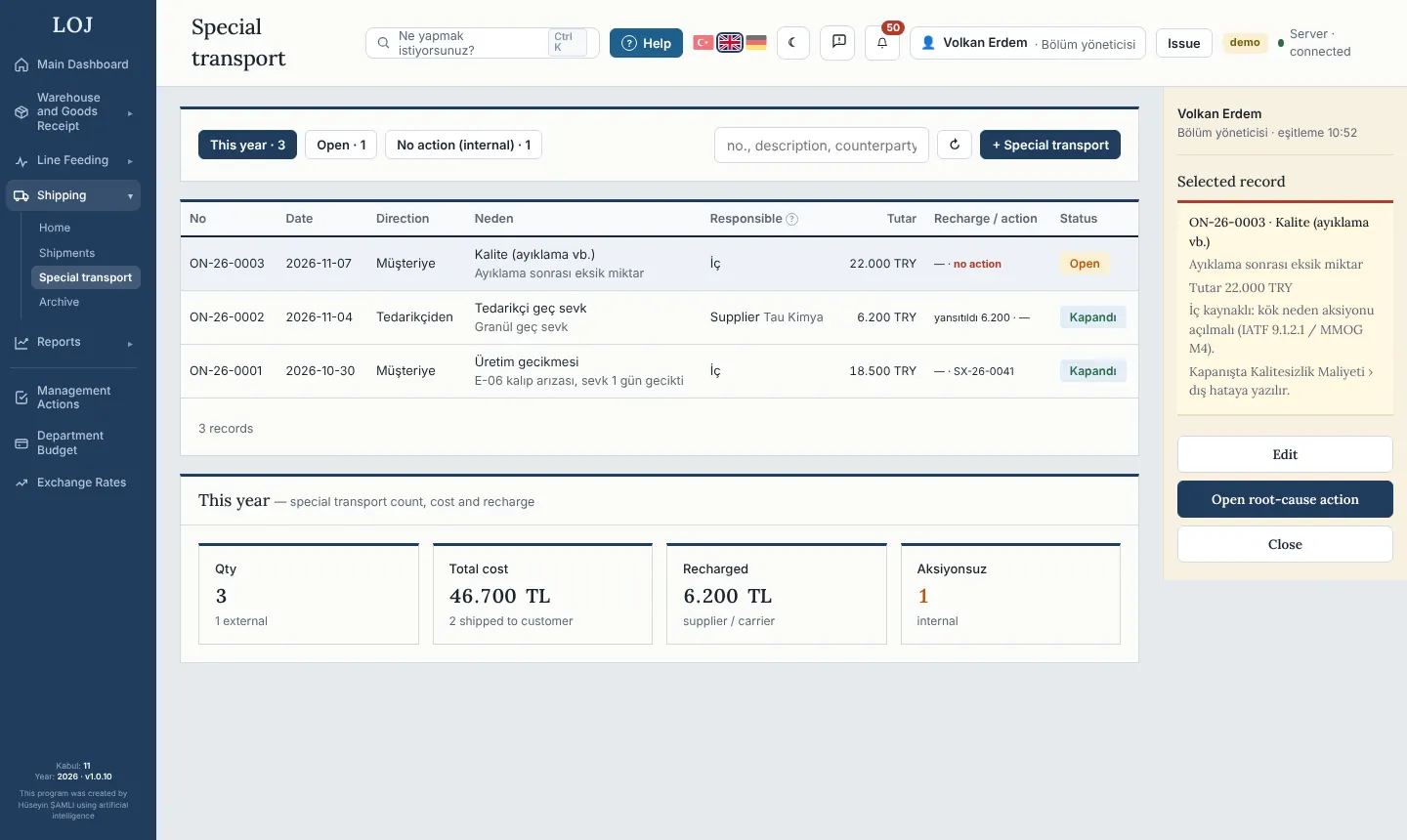
Plan the customer shipment, pick lots with the FIFO suggestion and enter the plate and driver at loading. With the loaded record, lots are deducted from stock and outgoing containers move to the customer side. For customers with an EDI profile, the ASN file is previewed and sent; unplanned premium freight is recorded on a separate page.
From plan to delivery
For premium freight, a root cause action is opened from an internally caused record; on closing, the cost is written to Cost of poor quality as external failure.
Main screens of the section
Document outputs
A4 · customer, planned and loading date, product, quantity, boxes / pallets, carrier, plate, driver, label and ASN status, lot list and total, three signature fields
Links to other sections and modules
- Warehouse and Goods ReceiptOnly available lots come to picking; at loading the lot quantity is deducted and a lot reaching zero becomes shipped.
- QualityThe amount of a closed premium freight record is written to Cost of poor quality as an external failure item.
- AccountingLoaded shipments not yet invoiced enter the cash plan as collections with the customer payment term.
Guides, templates and features
Frequently asked questions
How does the FIFO suggestion work?
The pick lots window sorts available lots matching the product code by receipt date and fills the shipment quantity starting from the oldest lot. You can change the quantities by hand; the audit catalogue counts lots issued while an older lot was waiting.
What happens to the ASN if the customer has no EDI profile?
The server does not generate an ASN file. If you sent the ASN via the portal or by e-mail, you mark the shipment as 'sent'; the audit catalogue counts loaded shipments whose ASN was not sent.
Where does the premium freight cost go?
On closing, the amount is converted to TRY and written to Cost of poor quality as an external failure item. If an internally caused record has no root cause action, a warning appears on closing.
Is there a step you find missing? Write anonymously; leave an e-mail if you would like a reply.
Give feedback