Project Management
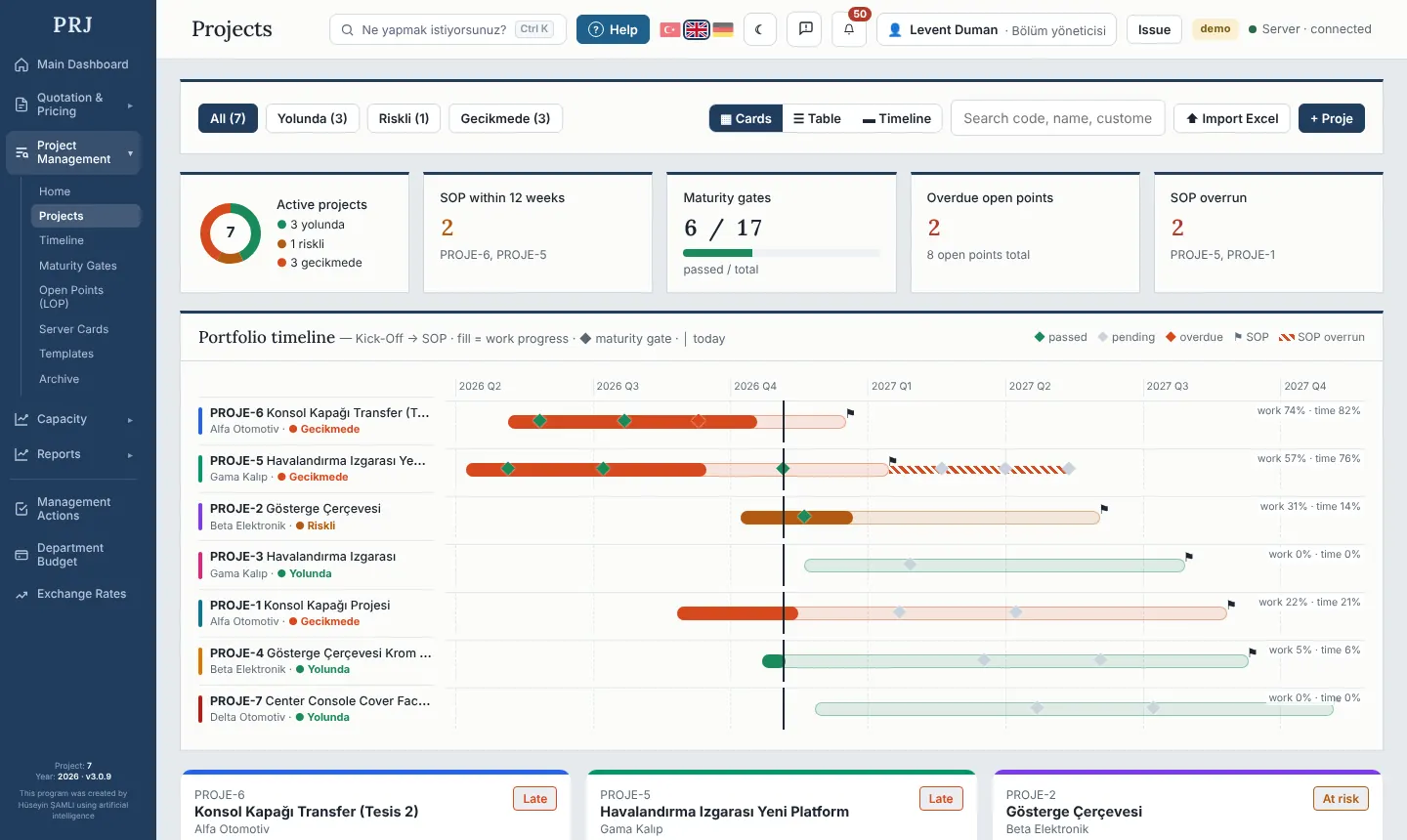
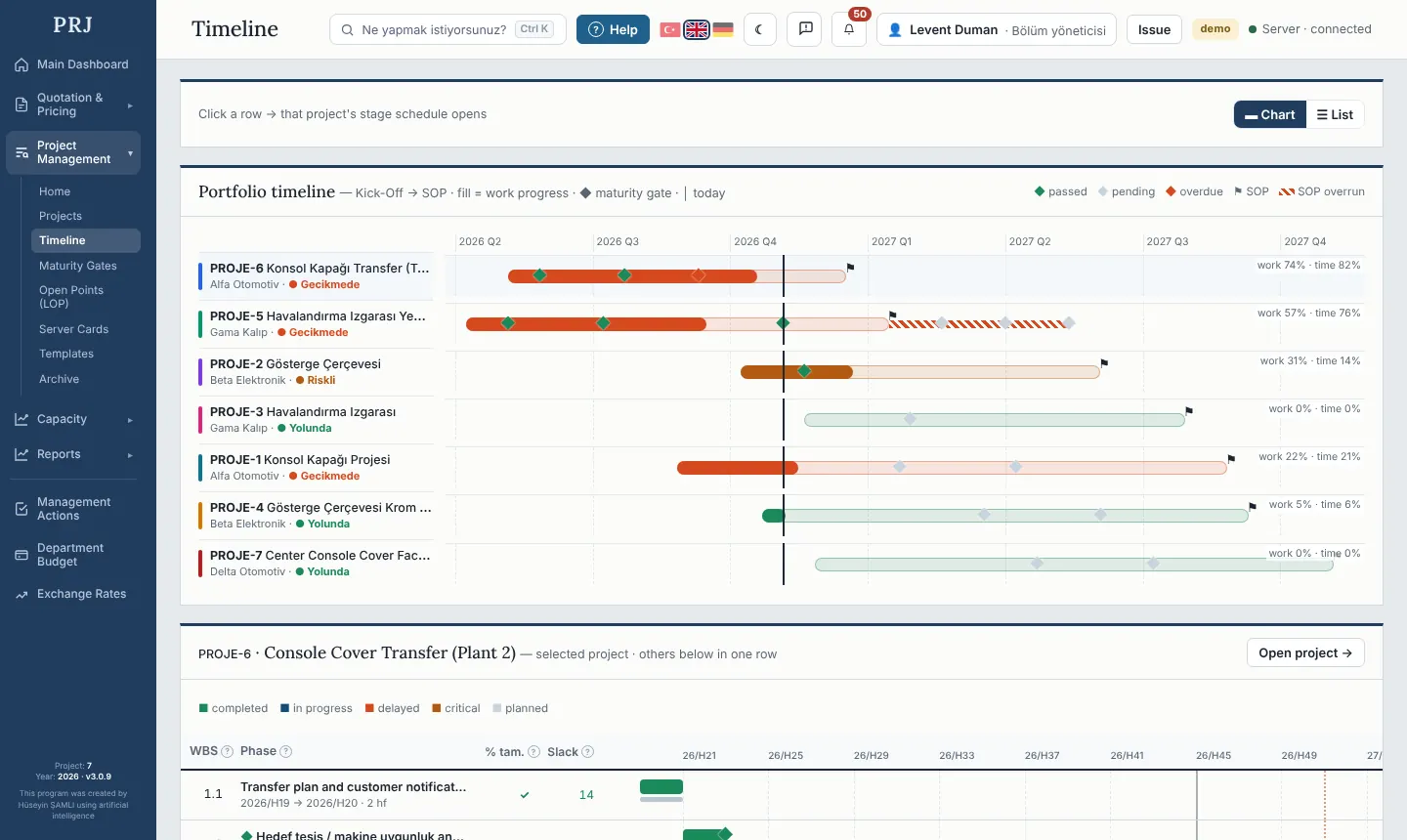
Open the project from one of the ready-made stage templates: new mould, full APQP process, engineering change, transfer, variant or assembly line. The risk class determines which ML gates are mandatory. A gate cannot be passed until its checklist is complete and the mandatory deliverables are approved.
From Kick-Off to handover to series production
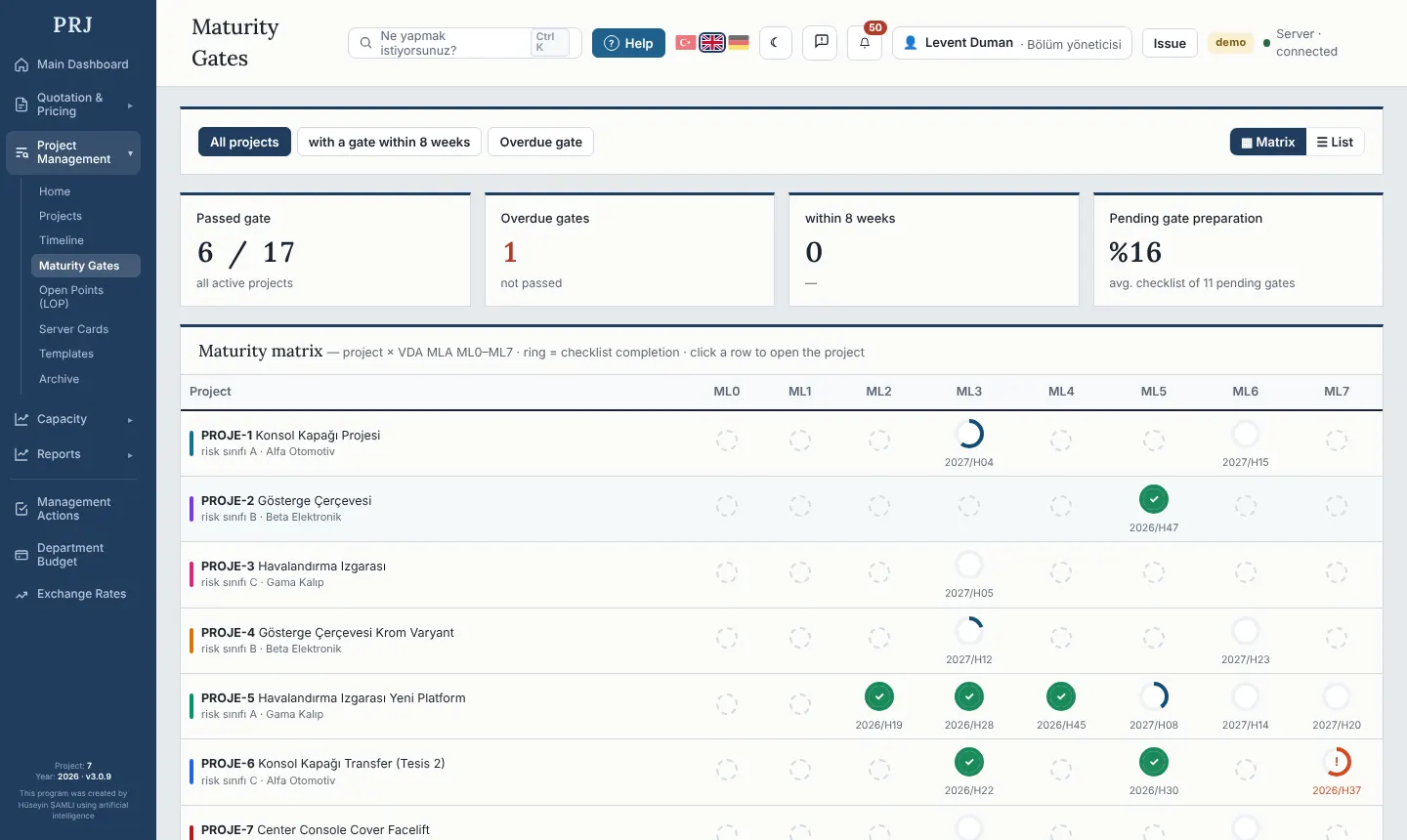
Risk class A makes all ML gates mandatory, B makes ML2, ML3, ML5, ML6 and ML7 mandatory, C makes ML3, ML5 and ML7 mandatory.
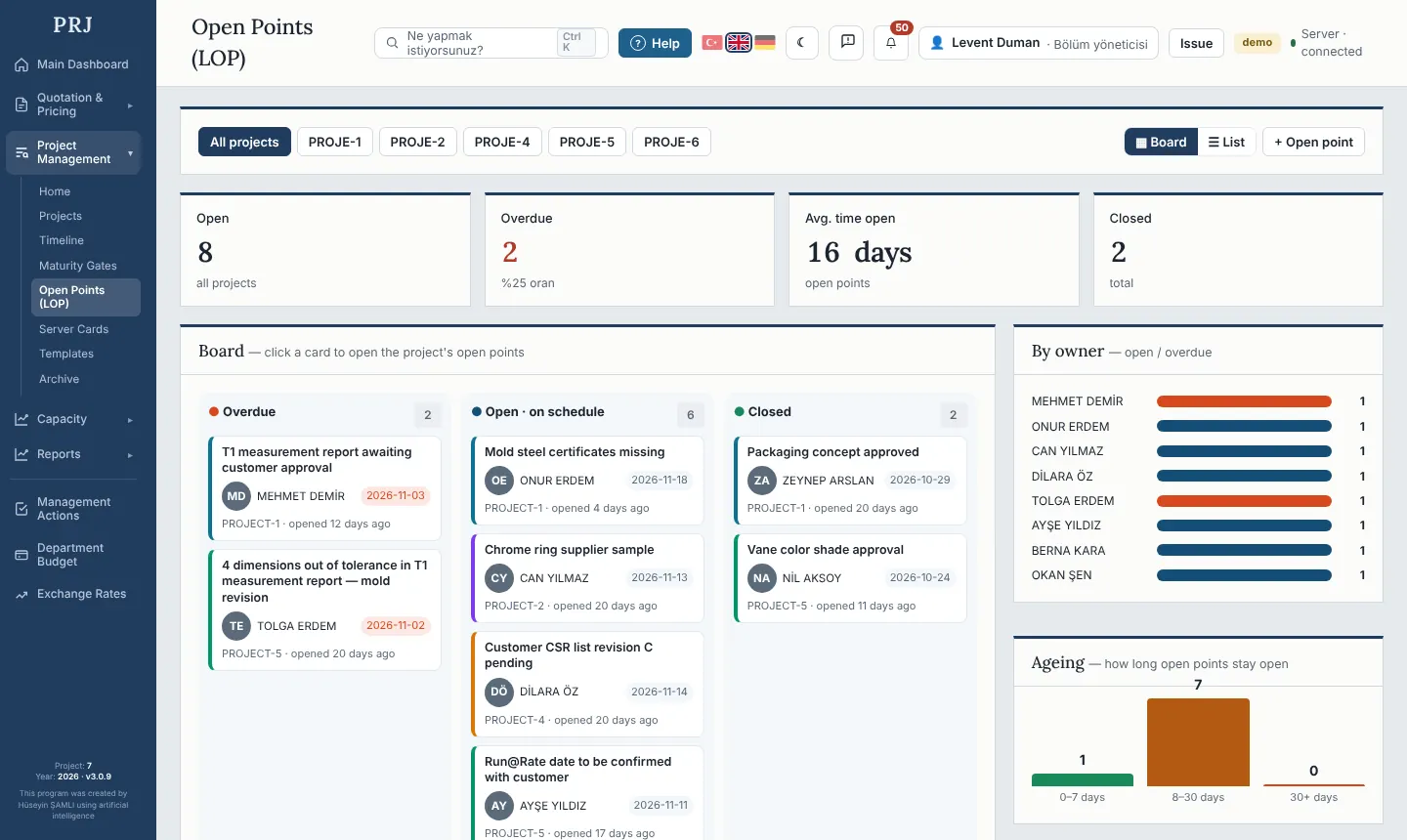
Main screens of the section
Links to other sections and modules
- 01 Quotation and PricingA won RFQ becomes a project; customer, volume and SOP come from the quotation.
- Action systemOpen points are opened as shop-floor actions; when the LOP closes, the action closes too.
- MaintenanceA 'planned' card is opened for the project's moulds and equipment; acceptance takes place in Maintenance.
- AccountingAt SOP handover the product's quotation cost is passed to Accounting and the costing role is notified.
Guides, templates and features
Frequently asked questions
When can a maturity gate be passed?
All checklist items of the gate must be ticked and the mandatory deliverables linked to the gate must be Approved or Not applicable. Until then the button stays disabled; only a user with approval permission makes the gate decision.
Do template changes reach the projects?
In projects linked to a template, template corrections are applied at the same time. In a project opened without a template, stages are managed manually.
Can the project plan be exported to Excel?
Yes. The plan is downloaded as .xlsx from the project card; a file in the same format can be imported again with its stage and load rows.
Is there a step you find missing? Write anonymously; leave an e-mail if you would like a reply.
Give feedback