Quotation and Pricing
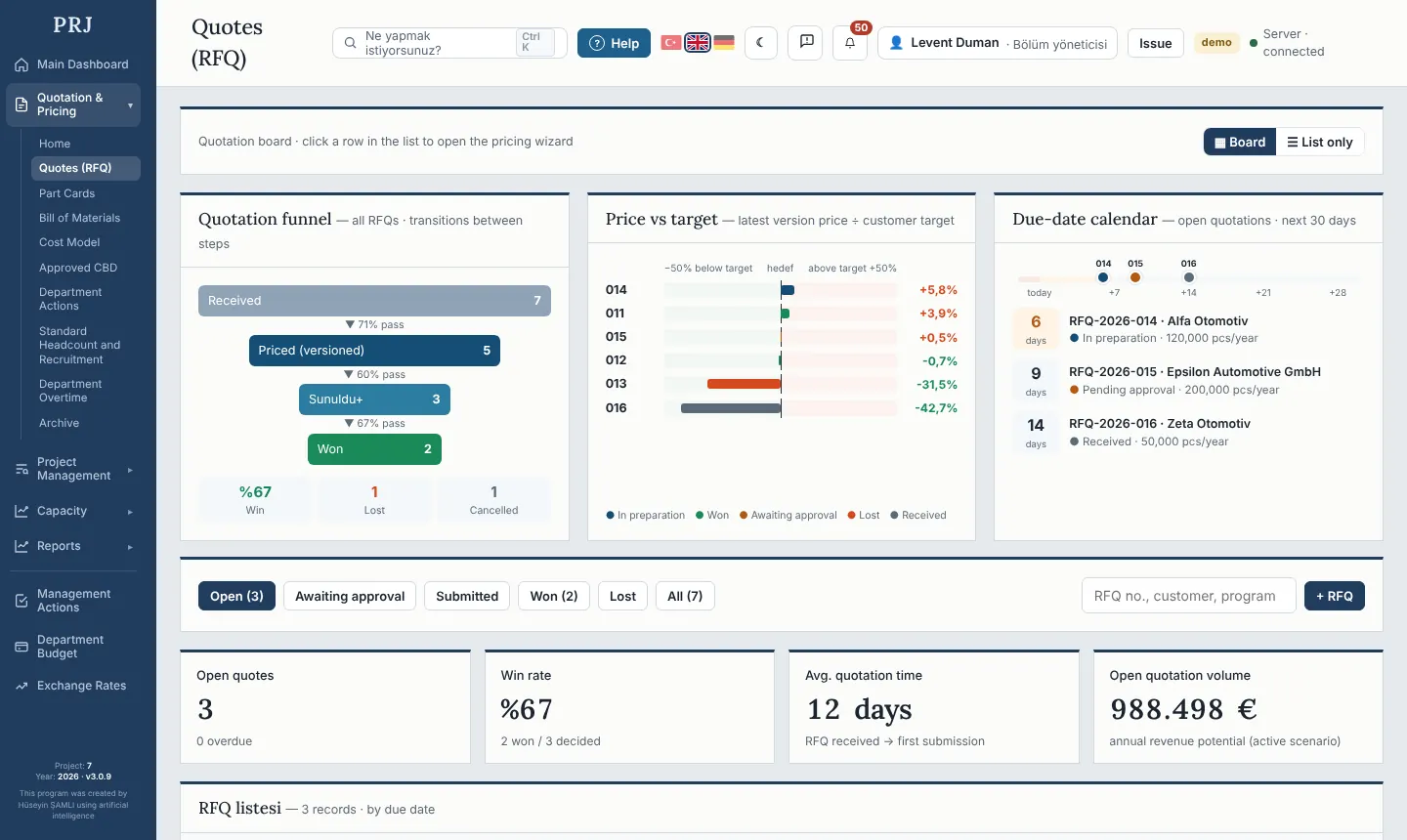
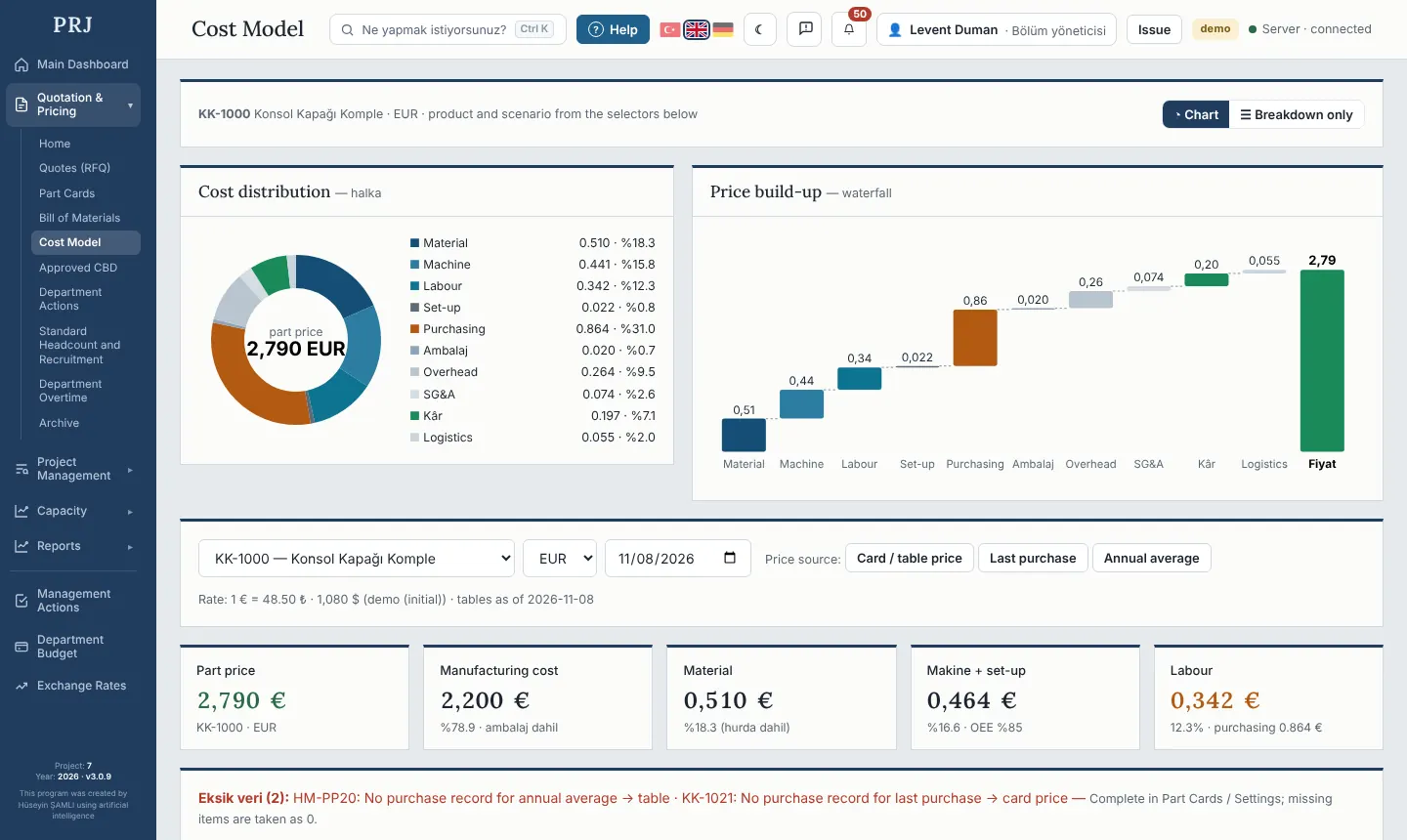
Record the customer's request for quotation (RFQ) with parts, annual volume, project lifetime, target SOP and the customer's target price. The price is calculated from the part card and the bill of materials with a five-step wizard; each quotation version is frozen as it stands. A won RFQ is converted into a project in one click.
From request for quotation to approved price
The quotation summary sent to the customer contains no internal cost breakdown; only part price, mould cost, validity, commercial terms and assumptions are printed.
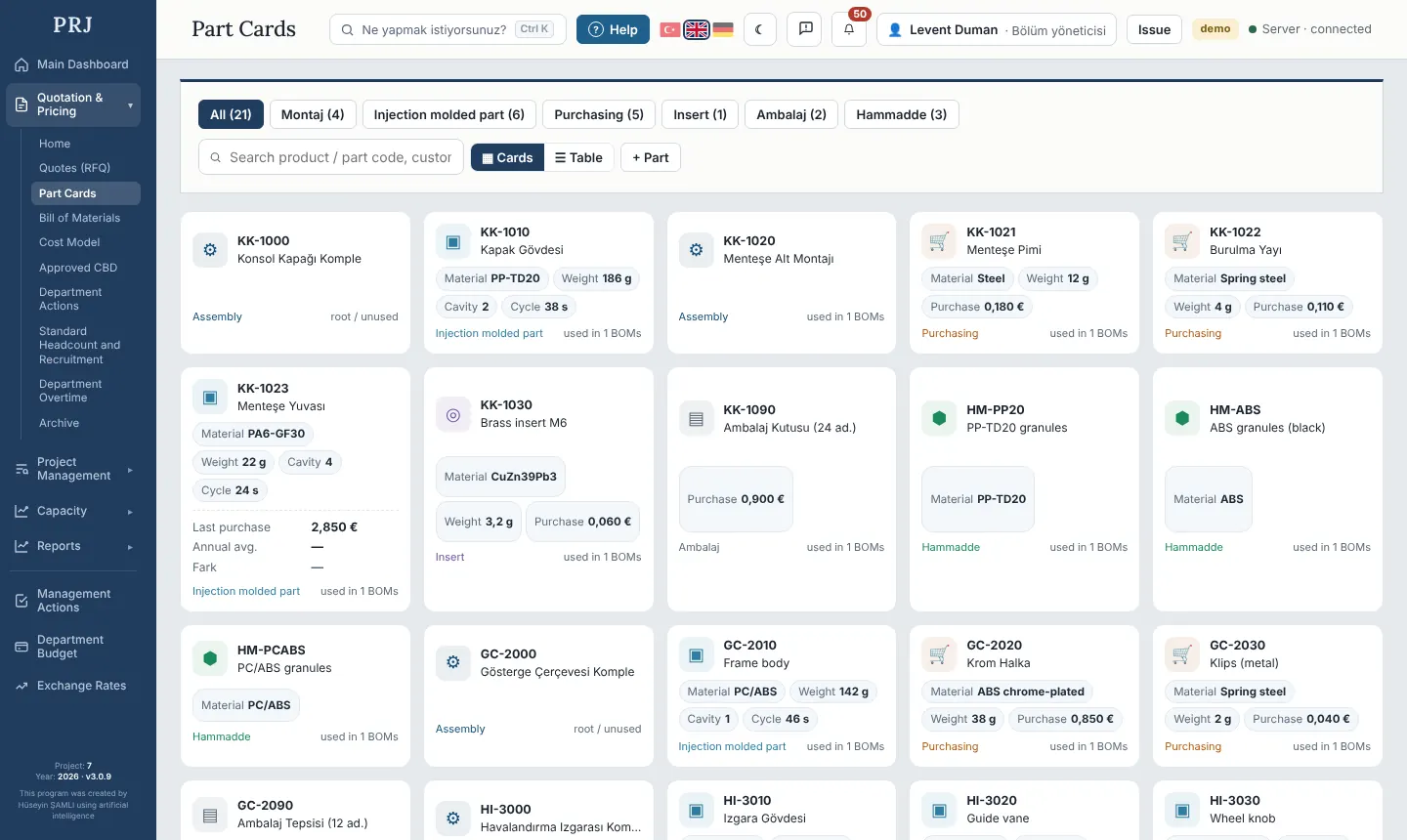
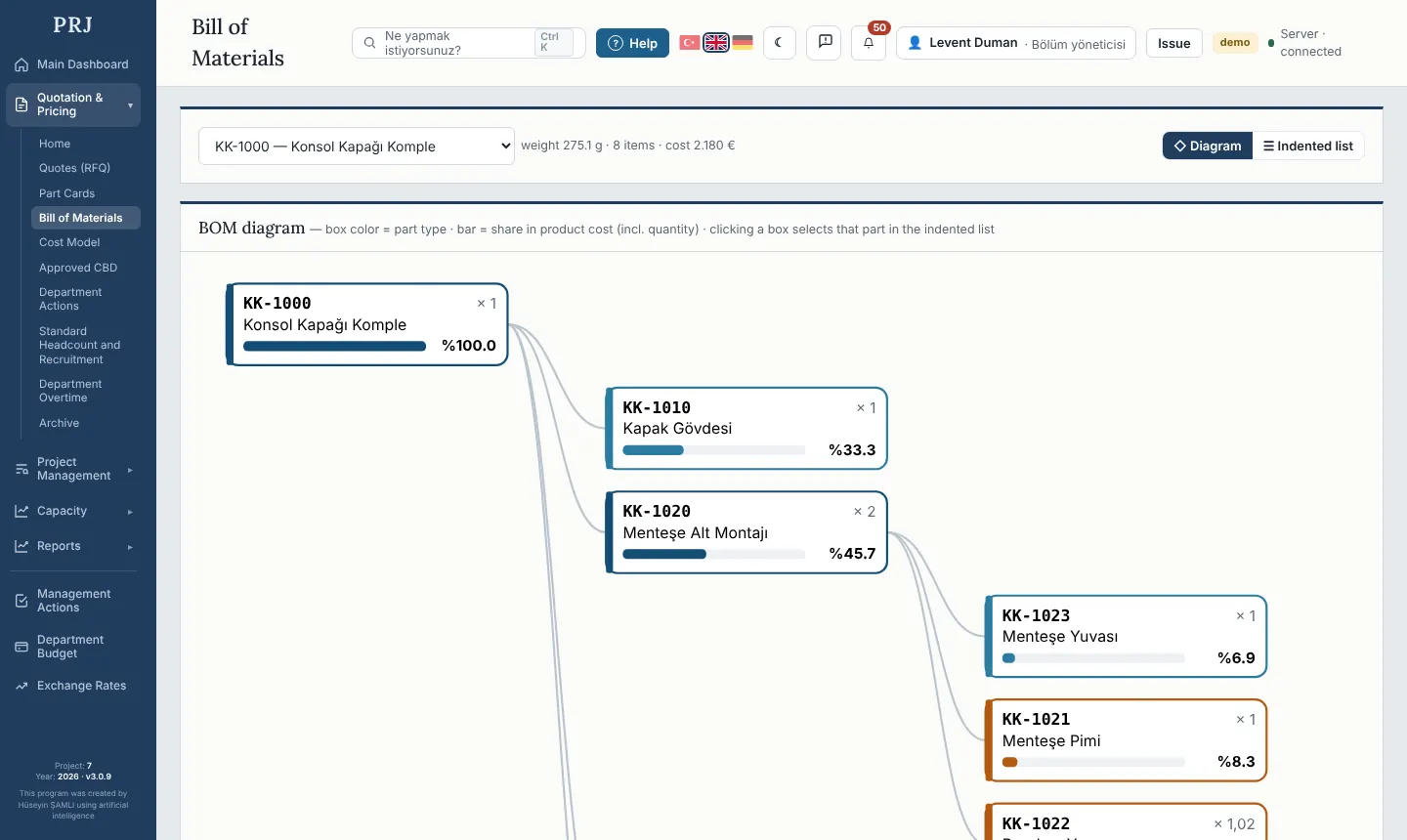
Main screens of the section
Document outputs
A4 · RFQ number and version, customer, programme, annual volume, project lifetime, target SOP, delivery terms, payment, validity, part prices, mould cost, assumptions and prepared / checked / approved signature fields
Links to other sections and modules
- PlanningMachine park and the purchasing price summary (last purchase, annual average) are read; the approved CBD flows into planned revenue.
- AccountingApproved CBD selling prices are published to Accounting.
- All modulesPart, customer and bill of materials cards are written to shared tables; other modules cannot change the core fields.
- 02 Project ManagementA won RFQ opens a project card, applies the standard template and links the bill of materials.
Guides, templates and features
Frequently asked questions
What is stored when a quotation version is frozen?
Part prices, cost breakdown, process rows, mould items, exchange rate, validity, annual volume and commercial terms are stored as they stand. The version does not change even if price tables change later; selecting two versions shows the part and mould difference.
How is the mould cost reflected in the price?
Each mould or equipment item can be invoiced separately or built into the part price. The built-in amount is spread per part over annual volume × project lifetime.
How does quotation approval work?
When a user without approval permission freezes a version, the quotation moves to 'Awaiting approval'. Only a user with approval permission can move an awaiting quotation on to Submitted or Won.
Is there a step you find missing? Write anonymously; leave an e-mail if you would like a reply.
Give feedback