Reports
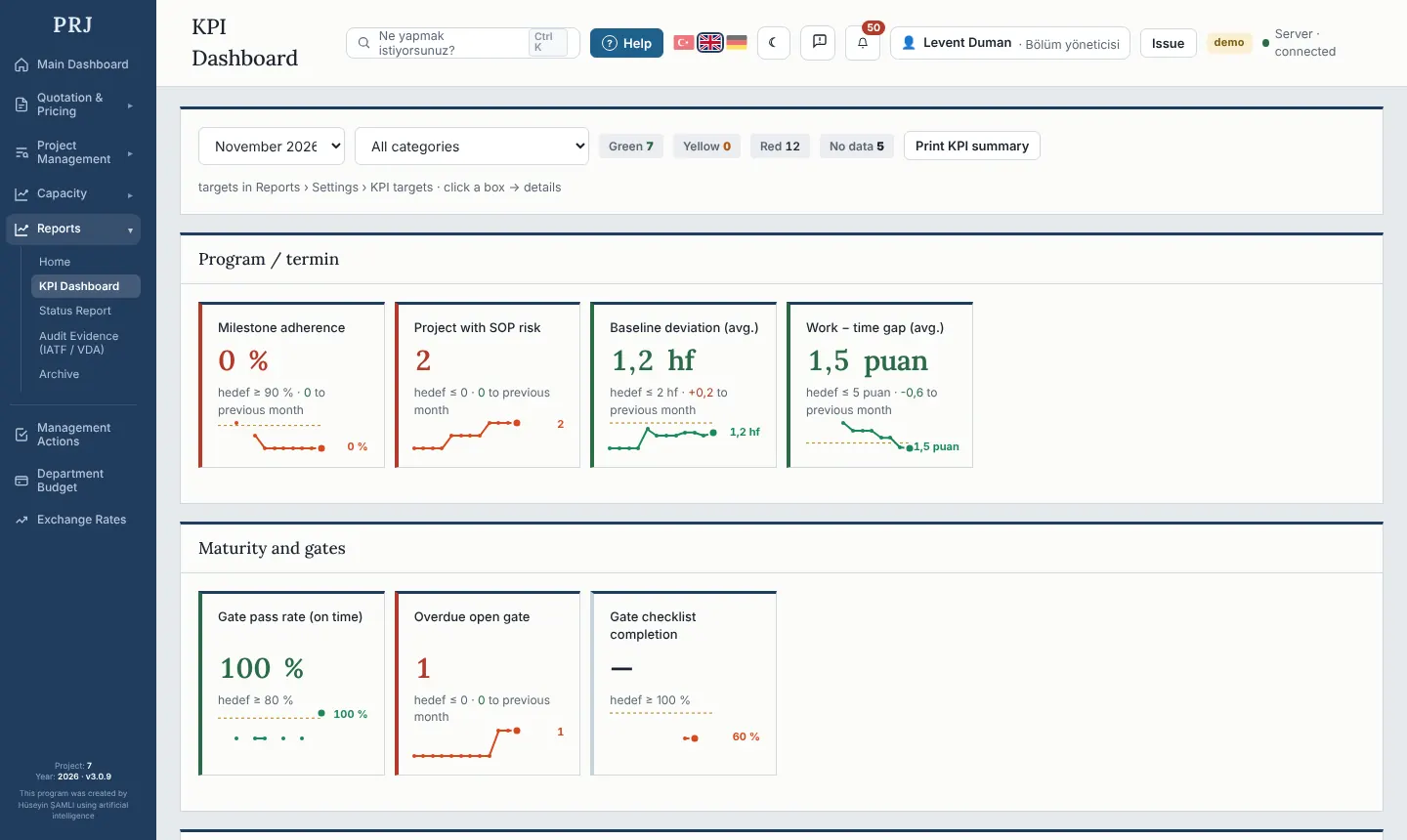
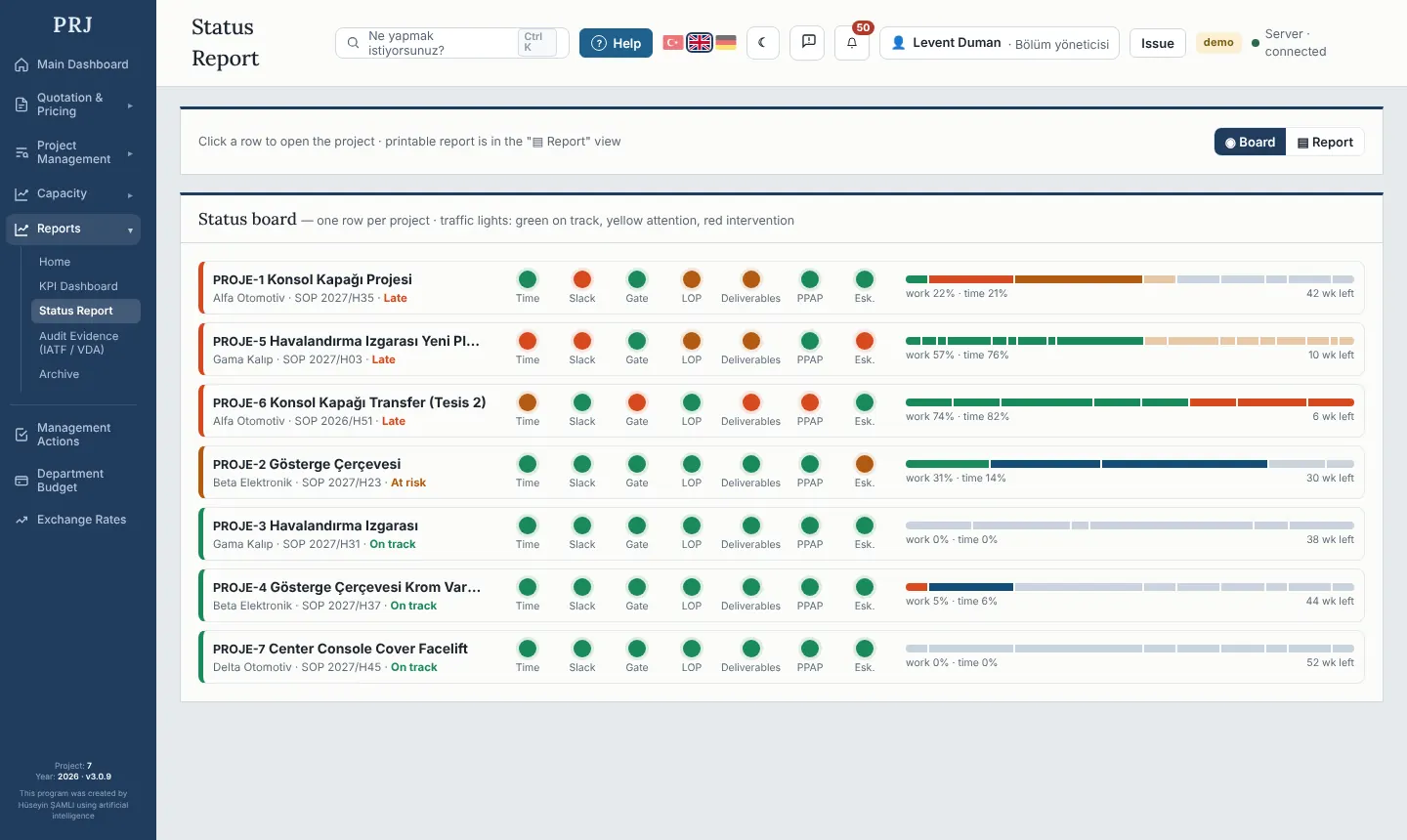
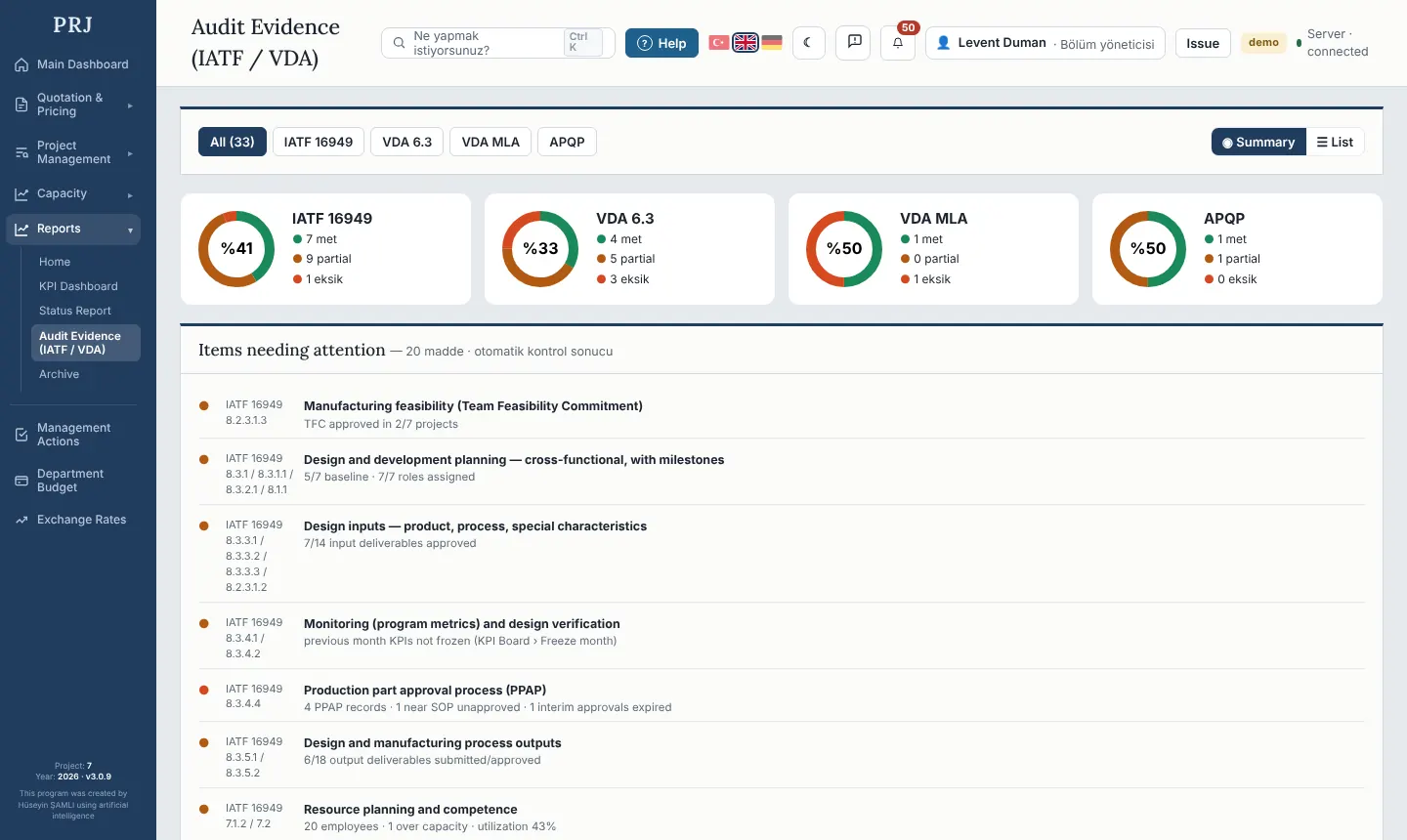
The KPI dashboard compares project indicators under six headings with target and previous month; once a month is frozen, records entered later do not change that month's value. The status report is printed for the portfolio or a single project. The audit evidence page maps IATF 16949, VDA 6.3, VDA MLA and APQP clauses to the records in the program.
From records to management review
Main screens of the section
Document outputs
A4 · portfolio or single project · RAG, Kick-Off → SOP, work / time progress, float, gates, open points, deliverables / PPAP / ECR, next 4 weeks and critical path
A4 · selected month · value, target, previous month, status and reference; trend charts; Project Management / Quality / Management signature fields
A4 · clause, requirement, expected evidence, place in the program, status, evidence summary and review; program KPIs for the last 12 months
Links to other sections and modules
- Top ManagementOverdue gates, SOP risk, gate pass rate, overdue open points and team utilisation are published with the KPI summary.
- 01 Quotation and PricingWin rate, quotation time and distance to target price are calculated from RFQ records.
- 03 CapacityUtilisation and overloaded person-week indicators come from the weekly load matrix.
Guides, templates and features
Frequently asked questions
What changes when a month is frozen?
That month's KPI values are fixed; records entered or corrected later do not change them. Recalculation is open only to the administrator and is saved with a reason.
How are statuses in the audit evidence determined?
Each clause's status is derived automatically from the records in the program: evidence present, incomplete / attention, or missing. As the printout states, this does not replace the auditor's assessment.
How are the colours in the status report assigned?
Delayed: SOP overrun, delayed milestone or gate, overdue open point, red escalation, work 15 or more points behind time, or negative float. At risk: 5–15 points behind, amber escalation, missed due date or delayed deliverable.
Is there a step you find missing? Write anonymously; leave an e-mail if you would like a reply.
Give feedback