Shop Floor
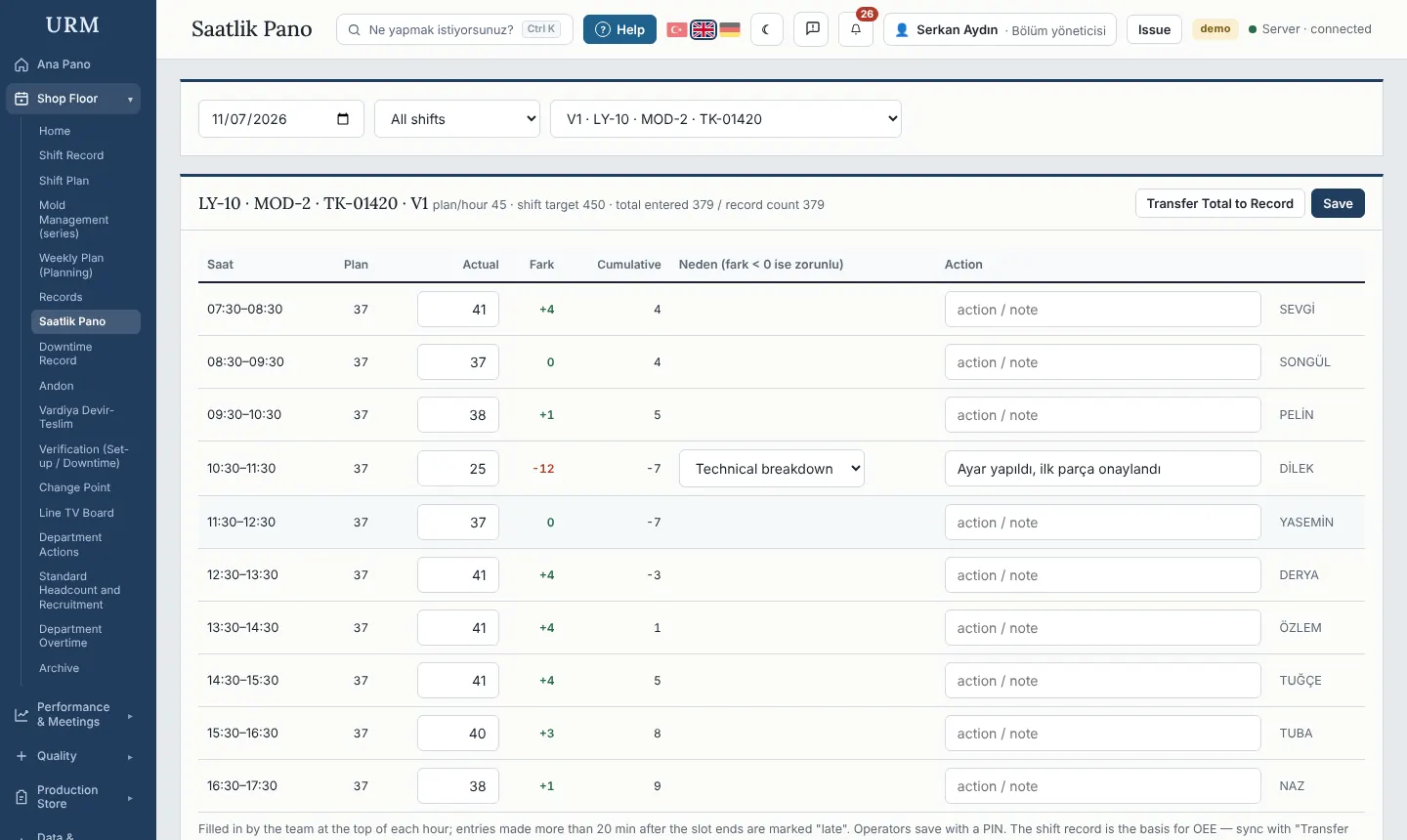
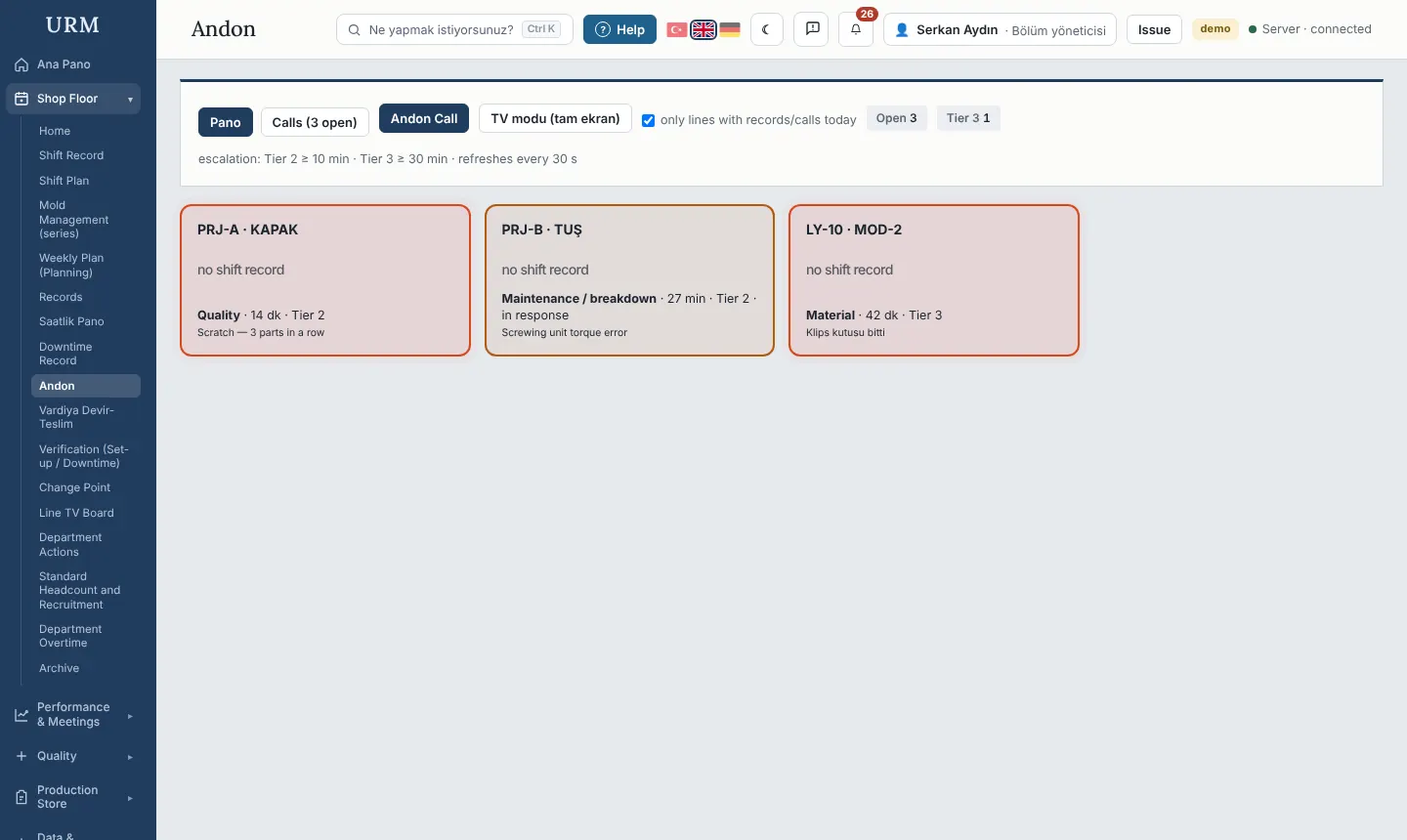
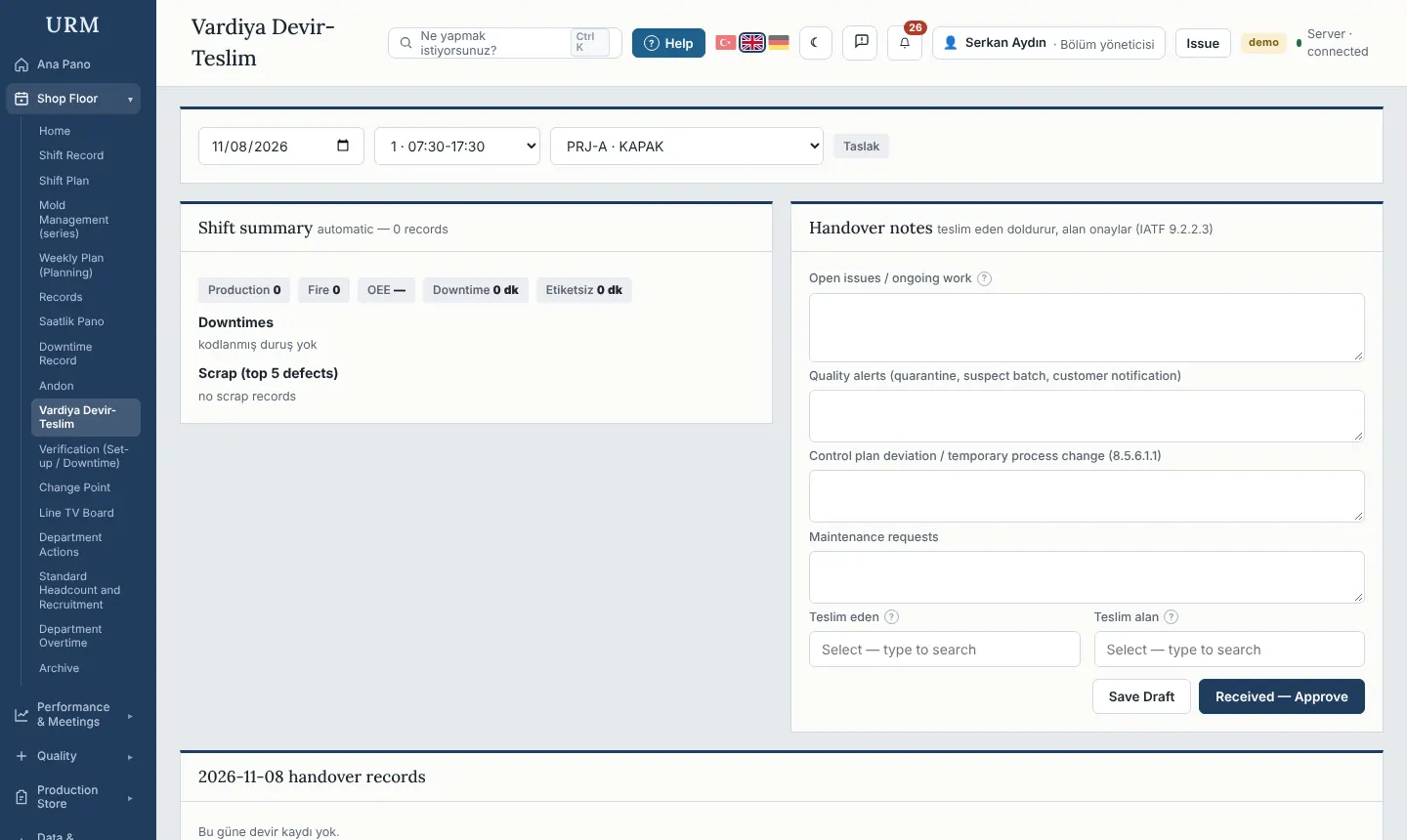
The Shop Floor section keeps the flow of the shift on the line: the record is opened, plan and actual are entered hour by hour, downtime is coded and andon is called when a problem occurs. At the end of the shift, the handover is locked with the receiver's approval. The weekly shift plan, the mould series fields and Planning's firm plan are also in this section.
From shift start to handover
If a material request is opened with "line down" urgency, a material-type andon opens automatically.
Main screens of the section
Document outputs
A4 · items after set-up or downtime, value / note, result; fields for the person completing and approving
Links to other sections and modules
- MaintenanceDowntime in the breakdown branch opens a Maintenance work order on the server; a maintenance andon is notified to the maintenance team
- PlanningThe Weekly Plan page shows Planning's firm plan; shift records fill in the actuals
- HRThe shift plan passes a rule check and goes to HR for approval; leave, night-work and equipment constraints come from HR
- QualityThe Scrap Tracking record is matched to the shift record; change points await verification evidence
Guides, templates and features
Frequently asked questions
Who prepares the shift plan, and who approves it?
The department head or manager prepares the plan in Production. The rule engine checks for employees on leave, those who cannot work nights, equipment constraints, double assignments and inactive employees; if there is a warning, a submission note is mandatory. The plan is published with HR approval.
When is verification required?
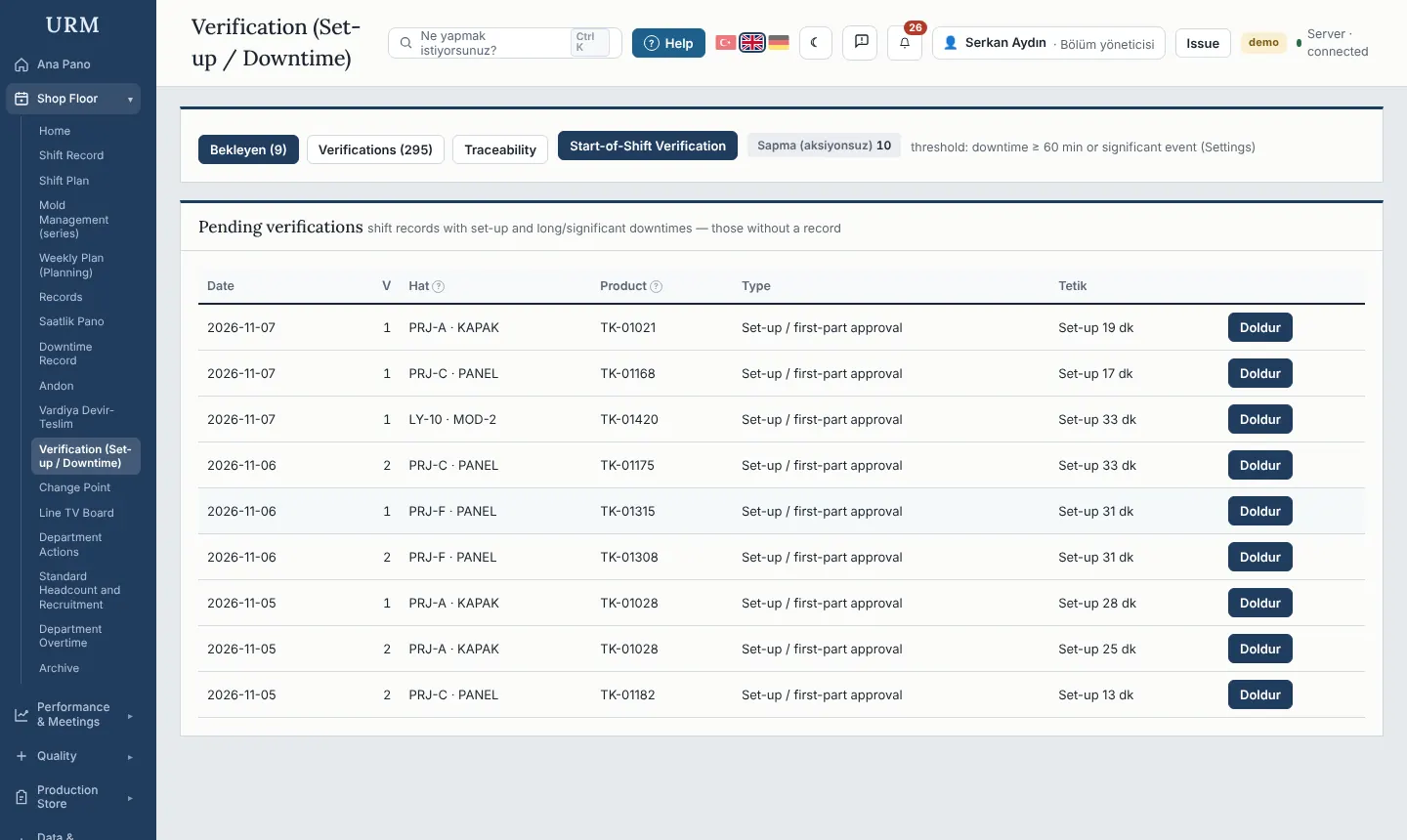
Every shift record with a set-up time entered, and any downtime above the threshold or marked as significant, lands in the pending verification list. The record cannot be approved until the mandatory items are answered.
What can Production change on the mould card?
Only the series fields: machine, set-up status, daily check, location and in production / in storage status. The shot counter increases from the shift record; maintenance, revision and scrapped status are set by Maintenance.
Is there a step you find missing? Write anonymously; leave an e-mail if you would like a reply.
Give feedback