Data and Integration
The Data and Integration section brings together the routes other than manual entry on the shop floor. Quantity, reject and downtime events from line or station counters are received through a single event contract and compared with tablet entries. Bulk entry from Excel, the archive and the change trail are also in this section.
From counter to record
When the line runs again, the andon opened by the counter closes automatically.
Main screens of the section
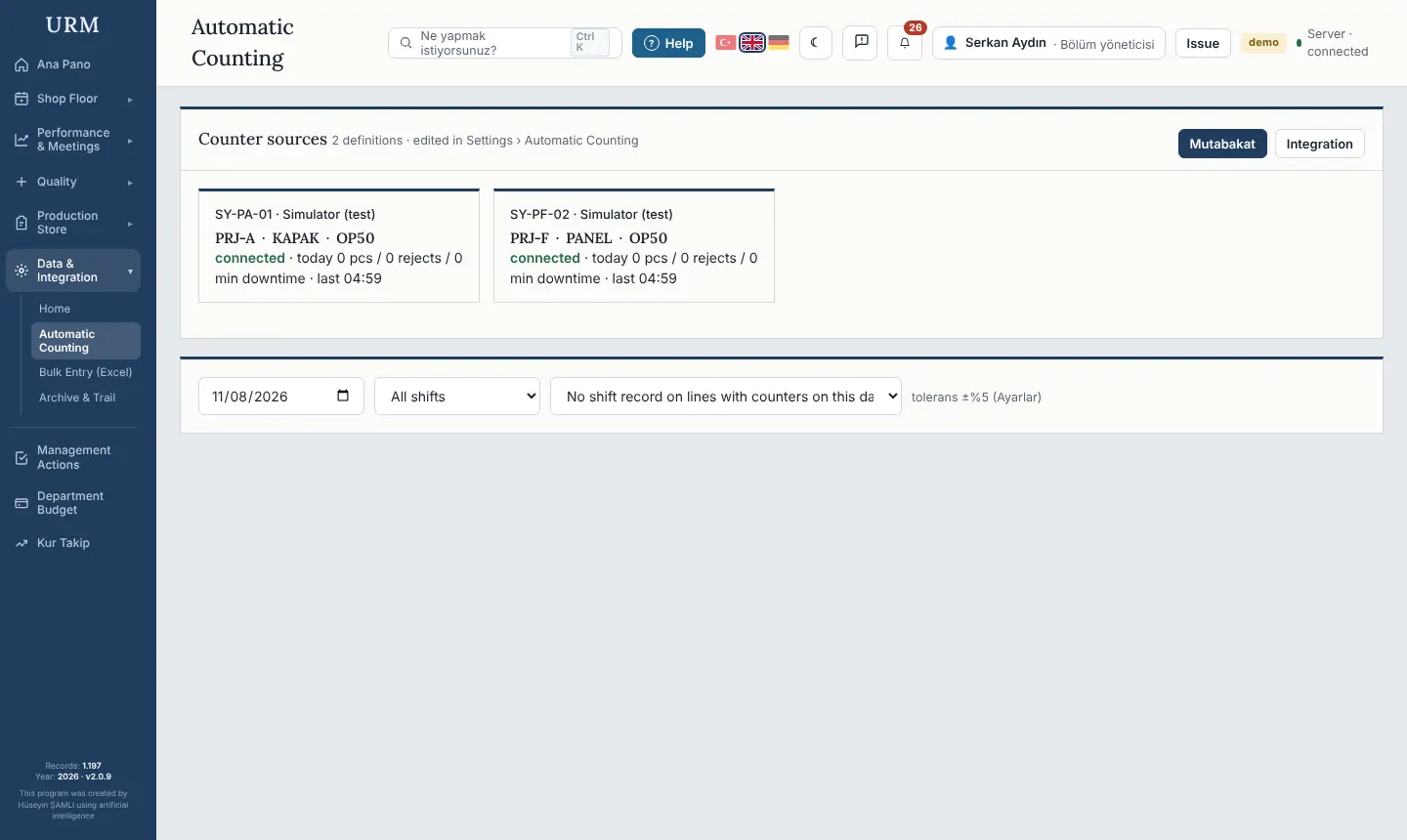
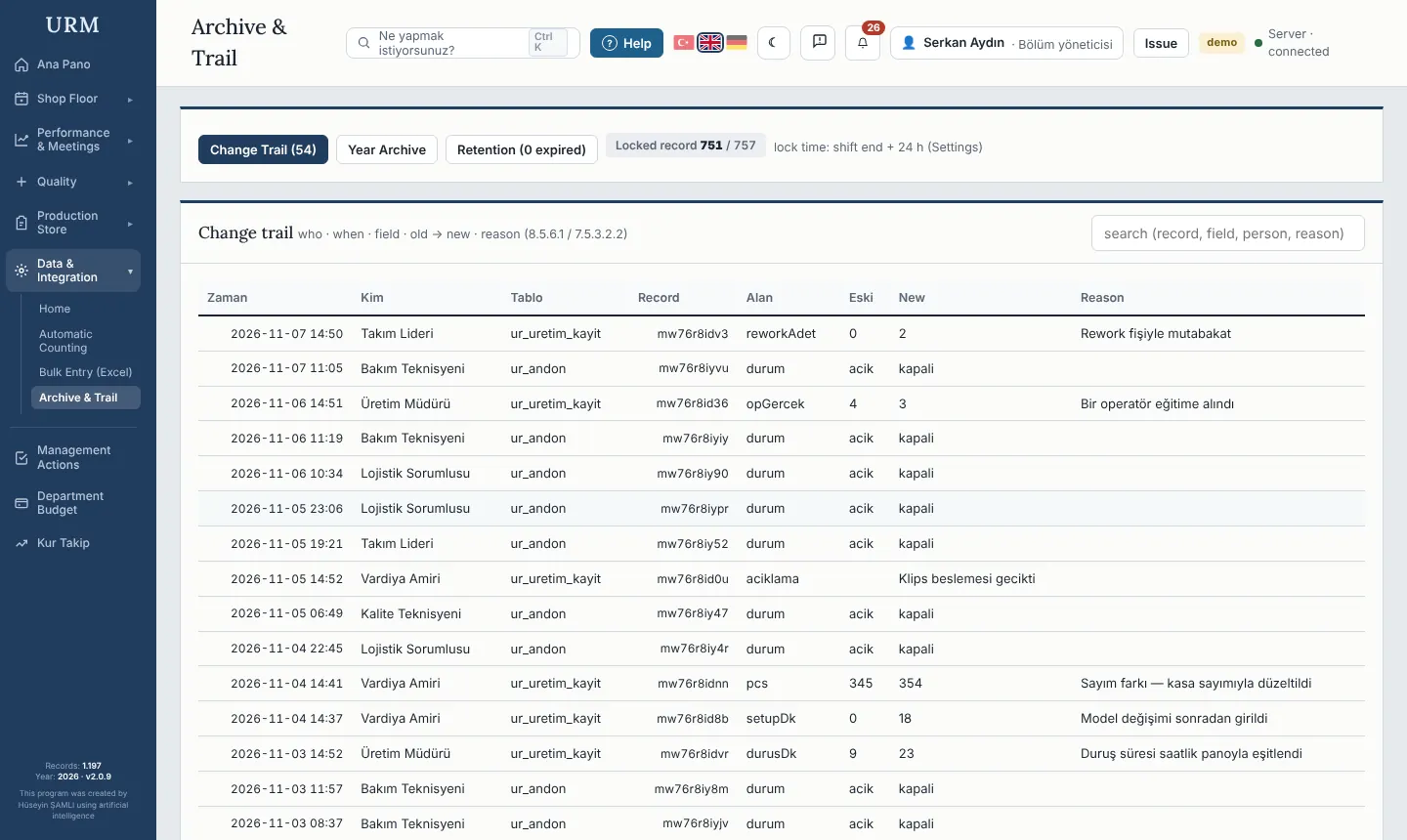
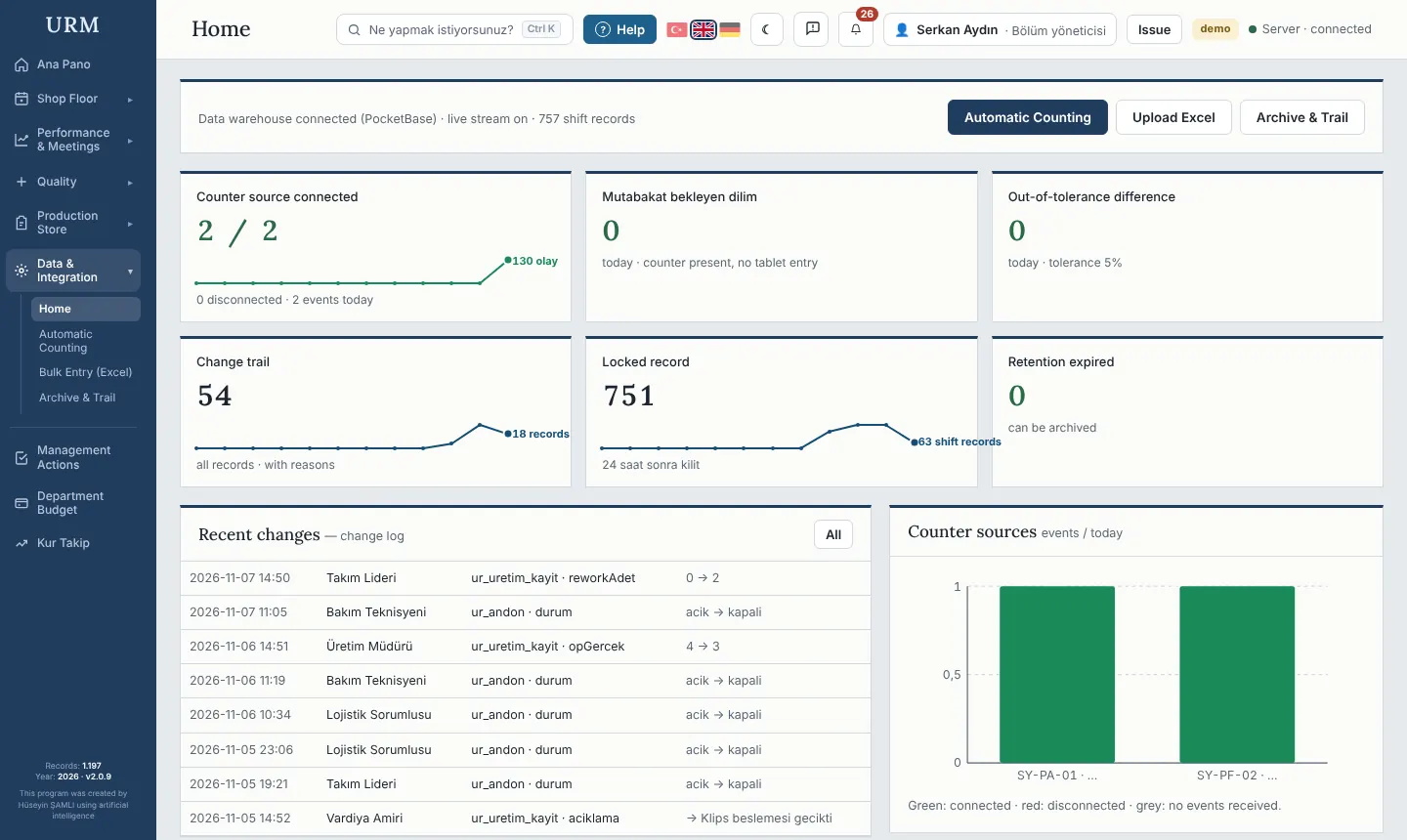
Links to other sections and modules
- Shop FloorCounter quantities are transferred to the hourly board and counter downtime to the downtime record
- MaintenanceIf the counter reports that the line has not run for a long time, a maintenance-type andon opens
- HROperators are matched to their employee cards; an operator without a card is created with a temporary employee number
Guides, templates and features
Frequently asked questions
Does the program connect directly to the PLC?
No. The program does not speak any PLC protocol directly; all sources enter the staging table in the same event format via REST or CSV import. Protocol differences stay on the connection side.
If the counter and operator entry differ, which one applies?
Reconciliation writes the counter total to empty hour slots. In a slot that has a tablet value, if the difference exceeds the tolerance, the tablet value is kept and the slot is flagged for review.
What data can be uploaded from Excel?
Bulk Entry reads shift records from the assembly production sheet of the production evaluation Excel file. Rows are split into valid and invalid, and the first 300 rows are previewed; a warning is given if the Excel scrap value differs from the Scrap Tracking NOK.
Is there a step you find missing? Write anonymously; leave an e-mail if you would like a reply.
Give feedback