Reports
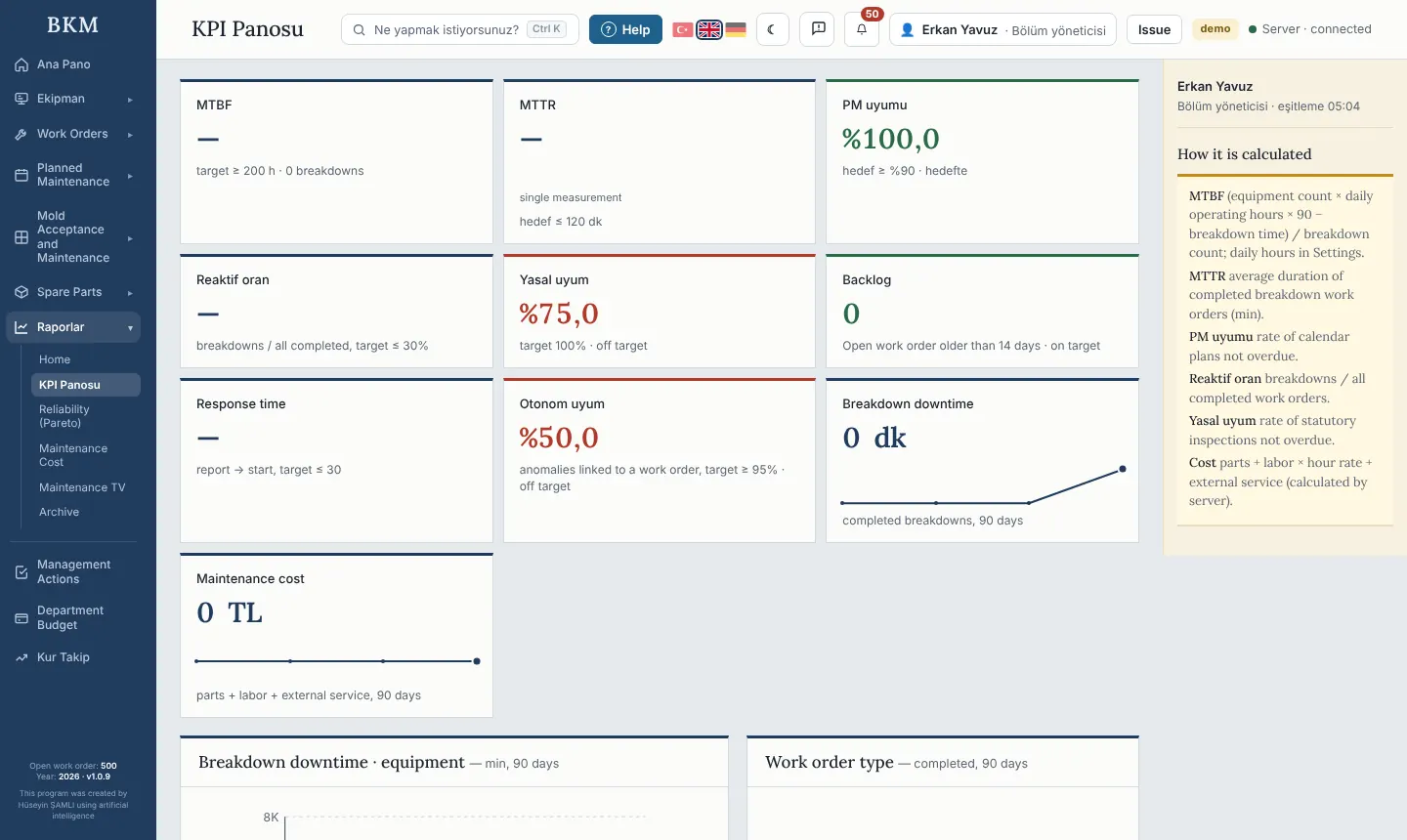
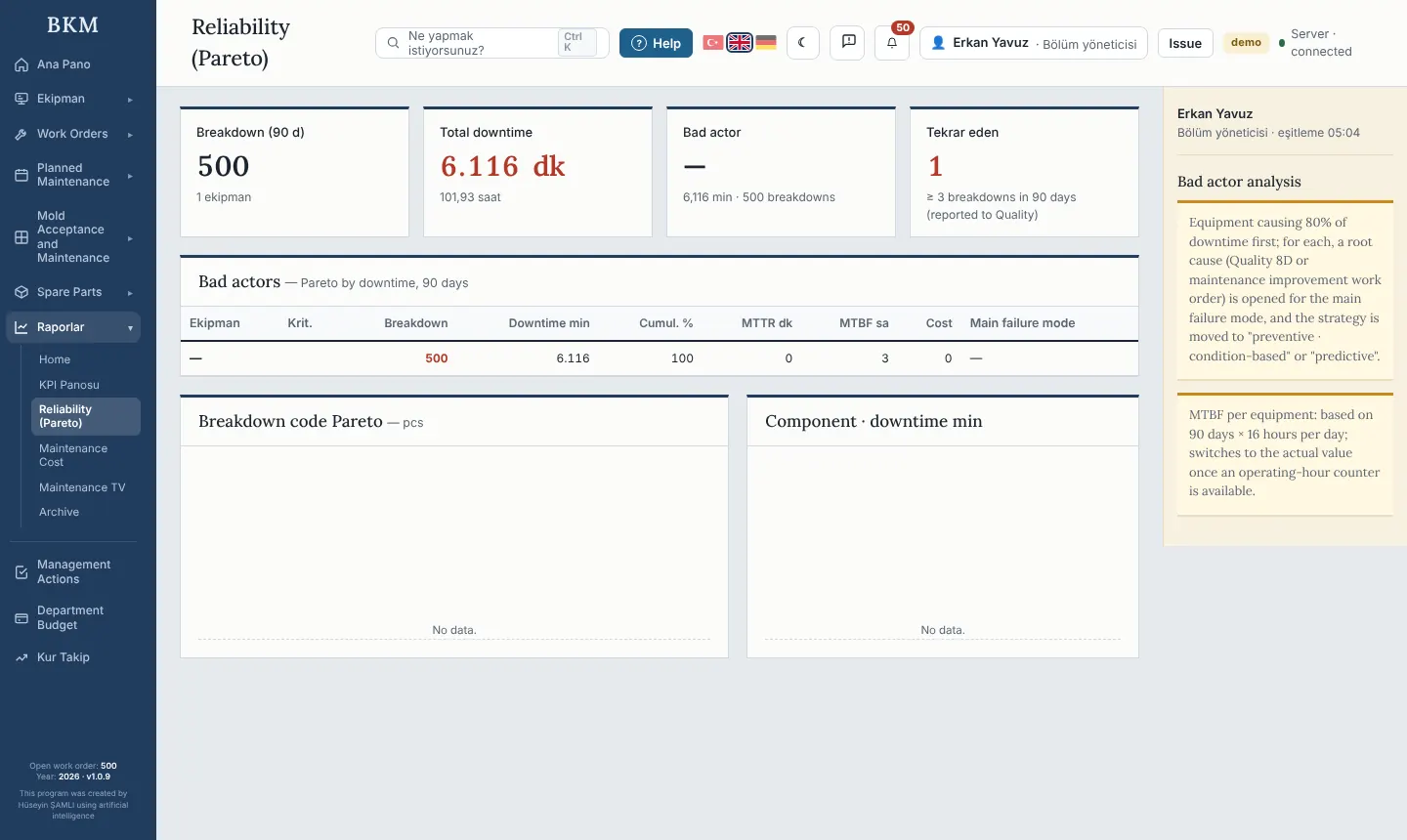
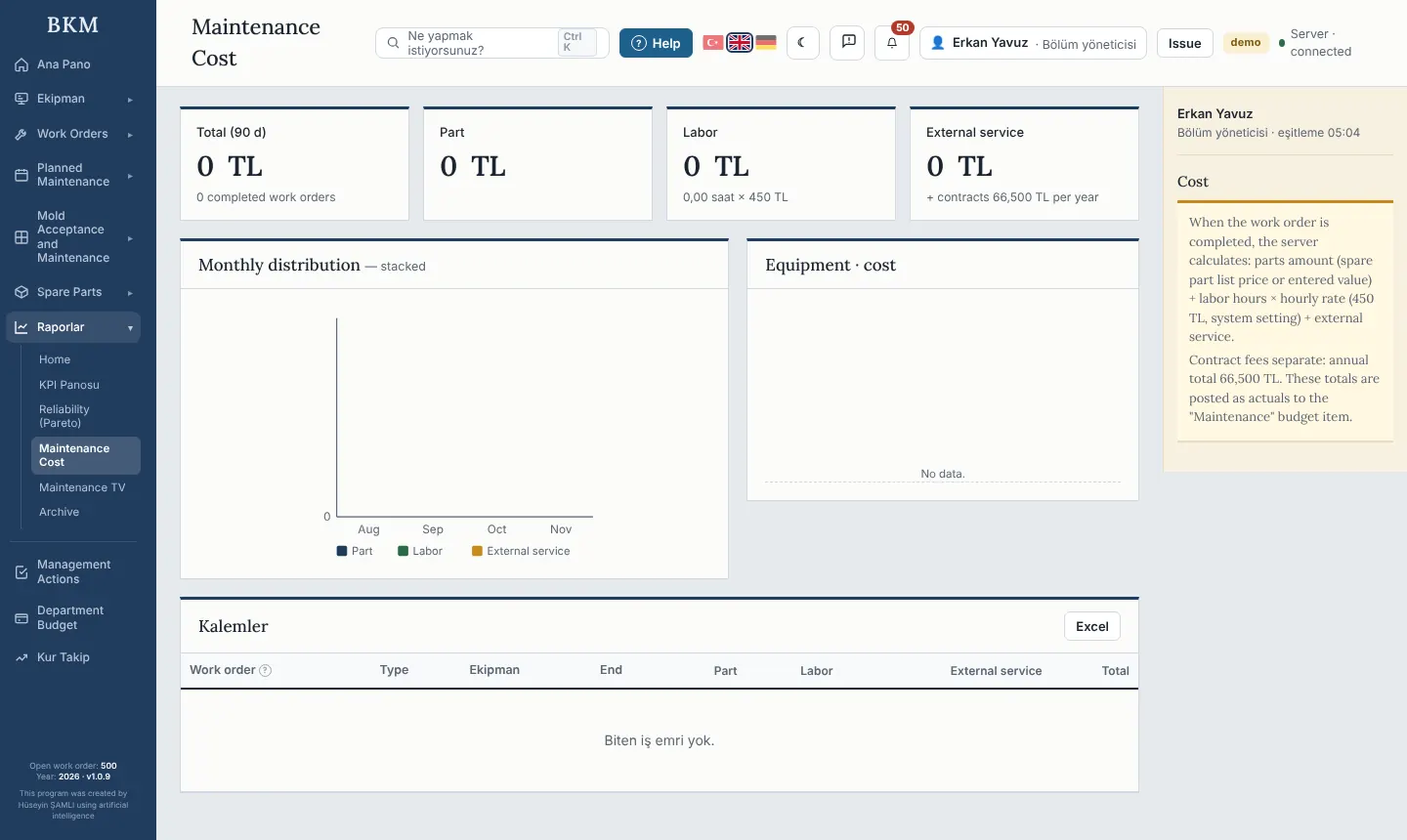
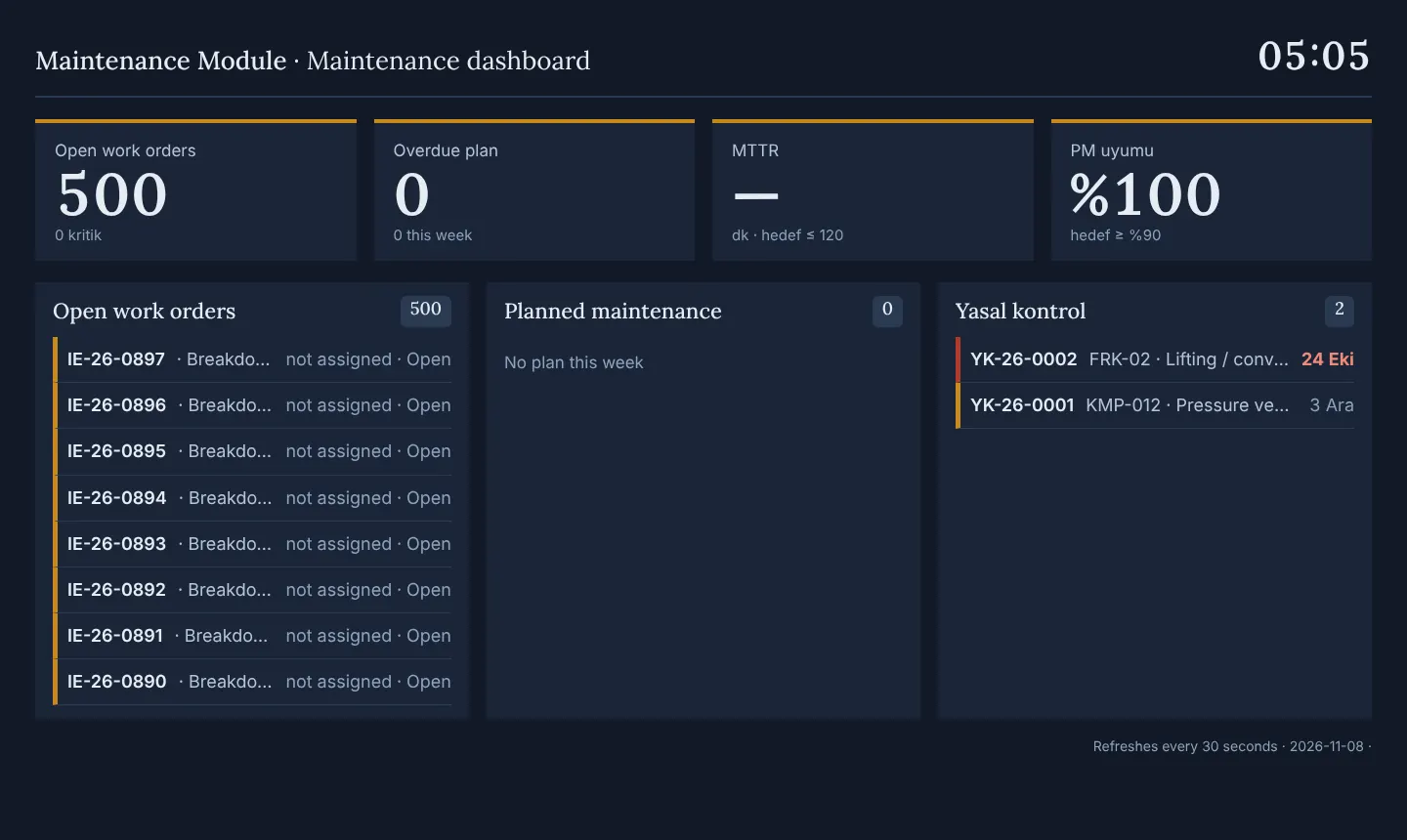
The KPI board shows maintenance indicators together with their targets; targets are changed in Settings. The reliability page ranks which equipment and failure codes account for the most breakdown downtime. The cost page splits completed work orders into parts, labour and external service; Maintenance TV shows open jobs on the workshop screen.
From data to management review
MTBF: (number of equipment × daily operating hours × 90 − breakdown time) / number of breakdowns; daily hours in Settings.
Main screens of the section
Document outputs
A4 · indicator, value, target and status table; management review input
Links to other sections and modules
- Top Management"Maintenance KPI summary" publication: indicators, 90-day cost and breakdown downtime
- BudgetReceiving side of the KPI summary publication; the Department Budget opens with the Maintenance cost center
- QualityThe recurring breakdown count depends on the Quality notification
Guides, templates and features
Frequently asked questions
How is PM compliance calculated?
It is the ratio of active calendar-based plans that are not overdue to all active calendar-based plans. The default target is 90% and can be changed in Settings.
How is Maintenance TV opened?
The Maintenance TV page opens in TV mode and refreshes from the server every 30 seconds; the TV device connects via device login.
Can the cost table be exported?
Yes. The item list on the Maintenance Cost page is downloaded as an Excel file; records retrieved by date range on the archive page are also exported to Excel.
Is there a step you find missing? Write anonymously; leave an e-mail if you would like a reply.
Give feedback