Production Planning
The selected week's jobs are placed into days and shifts as continuous blocks per machine; jobs that exceed the mould change allowance per shift drop into the unplanned list. The calculated plan is written to the server and firmed; Production takes the firm plan to the shop floor, and actual quantities from shift records are written back to the plan.
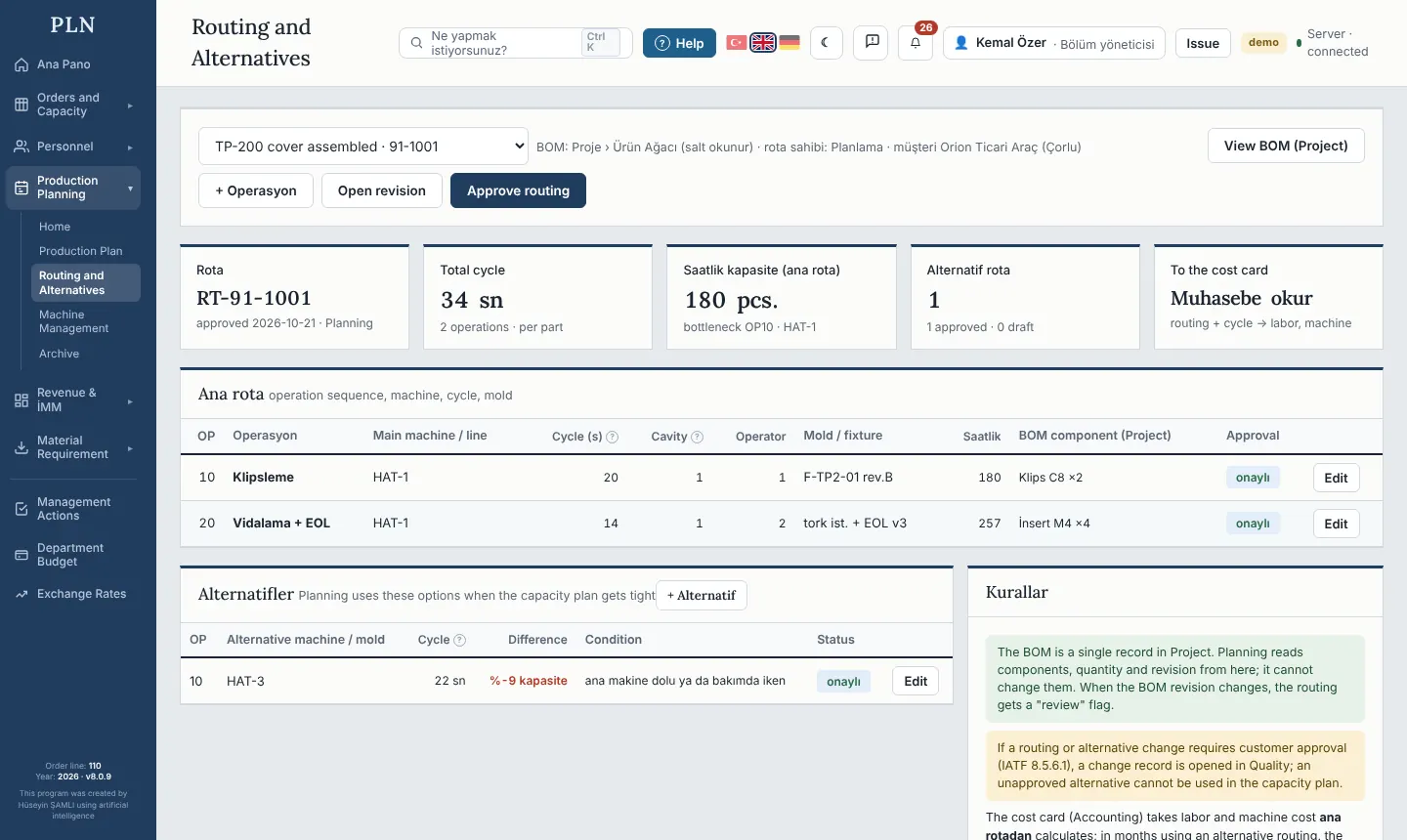
From routing to shop-floor plan
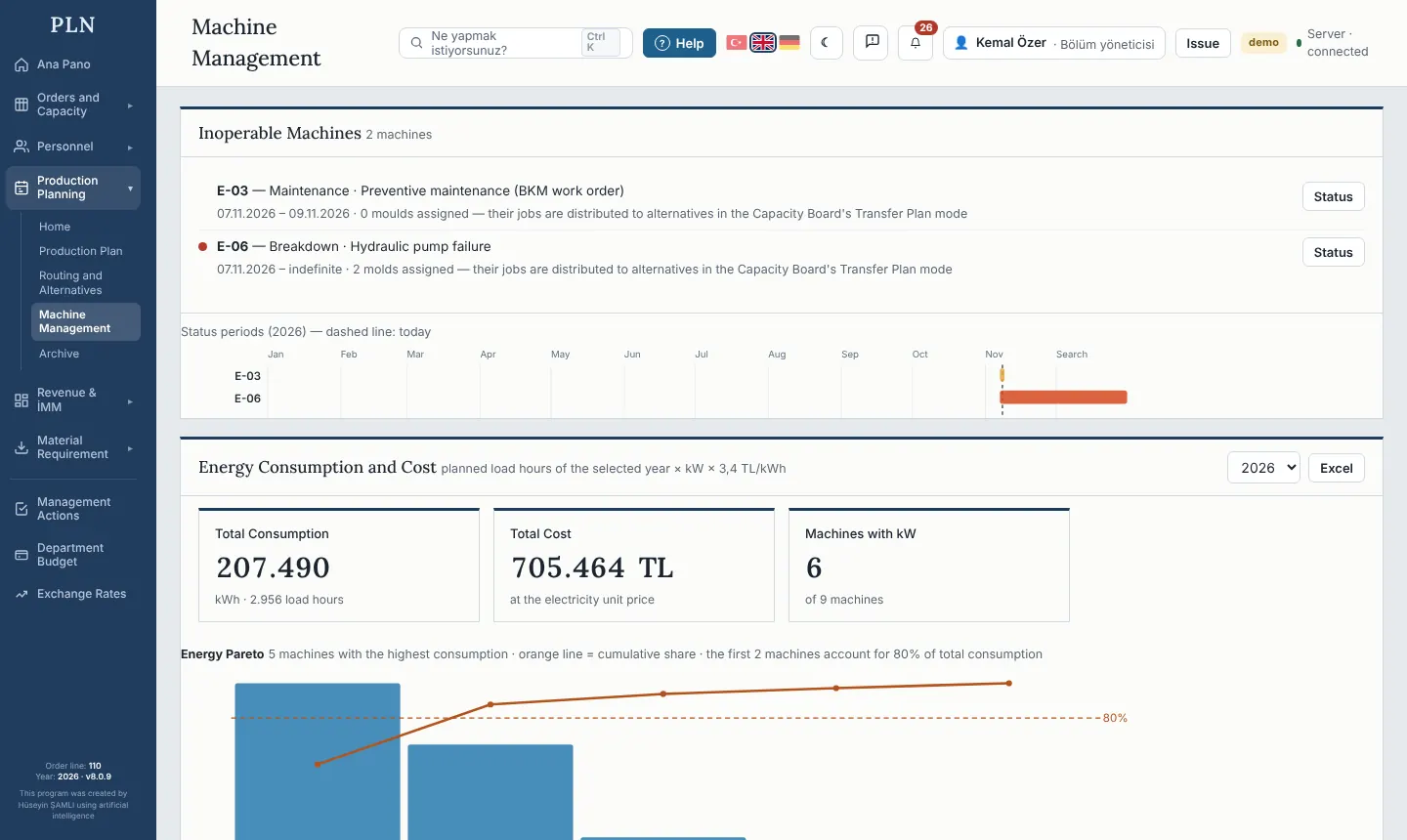
A firm plan cannot be written to a machine in maintenance, breakdown or shut down; the server asks for an alternative routing.
Main screens of the section
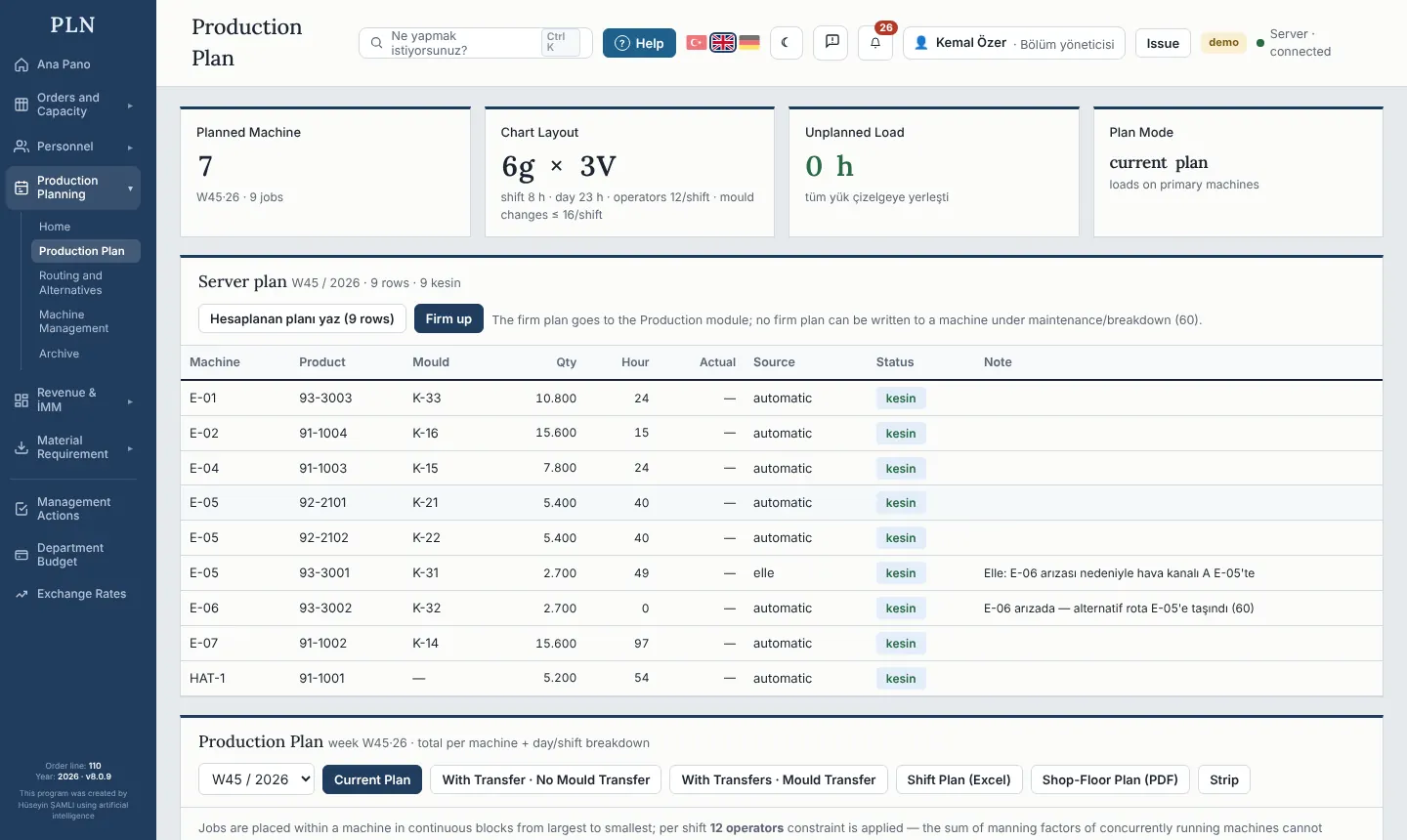
Document outputs
A4 landscape PDF · product totals per machine and day × shift schedule
Links to other sections and modules
- ProductionThe firm plan goes to the shop floor; the shift record writes the actual quantity
- MaintenanceMachine status (maintenance / breakdown) comes from the work order and is not changed here
- ProjectBill of materials (BOM) is read-only from Project
- 01 Orders and CapacityWeekly load and transfers are inputs to the plan
Guides, templates and features
Frequently asked questions
Can Planning change the machine record?
Only the capacity fields: daily hours, shifts, efficiency and number of days. Attempts to change other fields are rejected by the server; the record belongs to Production and Maintenance.
Who approves an alternative routing?
The alternative is opened as a draft; the department manager or top management approves it. The capacity engine uses the approved alternative if the main machine is not running.
Can an operator change the plan?
No. Operators and team leaders can only enter the actual quantity and done status on a plan line; all other fields belong to Planning.
Is there a step you find missing? Write anonymously; leave an e-mail if you would like a reply.
Give feedback